How To Hard Reset Samsung Galaxy S Duos 2
Автор: ResetHard.com
Загружено: 2014-04-14
Просмотров: 730971
Описание:
Hard reset Samsung Galaxy S Duos 2 using this handy guide and you will return your Galaxy S Duos 2 back to its original factory settings. To hard reset Galaxy S Duos 2, simply follow our simple steps below or follow along with this how-to video.
----
2022 Update: I no longed make hard reset or unlocking videos. It was a cool ride from 2007 to 2018 getting 40M+ views, 38k+ subscribers and helped fix 1 million phones for FREE! 10 years back I started focusing on crypto and forex investing. Testing and utilising various strategies and services and now it's the time to spread the good again. In July 2022 I am going to start new project that help identify working strategies/products related to crypto/forex investing. Don't worry won't be another affiliate scam. Just hones reviews of exist services. For limited time I am going to open free registration to my monthly newsletter. You can join it at
https://www.getrevue.co/profile/inves...
for free. You will receive maximum 1 newsletter per month and you can unsubscribe any time. Hope you will join me and enjoy my new project as you did with my unlocking and hard reset videos. Thank you in advance.
----
IMPORTANT: Hard reset will erase all your data. Please ensure you backup your phone.
What will a hard reset do to my phone? Hard reset will restore your smartphone to its basic factory settings. It will:
Erase all user data
Erase all firmware settings
Erase all applications installed by user
Erase the content in internal storage
Reasons why you might need to hard reset Samsung Galaxy S Duos 2 phone?
Reset and disable Screen lock
Might resolve freezing issues
Might resolve slow problem with no or slow response of your phone
Might resolve unexpected Application crashes
Wipes personal data phone before you sell your phone or after you buy one
WARNING: Make sure to backup your Galaxy S Duos 2 phone before you proceed with a hard reset - it will erase all of the data on your phone.
Steps to hard reset your Samsung Galaxy S Duos 2:
1. POWER OFF your Galaxy S Duos 2 phone
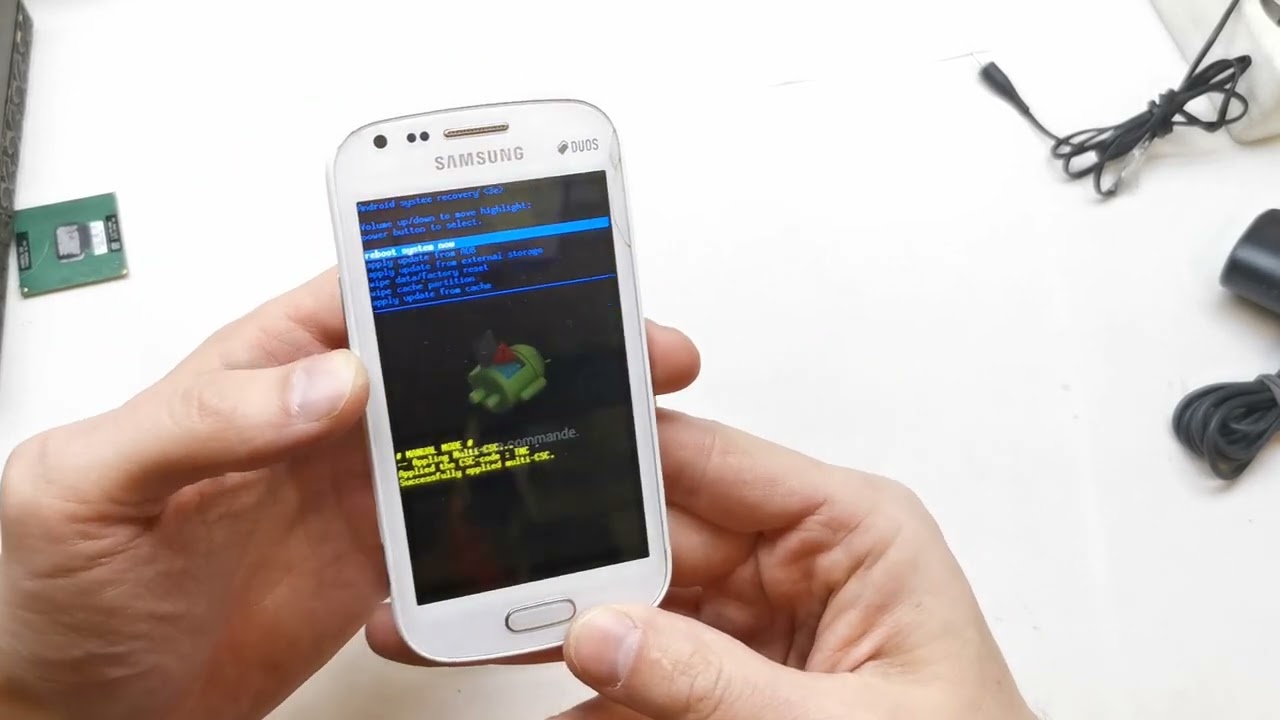
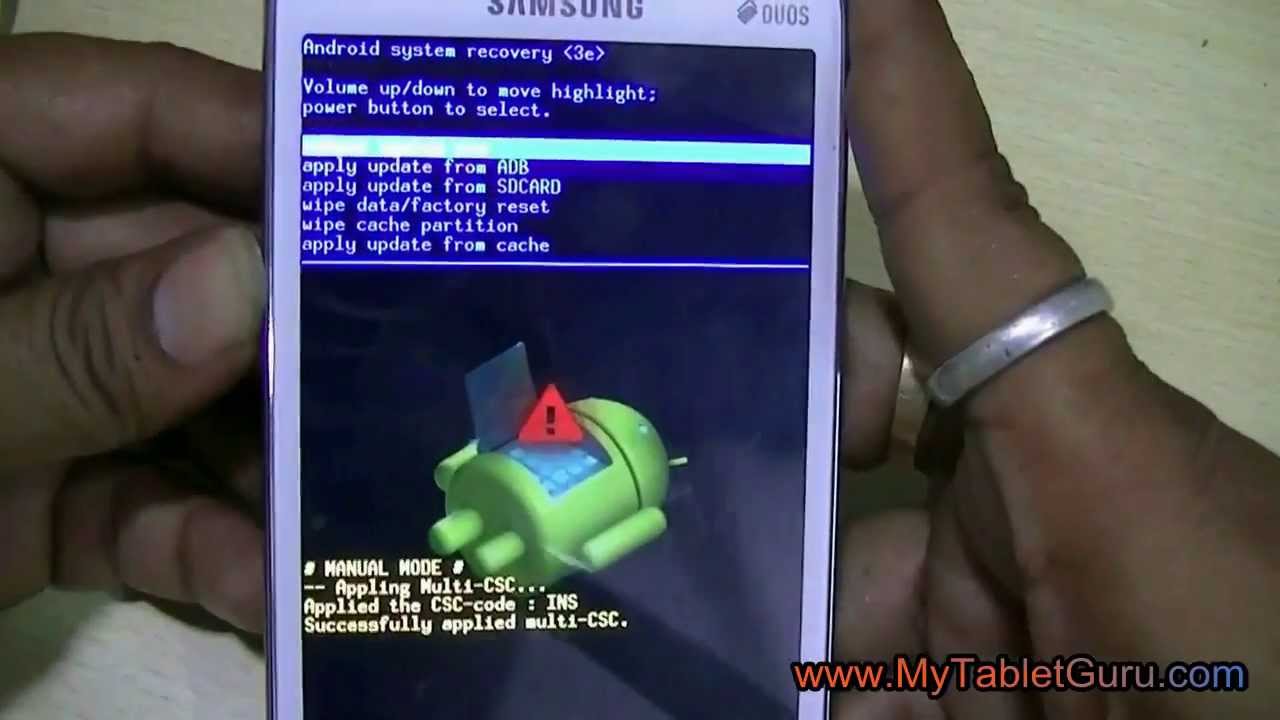
2. Press and hold the VOLUME UP, HOME button and the POWER button together until you see the Samsung logo, then release the buttons
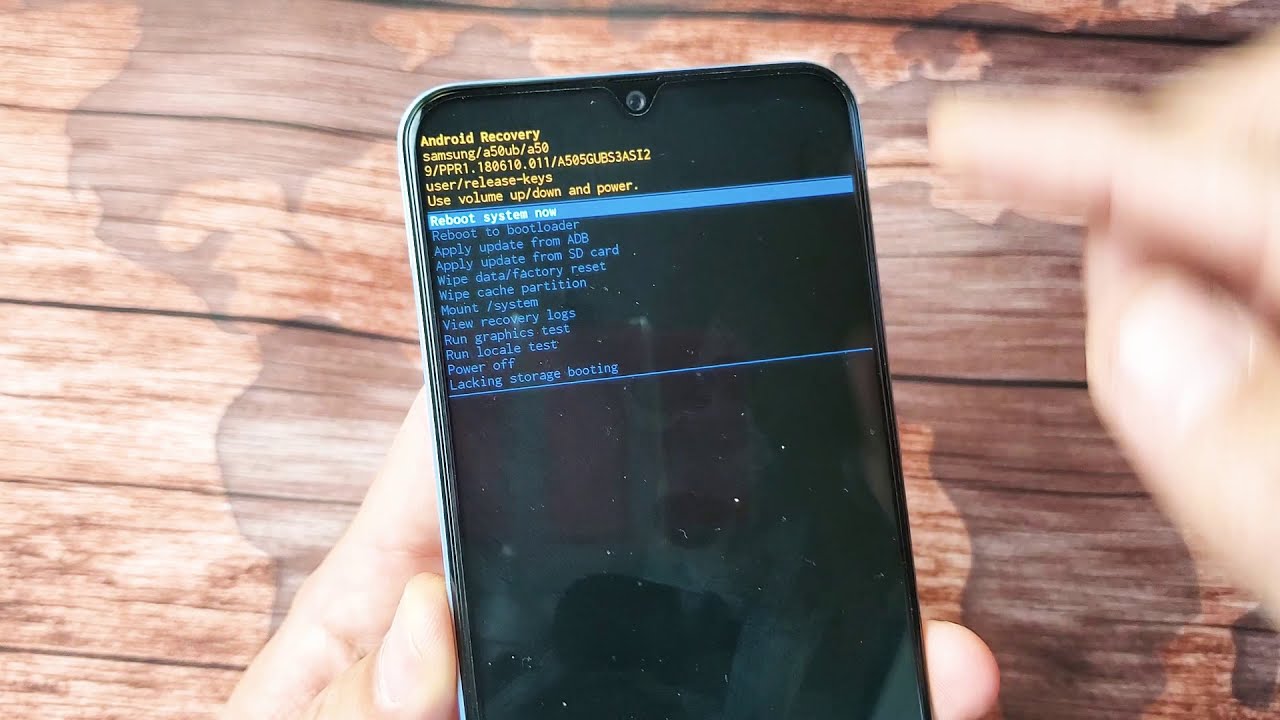
3. Press the VOLUME DOWN to reach WIPE DATA/FACTORY RESET and press the POWER button to confirm
4. Again use the VOLUME DOWN button to reach the YES - DELETE ALL USER DATA and confirm with the POWER button
5. Then choose REBOOT SYSTEM NOW with the POWER button
6. Your Galaxy S Duos 2 phone has been completely reset to its original factory settings.
Повторяем попытку...

Доступные форматы для скачивания:
Скачать видео
-
Информация по загрузке: