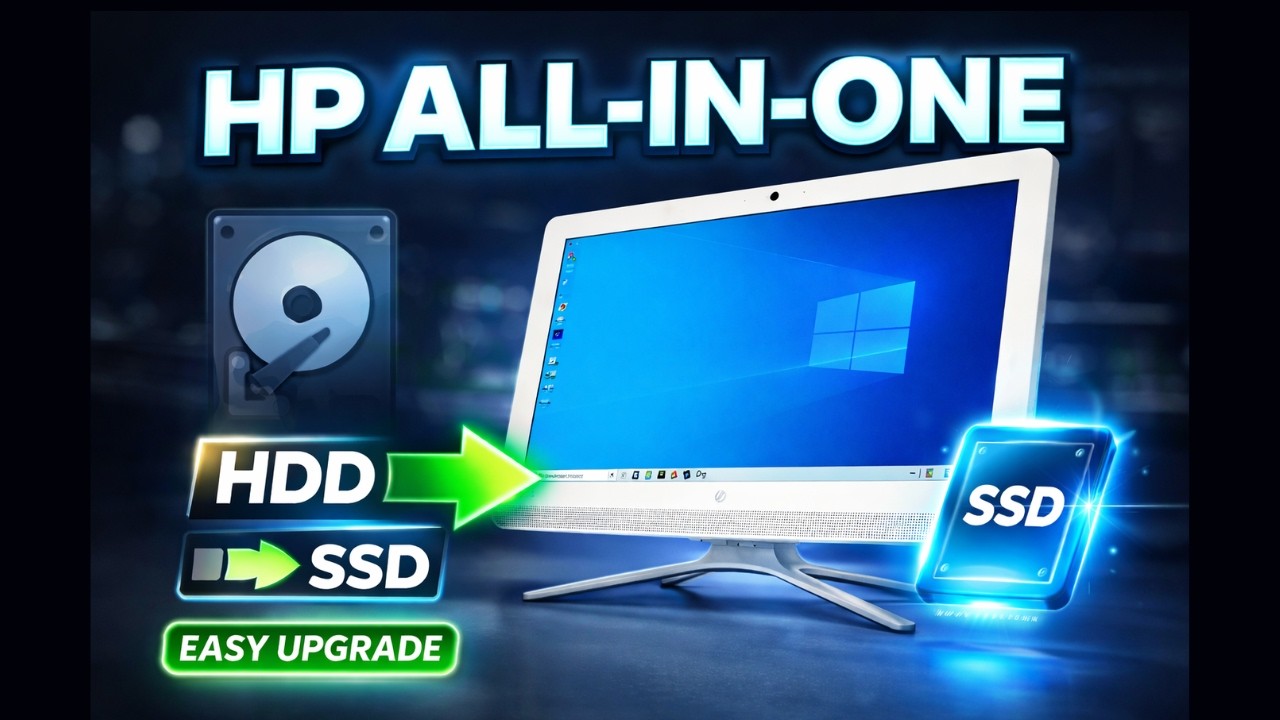
HP All-In-One HDD to SSD Upgrade Step by Step | Complete Installation & Speed Boost Guide
Автор: Mr Solution
Загружено: 2026-02-17
Просмотров: 19
Описание:
Is your HP All-In-One PC running slow? In this complete step-by-step tutorial, I show you how to upgrade your HP All-In-One from HDD to SSD for a massive performance boost.
This detailed guide covers the full HP All-In-One SSD upgrade process including safe disassembly, removing the old hard drive, installing a 2.5” SATA SSD, reconnecting cables properly, and reinstalling Windows for maximum performance.
Upgrading from HDD to SSD dramatically improves boot time, application loading speed, file transfer performance, and overall system responsiveness. If your HP All-In-One computer is slow, freezing, or taking too long to boot, this SSD upgrade is the best performance upgrade you can do.
🔧 In This Video:
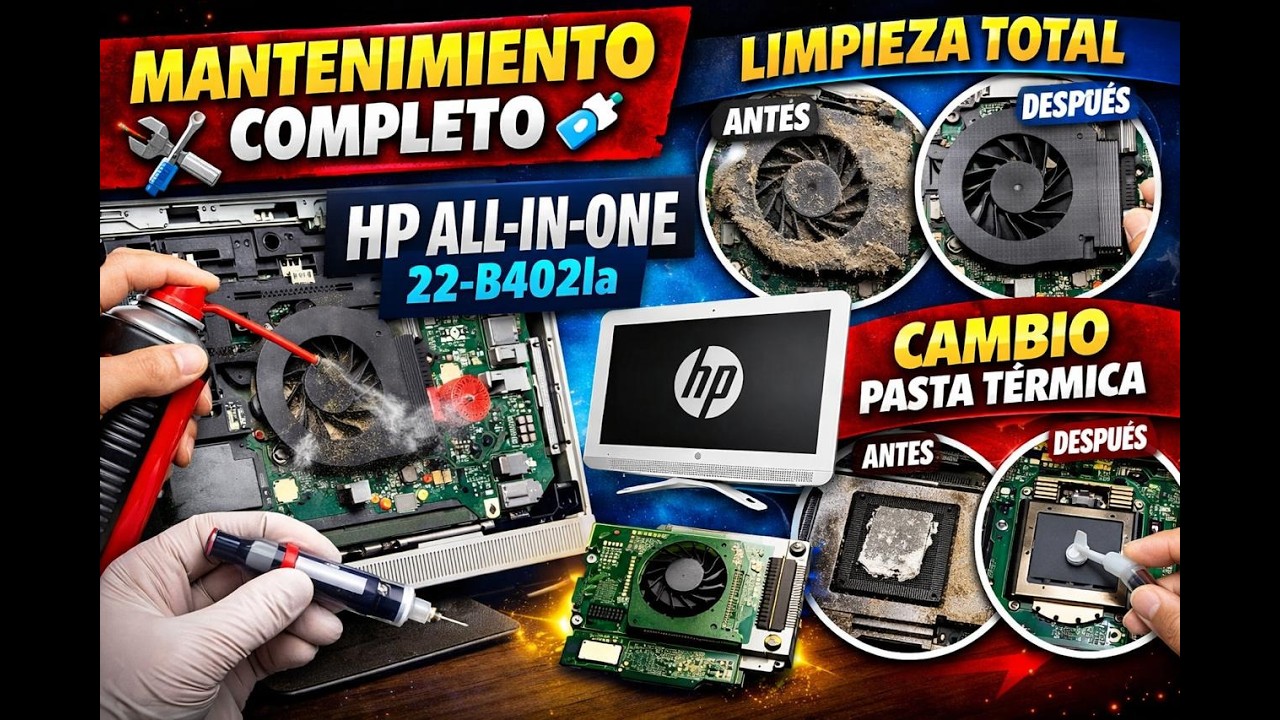
• HP All-In-One disassembly step by step
• Removing old HDD safely
• Installing new SATA SSD
• Windows installation process
• Performance comparison (HDD vs SSD)
• Tips to avoid common mistakes
If this video helped you, don’t forget to like, share and subscribe for more computer repair and upgrade tutorials.
#HPAllInOne #SSDUpgrade #HDDtoSSD #HPDesktopUpgrade #ComputerRepair #TechTutorial #PCUpgrade #WindowsInstallation #SATA_SSD #BoostYourPC
Повторяем попытку...
Доступные форматы для скачивания:
Скачать видео
-
Информация по загрузке: