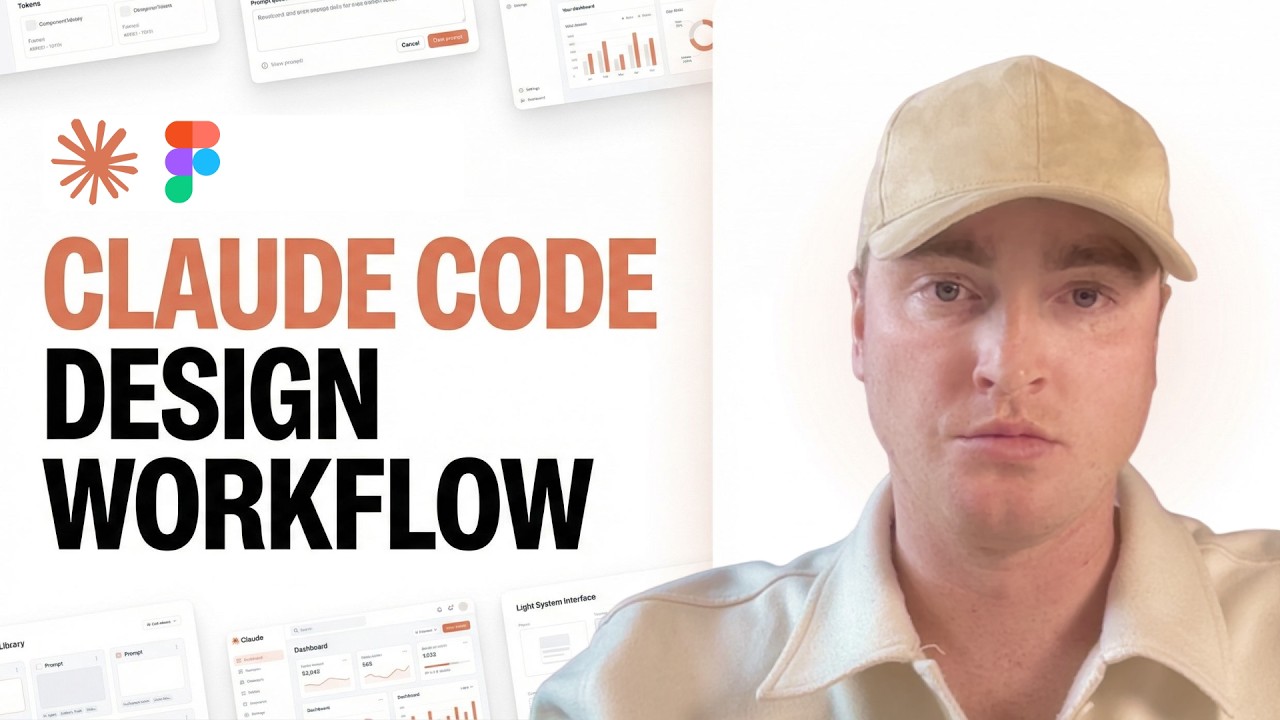
Figma → Claude → Figma: The AI workflow product designers should know | EP14
Автор: Human x Intelligent
Загружено: 2026-03-10
Просмотров: 559
Описание:
Figma → Claude → Figma: The AI workflow product designers should know | EP14
AI becomes much more powerful when it connects directly to the tools where work actually happens.
In this episode of Human × Intelligent, Madalena Costa explores a workflow she uses when designing and developing applications:
Figma → Claude → Figma
Instead of using AI as a chatbot outside the design process, this setup connects Claude directly to Figma using Model Context Protocol (MCP). This allows AI to analyze real interfaces, evaluate UX decisions and help structure scalable design systems.
For product designers, UX designers and AI-curious builders, this workflow shows how AI can move from generic suggestions to context-aware collaboration inside real design environments.
In this episode, you’ll learn:
Why connecting AI to tools changes the workflow for designers
How AI can perform UX audits directly on Figma screens
How to extract design systems automatically from UI
How to generate component hierarchies and reusable structures
How AI can analyze dashboard UX and information hierarchy
How to map interfaces to retention systems and product behavior
The difference between Official Figma MCP vs Figma Console MCP
I also share what worked, what still needs improvement and how I evaluate whether an AI workflow actually creates real leverage.
This episode is part of Human × Intelligent, a series exploring how humans and intelligent systems collaborate across product design, AI workflows and intelligent tooling.
Chapters
00:00 Introduction - Why this workflow matters
00:41 The Figma → Claude → Figma workflow explained
01:39 The old way of using AI in design tools
02:25 Why context matters for product designers
03:12 Connecting Claude to Figma using MCP
03:36 Prompting against a real interface
04:26 Why product designers should care
06:16 Workflow 1 - Automatic UX audits
07:02 Workflow 2 - Extracting a design system from UI
07:47 Workflow 3 - Generating reusable components
08:36 Workflow 4 - Refactoring complex dashboards
09:11 Workflow 5 - Generating UI layouts with AI
10:04 Workflow 6 - Mapping UI to retention systems
11:03 Prompting structure: Context → Task → Constraint → Output
12:22 Using Claude for workflow automation and skills
13:39 Current limitations of AI workflows
15:08 Why AI is useful for complex product dashboards
15:53 Official Figma MCP vs Figma Console MCP
17:05 When this workflow actually makes sense
17:31 Designing human × intelligent collaboration
18:03 Why testing AI workflows matters
18:42 Final reflections
Example workflows mentioned
UX audit with AI: Analyze selected screens for hierarchy, cognitive load, accessibility, spacing consistency, CTA clarity and user flow friction.
Design system extraction: Identify typography scales, color tokens, spacing tokens, component patterns and layout grids directly from UI.
Reusable component generation: Convert layouts into scalable base components, variants and nested structures.
Dashboard UX refactoring: Audit information hierarchy, data density, scanning patterns, grouping and progressive disclosure.
Retention system mapping: Map product UI to triggers, actions, rewards, feedback loops and habit formation patterns.
Setup steps
To recreate the workflow:
1. Figma Pro seat
2. Claude Pro or Claude Max
3. Install Node
4. Install Claude Code
5. Create a Figma token
6. Enable Figma Dev MCP mode
7. Configure the Figma MCP server
8. Install Figma Console MCP locally
9. Install the Design Systems MCP assistant
10. Install Desktop Bridge plugin
11. Install MCP server in Claude Desktop
12. Restart Claude Desktop
13. Run 'check Figma status'
Links
Episode page: https://humanxintelligent.com/episode...
LinkedIn: / madalenafigueirasdacosta
Subscribe to the newsletter: https://substack.com/@humanxintelligent
---
🎙️ Human × Intelligent explores how humans and intelligent systems evolve together across product design, behavior and technology.
Subscribe for more episodes on:
AI product design
Agentic systems
AI workflows for designers
Human-AI collaboration
Future of product development
-----
#AIWorkflows
#ProductDesign
#UXDesign
#AIProductDesign
#HumanXIntelligent
Повторяем попытку...

Доступные форматы для скачивания:
Скачать видео
-
Информация по загрузке:














![Связка, которая ЗАПОМИНАЕТ ВСЁ за тебя [Claude + NotebookLM + Obsidian]](https://imager.clipsaver.ru/L0jtRnsKv-E/max.jpg)



