Character Creator 3 Tutorial - Applying Daz Poses to CC3 Characters
Автор: Reallusion
Загружено: 2019-01-30
Просмотров: 21093
Описание:
Find out more about Character Creator 3: https://www.reallusion.com/character-...
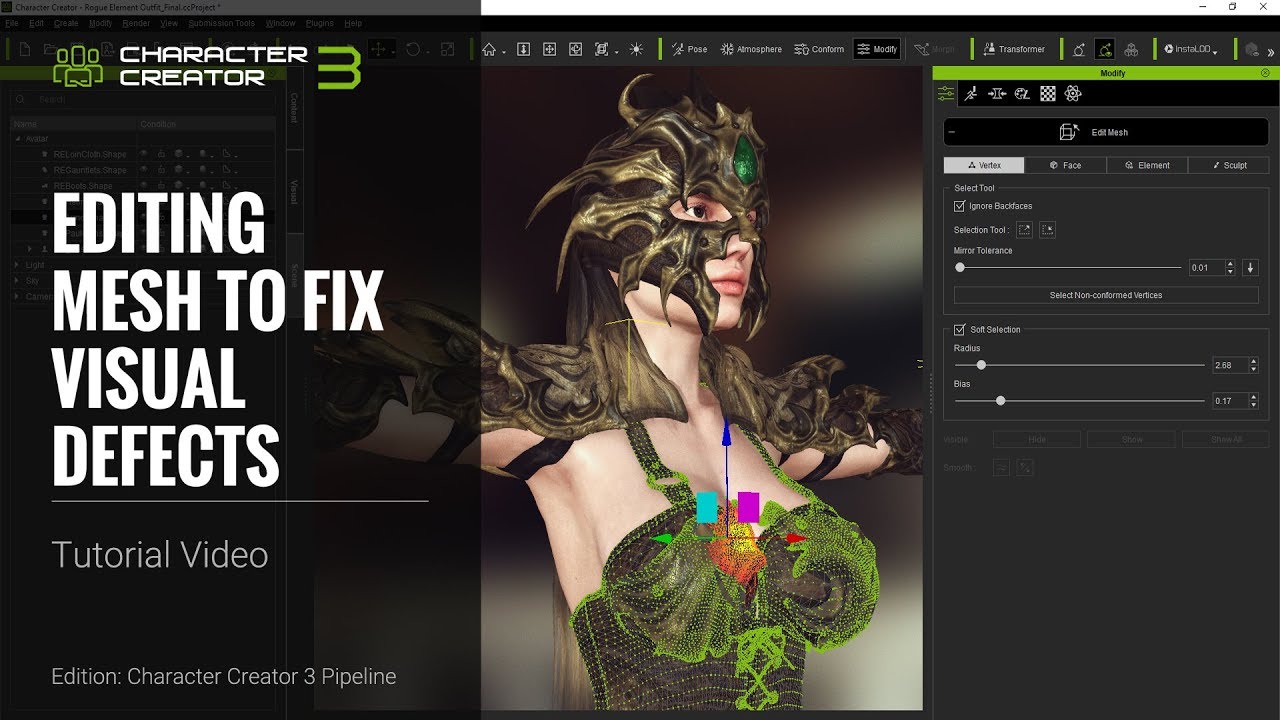
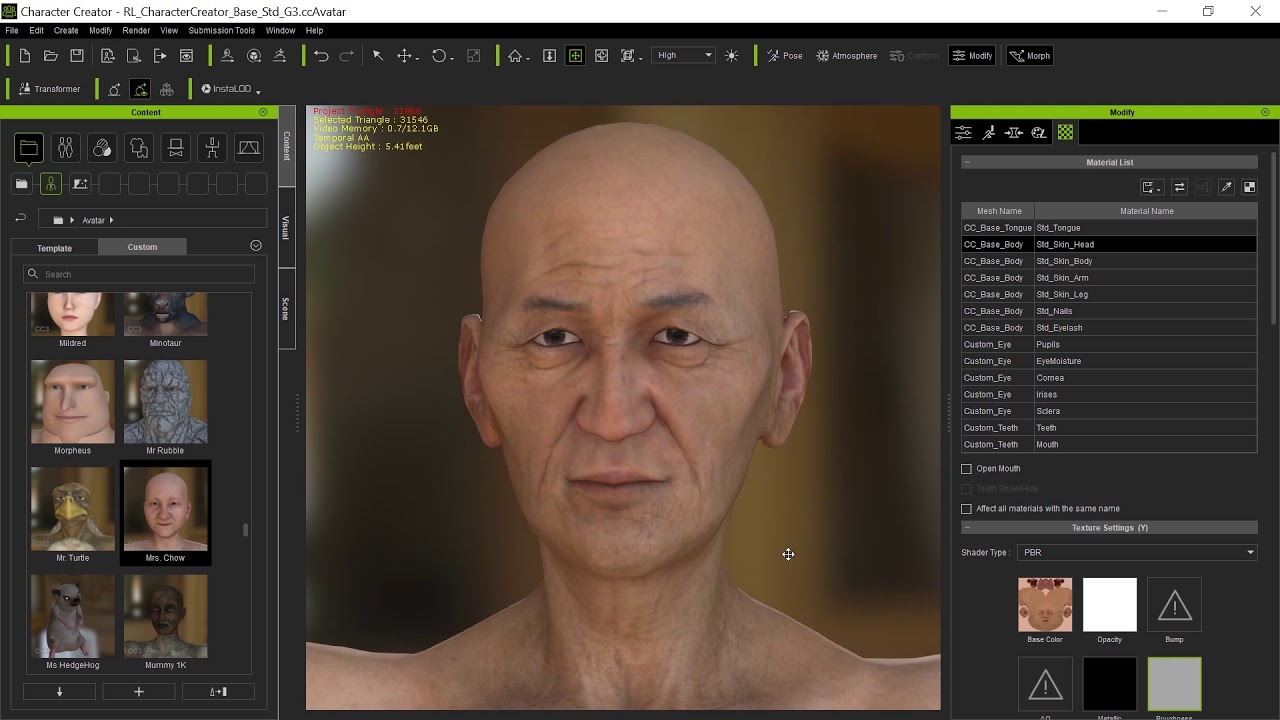
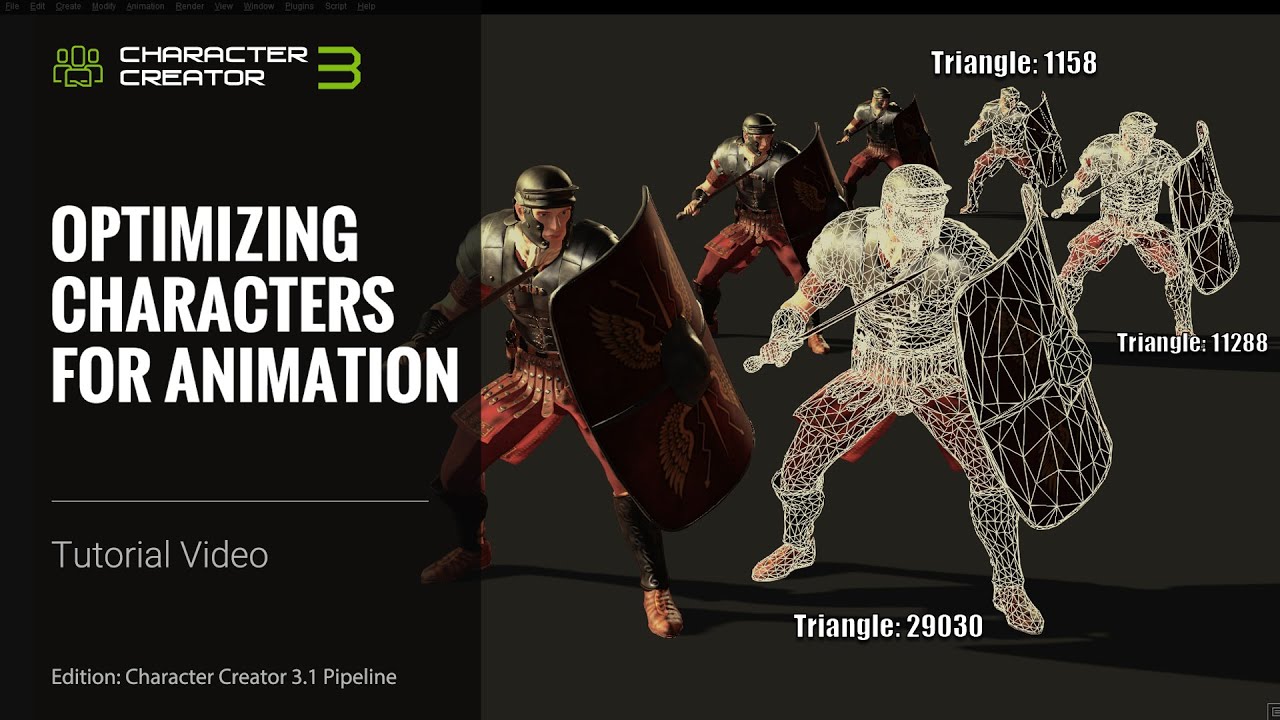
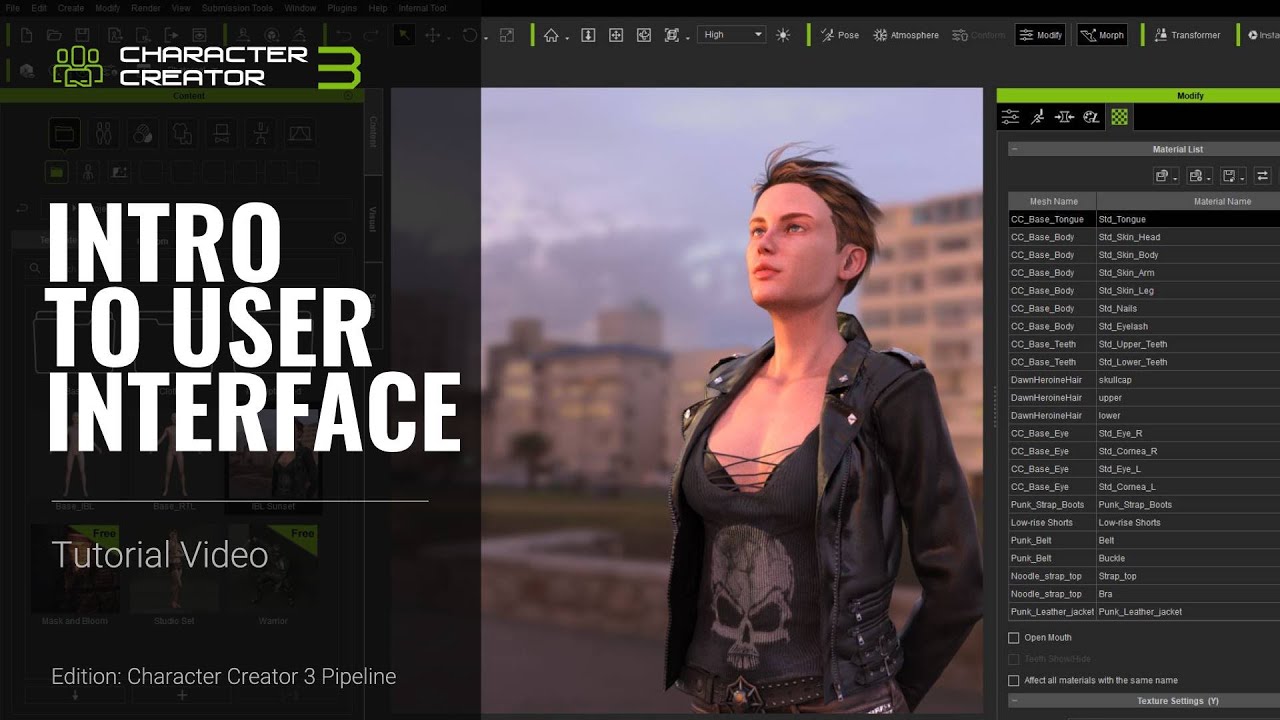
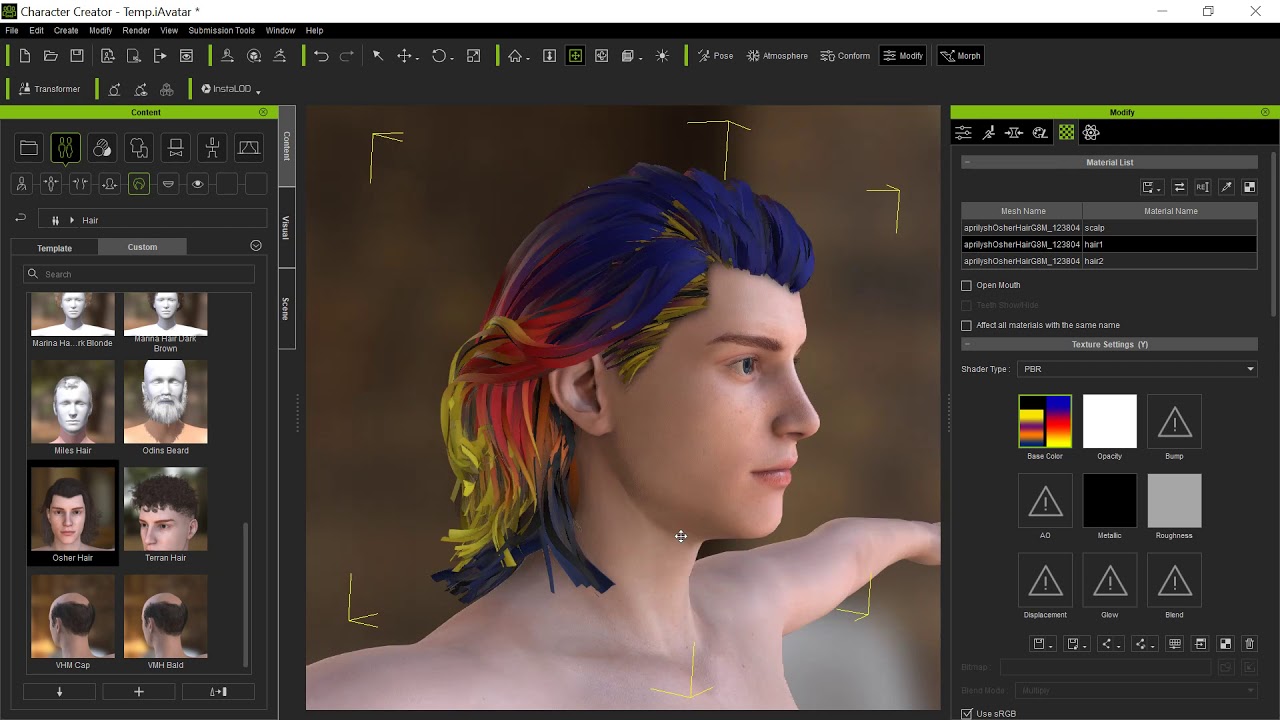
Character Creator 3 (CC3) is the quintessential tool for creating and customizing exceptional quality game-ready characters for use in any game or CG project. You can also use it to render your beautiful characters in photo-realistic quality, and utilize the powerful InstaLOD polygon reduction tools to optimize the performance of your characters.
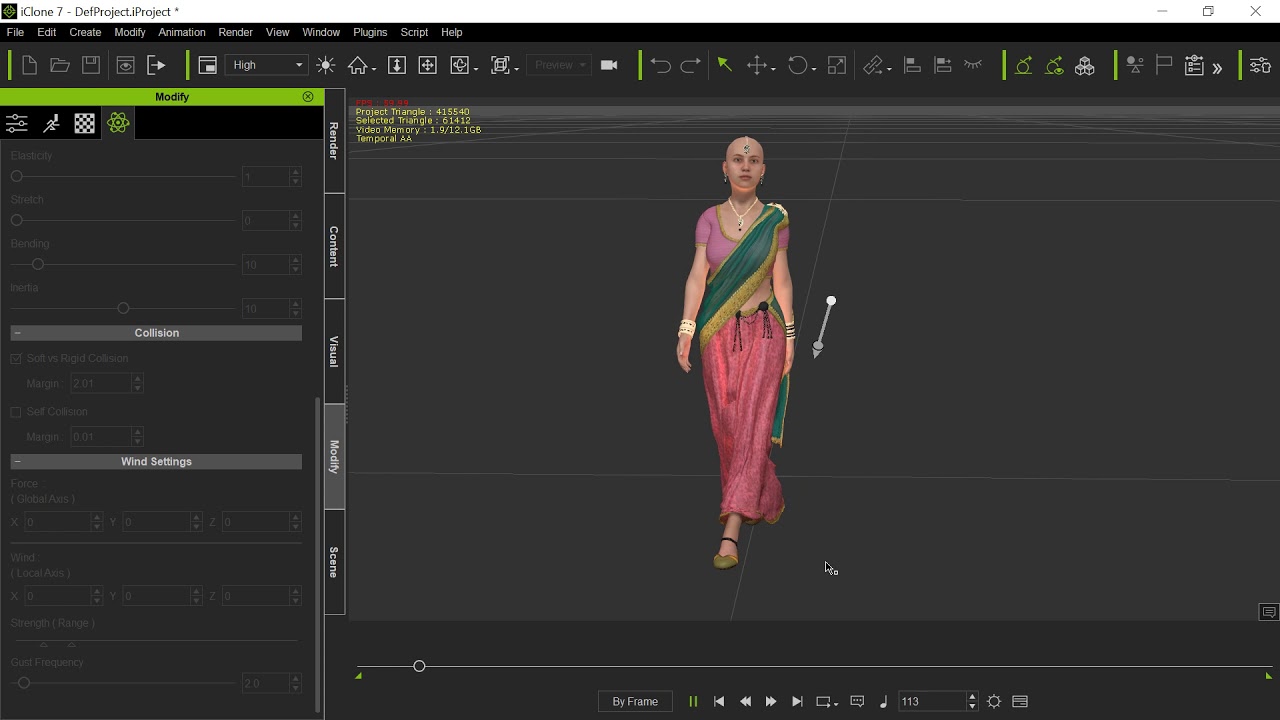
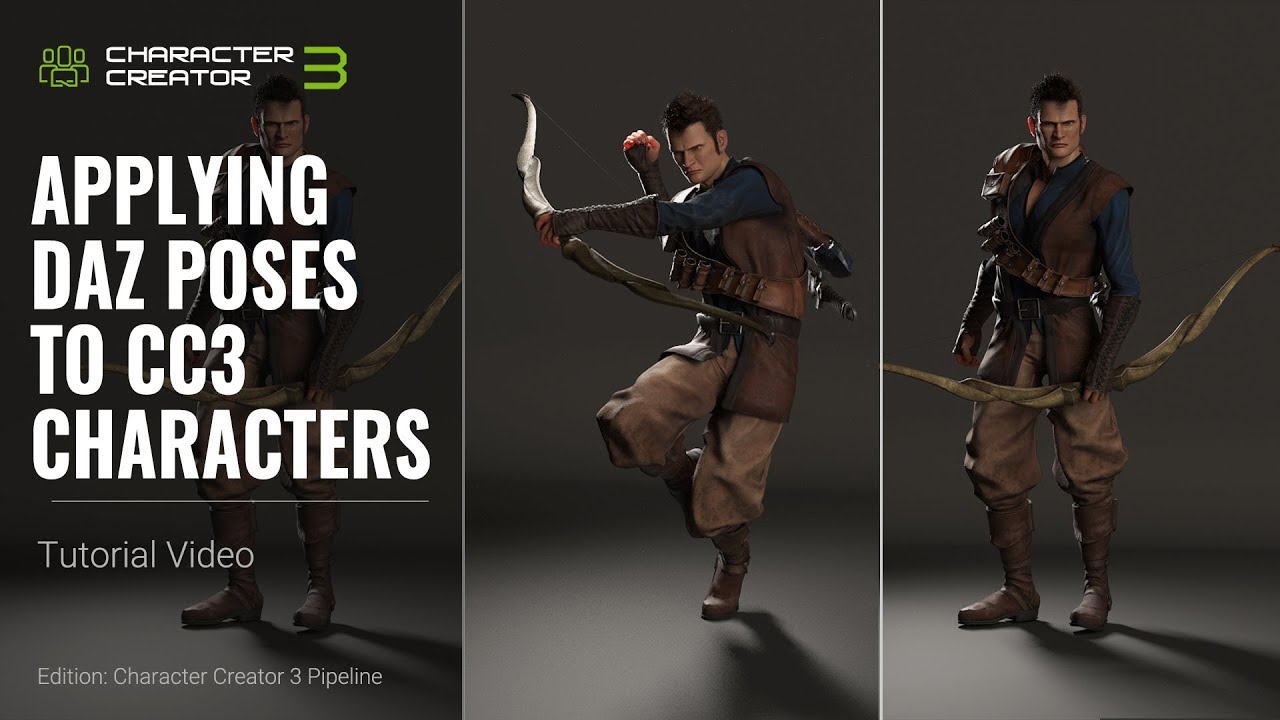
This quick tutorial demonstrates how you can export your Daz poses via FBX format and convert them to iMotion to use with your beautiful and photo-realistic Iray renders. You'll learn how to export single poses as well as multiple poses simultaneously.
0:16 Applying & Exporting Poses from Daz
3:38 Converting FBX poses to iMotion
More Tutorials:
https://www.reallusion.com/character-...
Online Help:
http://manual.reallusion.com/Characte...
FOLLOW US!
Facebook: / reallusionsoftware
Forum: http://forum.reallusion.com/default.aspx
Blog: http://blog.reallusion.com/
#CharacterCreator #Daz3D #CC3
Повторяем попытку...
Доступные форматы для скачивания:
Скачать видео
-
Информация по загрузке: