How to Start PEBC Document Evaluation in Canada (NAPRA ID → Certemy Portal)
Автор: PEBCBuddy
Загружено: 2026-01-03
Просмотров: 134
Описание:
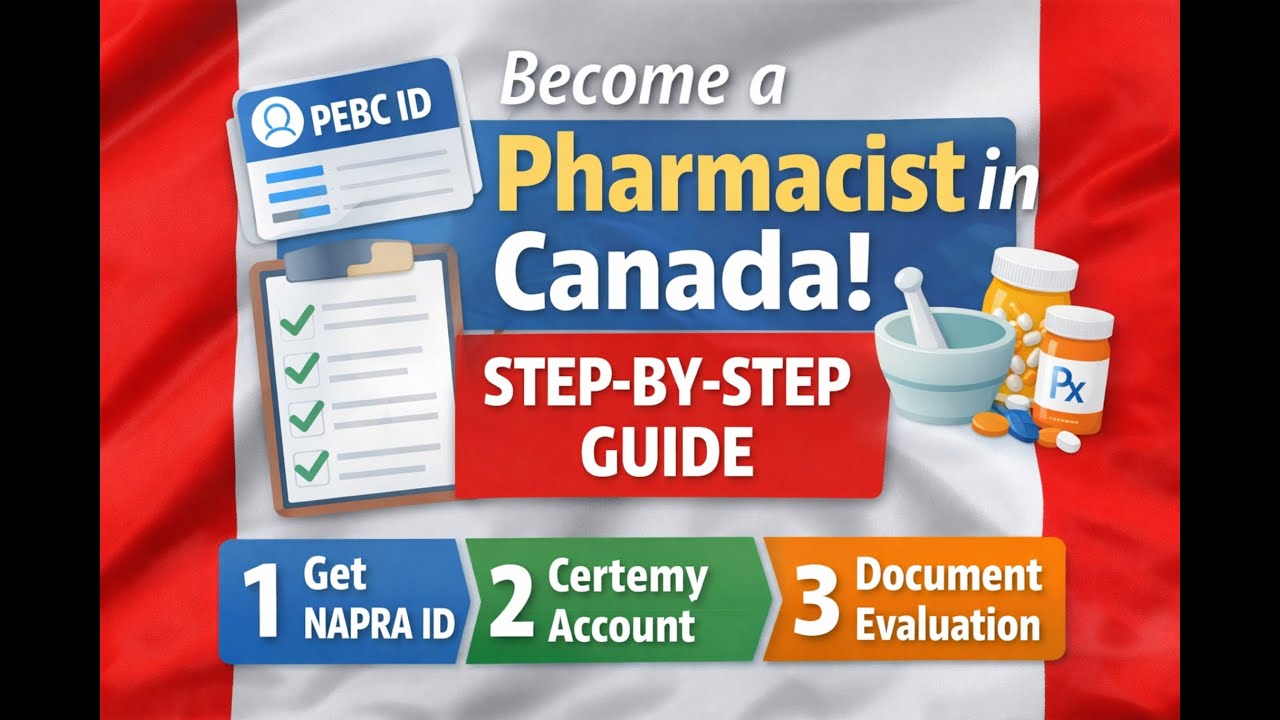
International pharmacy graduate in Canada? This video shows the exact FIRST steps to start your Canadian pharmacist licensing journey — PEBC Document Evaluation.
✅ What you’ll learn (in order):
1) Create Pharmacists’ Gateway Canada (NAPRA) account
2) Get your NAPRA National ID (NAPRA ID) — REQUIRED for PEBC Document Evaluation
3) Create your PEBC Candidate Portal / Certemy portal login
4) Complete the Document Evaluation form (education + work + licensing info)
5) Request your university/college to send OFFICIAL transcripts directly to PEBC
6) Track requirements in the portal and wait for the evaluation result letter
⚠️ Important notes:
• NAPRA ID is the first step — without it, you can’t submit PEBC Document Evaluation.
• Transcripts must be sent directly by the university/college to PEBC (not by the applicant).
• If documents are not in English/French, follow official translation instructions.
Disclaimer: This is educational guidance based on personal experience. Always confirm the latest requirements on official PEBC and NAPRA pages.
Resources 🔗
• Series playlist: • PEBC Document Evaluation Process (Pharmaci...
• Next video (PEBC Evaluating Exam 2026 (Canada) | Dates, Format, Questions, Fees + Syllabus): • PEBC Evaluating Exam 2026 (Canada) | Dates...
#PEBC #NAPRA #PharmacistInCanada #InternationalPharmacist #PharmacyCanada
Повторяем попытку...
Доступные форматы для скачивания:
Скачать видео
-
Информация по загрузке: