How to resolve paper jamming in all Epson printers Epson L656 printer paperjam error kaise thik kare
Автор: Isha Printer Service
Загружено: 2025-05-02
Просмотров: 412
Описание:
To resolve the paper jam problem in your Epson L565 printer, follow these step-by-step instructions:
Precautions:
1. *Turn off the printer*: Ensure the printer is turned off before attempting to clear the paper jam.
2. *Unplug the power cord*: Disconnect the power cord from the printer to prevent any accidental startups.
Clearing the Paper Jam:
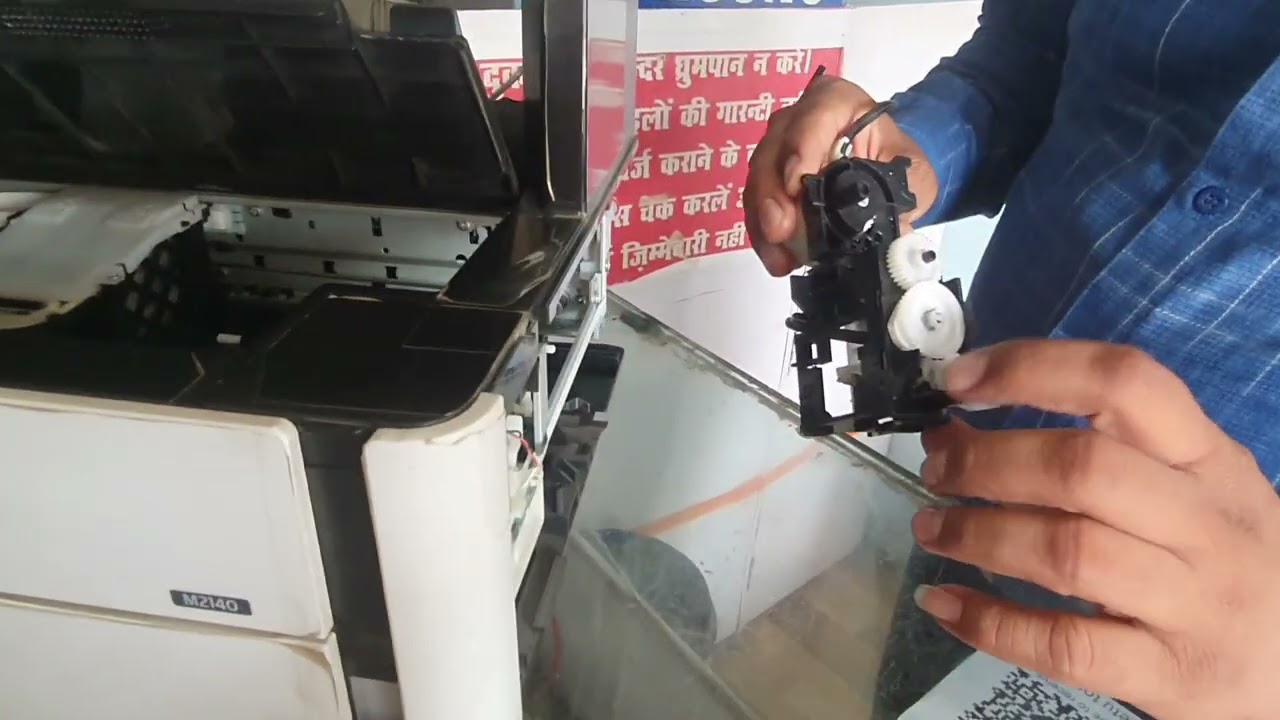
1. *Locate the jammed paper*: Identify where the paper is jammed in the printer. Check the paper tray, output tray, and print head area.
2. *Remove the paper tray*: Take out the paper tray to access the jammed paper.
3. *Gently pull out the jammed paper*: Carefully pull out the jammed paper from the printer. Avoid tearing the paper or forcing it out, as this can cause further damage.
4. *Check for any remaining paper fragments*: Ensure no paper fragments or debris are left inside the printer.
Resetting the Printer:
1. *Plug in the power cord*: Reconnect the power cord to the printer.
2. *Turn on the printer*: Switch on the printer.
3. *Check the printer's control panel*: If the printer's control panel displays an error message, follow the on-screen instructions to reset the printer.
Preventing Future Paper Jams:
1. *Use the correct paper type*: Ensure you're using the recommended paper type for your Epson L565 printer.
2. *Align the paper properly*: Make sure the paper is aligned correctly in the paper tray.
3. *Avoid overloading the paper tray*: Don't overload the paper tray, as this can cause paper jams.
4. *Regularly clean the printer*: Clean the printer's rollers and print head regularly to prevent dust and debris buildup.
Additional Tips:
1. *Refer to the user manual*: If you're unsure about any of the steps, refer to your Epson L565 printer's user manual.
2. *Contact Epson support*: If the issue persists, contact Epson's customer support for further assistance.
By following these steps, you should be able to resolve the paper jam problem in your Epson L565 printer.
THANKS FOR WATCHING.......
My Helpline Number 9012688722
Повторяем попытку...

Доступные форматы для скачивания:
Скачать видео
-
Информация по загрузке: