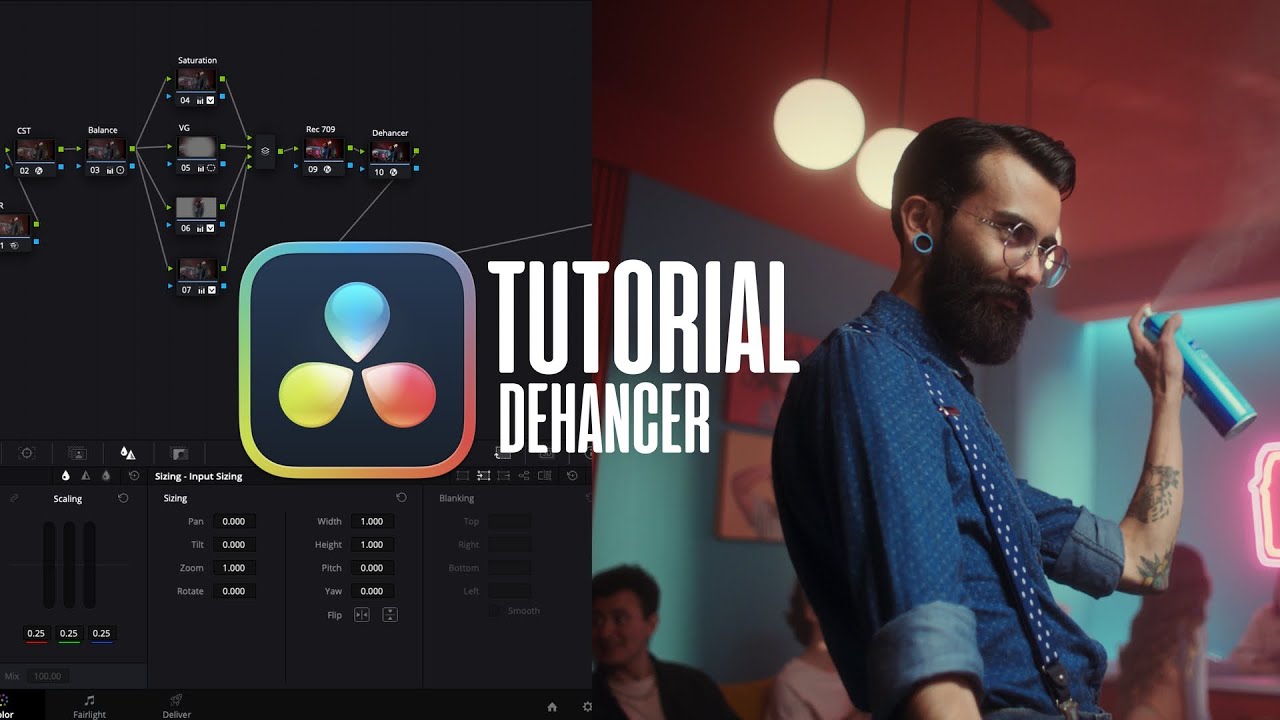
Easy Dehancer Color Grading in DaVinci Resolve | High-End Commercial Film Look
Автор: Hermanos Bander
Загружено: 2024-08-21
Просмотров: 16717
Описание:
Achieve a High-End Commercial Film Look, the Easy WayLearn how to create professional cinematic color grading for high-end commercials using Dehancer in DaVinci Resolve. This tutorial shows a simple, practical method that gives your footage a premium, filmic look—without spending hours on complex workflows.
00:00 Before and After
00:18 Project Settings
00:28 The Tree Node
02:22 Balance
04:34 Power Mask
05:56 Dehancer Settings
06:35 Curves
07:00 The Skin Tones
07:42 Global Adjustmentes
09:34 Film Developer
09:51 Color Separation
What You’ll Learn in This Tutorial:
How to quickly apply Dehancer for polished cinematic tones.
A step-by-step method designed to be easy and practical for any filmmaker.
Adjusting exposure, contrast, and shadows to achieve a high-end commercial finish.
Tips to get a consistent, premium look across all your projects.
💡 Don’t Forget:
🔔 Subscribe to / @hermanosbander for more practical, professional color grading tutorials.
👍 Like this video if you want more easy, high-end film looks and efficient workflows.
💬 Comment your favorite LUT or effect, or ask any questions about Dehancer and DaVinci Resolve.
📸 Follow me on Instagram for behind-the-scenes, tips, and updates: @hermanosbanderlabs
Playlists:🎨 Watch the full cinematic films playlist: • Cinematic Visual Stories
#Hashtags (for SEO & Discovery):#DaVinciResolve #ColorGrading #Cinematography #Dehancer #CommercialFilmLook
Повторяем попытку...
Доступные форматы для скачивания:
Скачать видео
-
Информация по загрузке:


