Intro to Toon Boom Harmony - 07 Animation Tools
Автор: KeyFrame
Загружено: 2021-04-07
Просмотров: 3606
Описание:
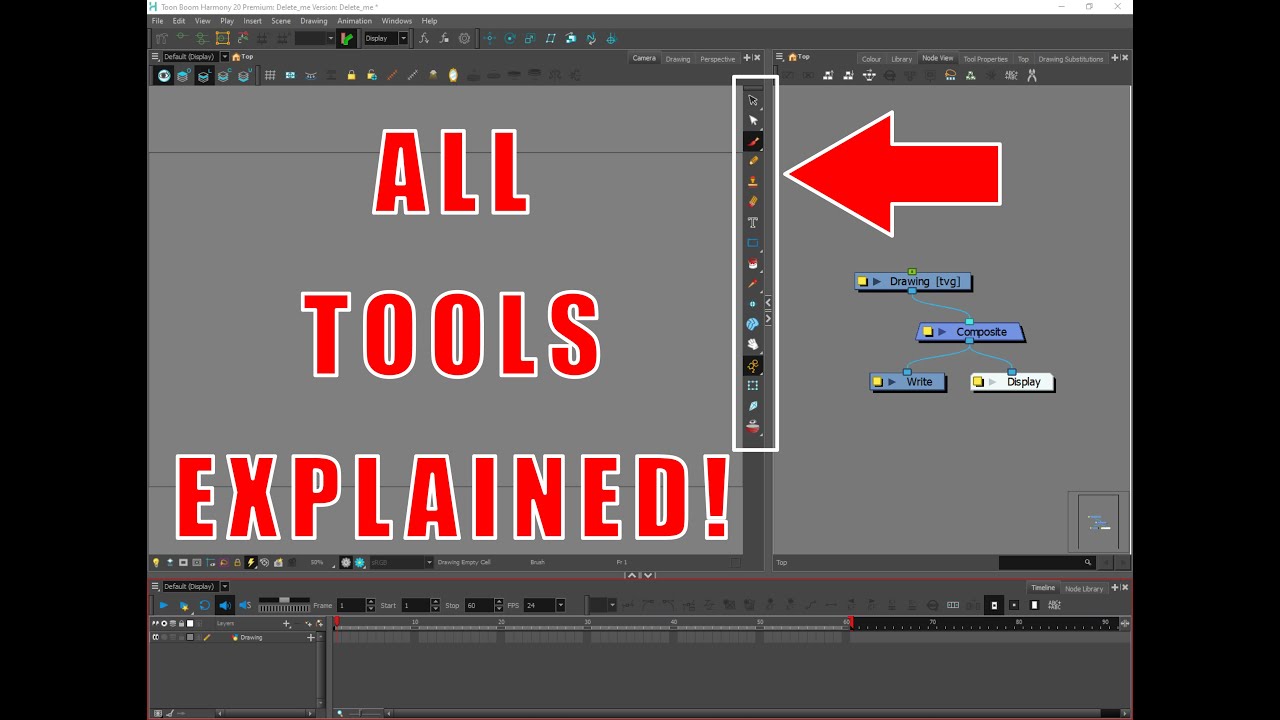
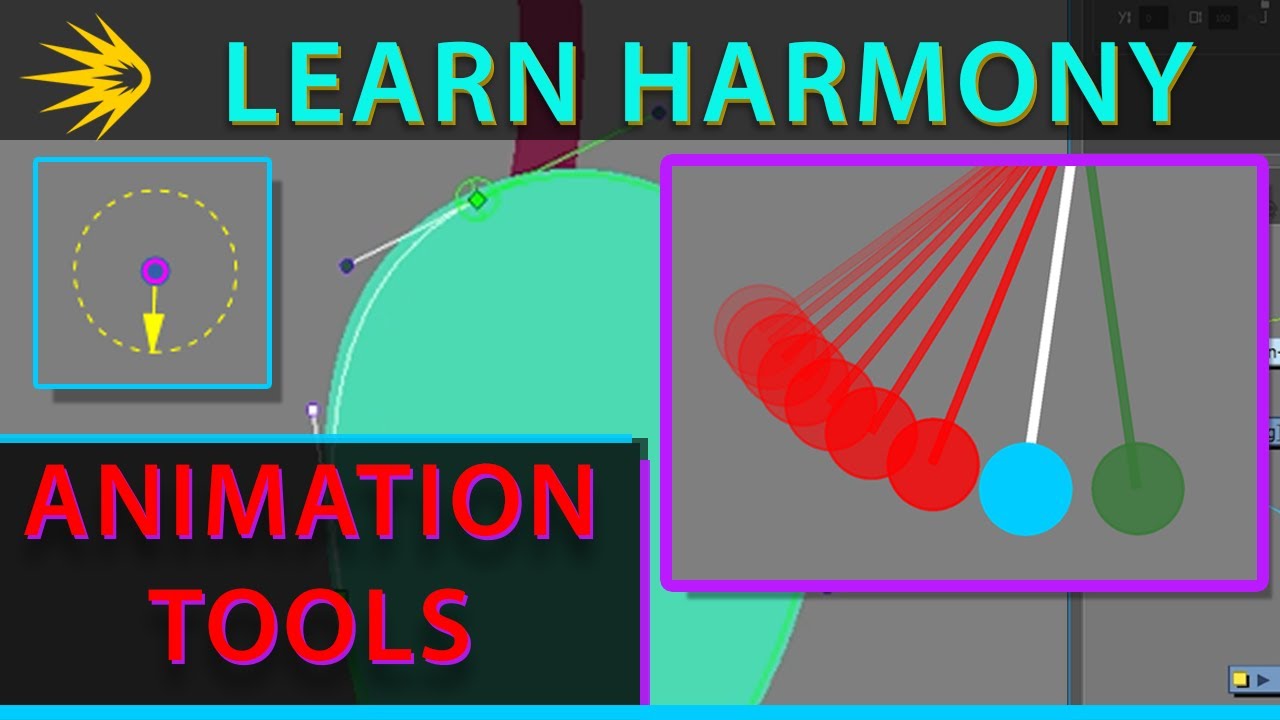
This is one of the most important videos in this course. Here, you'll learn the more important animation tools to get you started with your own, fun animations, right here in Harmony. With this knowledge, you'll be equipped to explore even more ways to get what you want done.
--
00:00 - Splash Screen
00:04 - Disclaimer
00:20 - Overview & The Animate Button
02:06 - Pegs...A Brief Introduction
06:11 - Transform Tool vs Select Tool
06:51 - Rotation Lever Setting
08:06 - The Advanced Animation Tools
10:46 - Permanent Pivot Placement
12:27 - Temporary Pivot Placement
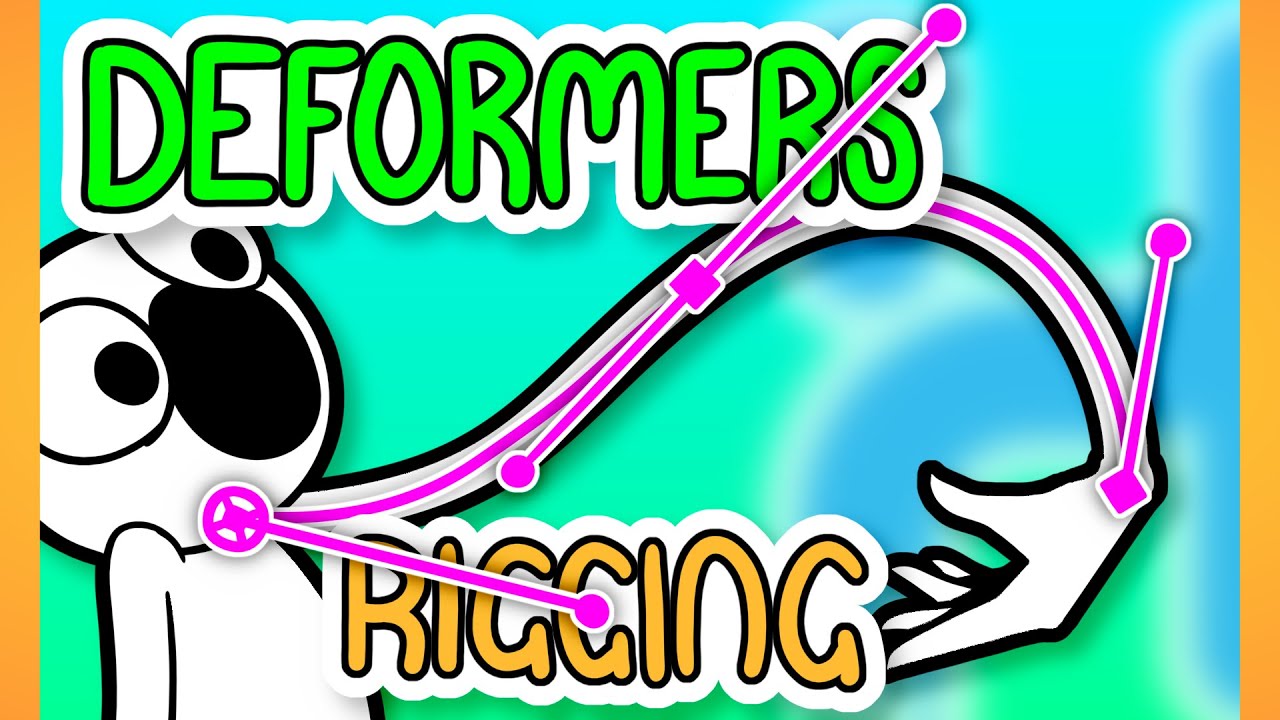
14:06 - Deformers: Adding a Curve to the String
17:26 - Deformers: Adding an Envelope to the Ball
20:59 - Keyframes :D :D
21:54 - Stop-Motion vs Motion Keyframes Introduction
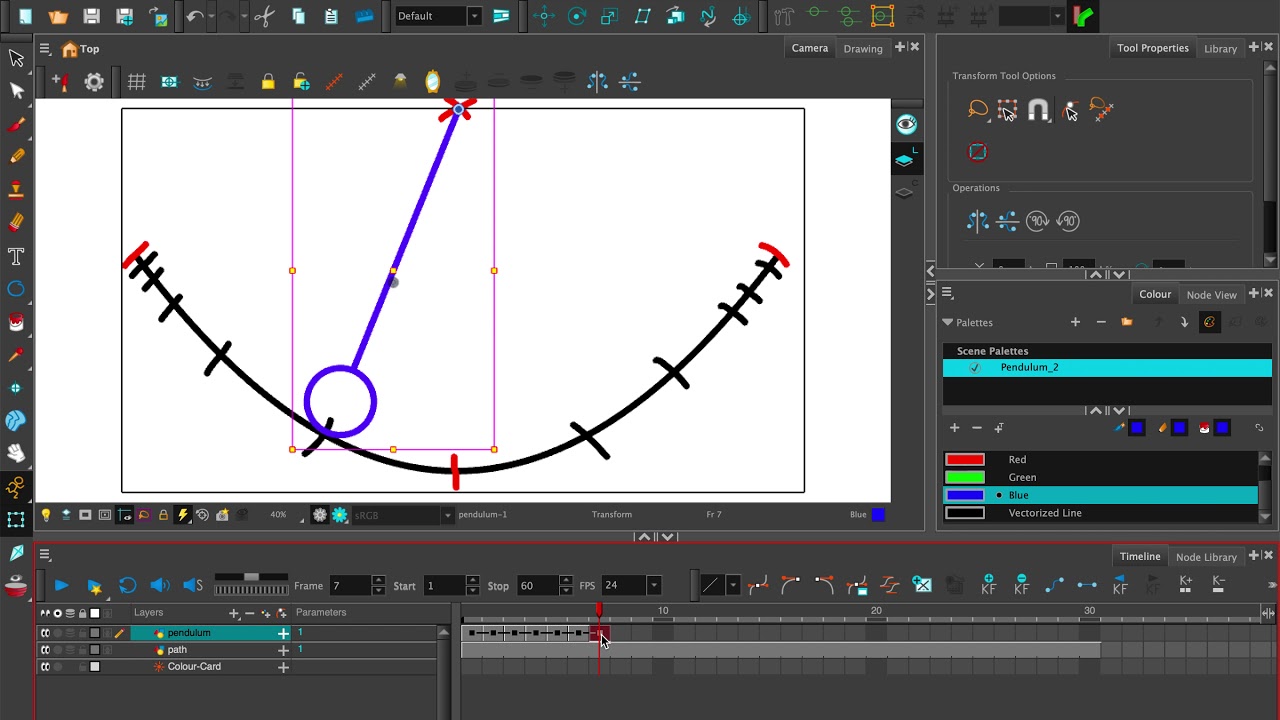
22:42 - Creating This Pendulum Scene
27:14 - Stop-Motion Keyframes
28:24 - Continuing the Pendulum Animation (Motion Keyframes)
30:45 - Conclusion
Повторяем попытку...
Доступные форматы для скачивания:
Скачать видео
-
Информация по загрузке:
![Intro to Toon Boom Harmony - 07 Bouncing Ball [Rigged]](https://imager.clipsaver.ru/F2gFQLw-kCI/max.jpg)

![Intro to Toon Boom Harmony - 06 Bouncing Ball [Drawn]](https://imager.clipsaver.ru/ZvSgrGpRSU0/max.jpg)