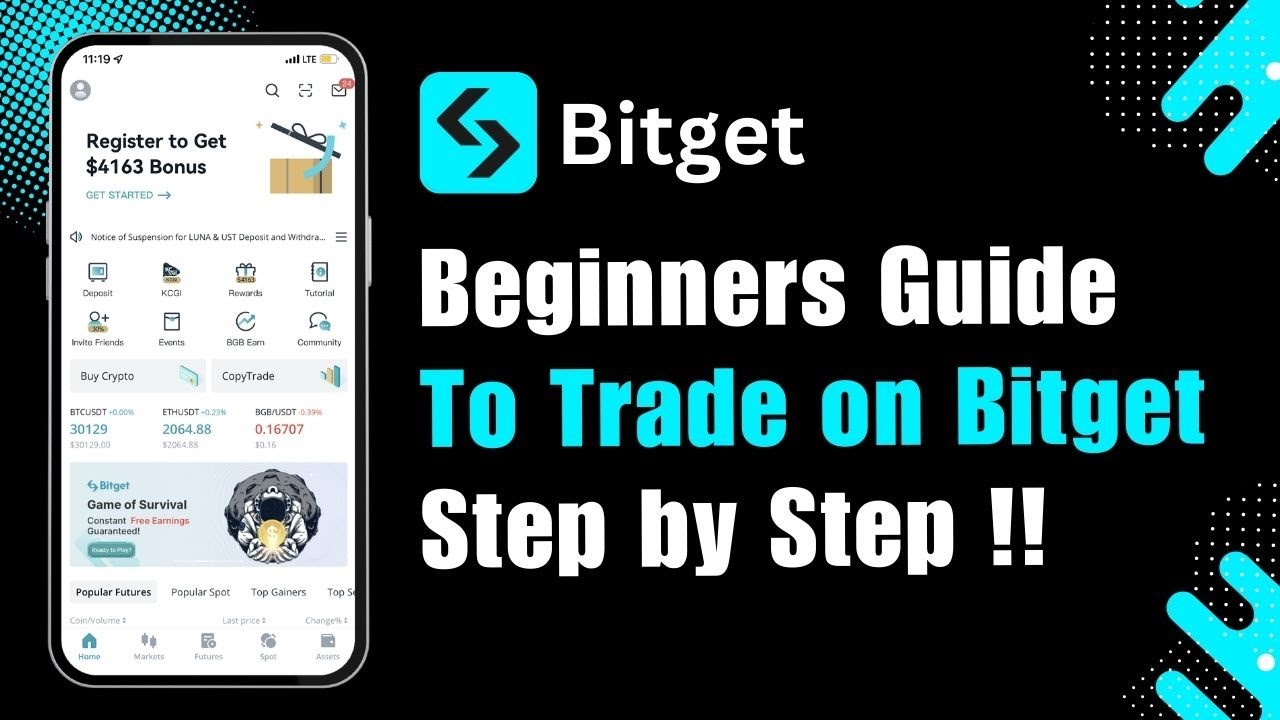
How to TRADE on BITGET mobile app for BEGINNERS | Spot Trading Tutorial
Автор: Howzenic
Загружено: 2025-02-13
Просмотров: 47
Описание:
If you’re a beginner looking to learn how to trade on the Bitget mobile app, this video tutorial will guide you through the entire process step-by-step. Bitget is a popular cryptocurrency exchange that offers a range of trading options, including spot trading, futures trading, margin trading, and more. Whether you’re new to crypto or just starting your trading journey, this tutorial will help you understand the basics of buying and selling cryptocurrencies to maximize your potential for profit while minimizing risks.
To get started, launch the Bitget mobile app on your device. If you haven’t installed the app yet, you can download it from the Google Play Store or Apple App Store. Once the app is open, log in with your credentials. If you’re new to Bitget, you’ll need to create an account by providing an email address, setting up a password, and completing basic verification steps.
After logging in, you’ll be directed to the main dashboard. At the bottom of the screen, you’ll find the Trade option. Tap on this to enter the trading interface. Before diving into trades, it’s important to understand what trading is. In simple terms, trading refers to the act of buying and selling cryptocurrencies to make a profit. While the goal is often to earn gains, it’s crucial to be aware that trading also carries the risk of losses, especially in volatile markets.
In the Trade section, you’ll see various cryptocurrencies and trading pairs like BTC/USDT, ETH/USDT, and more. Let’s say you want to trade Bitcoin (BTC). If the current price of Bitcoin is low and you expect it to rise in the future, you might consider buying BTC now to sell it later at a higher price.
To place an order, you’ll have several options:
1. *Market Order:* This allows you to buy or sell cryptocurrency instantly at the current market price. It’s the simplest order type for beginners.
2. *Limit Order:* This lets you set a specific price at which you want to buy or sell. The order will only be executed when the market reaches your desired price.
3. *Advanced Limit Orders:* These provide more control over your trades with additional conditions for execution.
Select the order type that suits your strategy. Enter the amount of Bitcoin you wish to buy, then tap the Buy button to place your order. If you don’t have sufficient funds, you can add crypto by depositing from another wallet, using a credit card, or transferring from your Bitget account balance.
Once you’ve bought Bitcoin, you can monitor its value in your Assets section. When you feel the price has increased enough to secure a profit, you can sell your Bitcoin. To do this, go back to the Trade section, select the Sell option, set the order type (market or limit), enter the amount you want to sell, and tap Sell to complete the transaction. Once the order is filled, the funds will be credited to your account balance.
While this tutorial focuses on spot trading, Bitget also offers other trading options like:
*Margin Trading:* Allows you to trade with borrowed funds for higher potential profits (but also higher risks).
*Futures Trading:* Involves predicting the future price of cryptocurrencies with contracts, suitable for more advanced traders.
*Copy Trading:* Lets you replicate the trades of successful traders automatically, which can be helpful for beginners.
*Convert Trading:* A simple option to convert one cryptocurrency to another instantly.
If you want to receive crypto from external wallets, go to the Assets tab, select *Deposit*, and you’ll find your unique wallet addresses for different cryptocurrencies.
*Timestamps:*
0:00 Introduction
0:02 Launching the Bitget Mobile App
0:05 Logging In or Creating an Account
0:12 Navigating to the Trade Tab
0:14 Understanding What Crypto Trading Is
0:26 Selecting a Trading Pair (e.g., BTC/USDT)
0:32 Choosing Between Market and Limit Orders
0:36 Entering the Amount and Placing a Buy Order
0:48 Adding Funds via Deposit or Transfer
0:52 Monitoring Your Holdings in the Assets Tab
1:04 Selling Your Crypto When Prices Rise
1:09 Exploring Other Trading Options: Margin, Futures, Copy Trading
1:17 Depositing Crypto to Bitget Wallet
1:27 Quick Recap of the Trading Process
1:31 Additional Support and Closing Remarks
1:38 Conclusion
*Hashtags:*
#Bitget #CryptoTrading #Bitcoin #BeginnerTrading #CryptoGuide #CryptoExchange #TradingTutorial #SpotTrading #FuturesTrading #CryptoBeginners
Disclaimer: CryptoGPT is an educational channel only. The channel does not own the rights to the name, logo, or any affiliated branding. The content provided is for informational purposes only and should not be considered financial advice.
Повторяем попытку...
Доступные форматы для скачивания:
Скачать видео
-
Информация по загрузке: