How to Anitube: A Step-by-Step Guide
Автор: Kamimashita
Загружено: 2024-11-14
Просмотров: 2109
Описание:
When I started out making YouTube videos, I really didn't have a lot of guidance. I just knew that, when I watched some things, I had something to say and nowhere to say it. I did follow some creators though, and stumbled upon this video, laying out the entire process ( • Boring Ass Editing Video ), from creation of the script to downloading the files to editing the video. It's labeled as a "boring ass video," but for me it was an invaluable path forward. I even found a copy of Sony Vegas to use!
I hope that this video can serve as the same for the future anituber in you.
References:
Video that started it all - • Boring Ass Editing Video
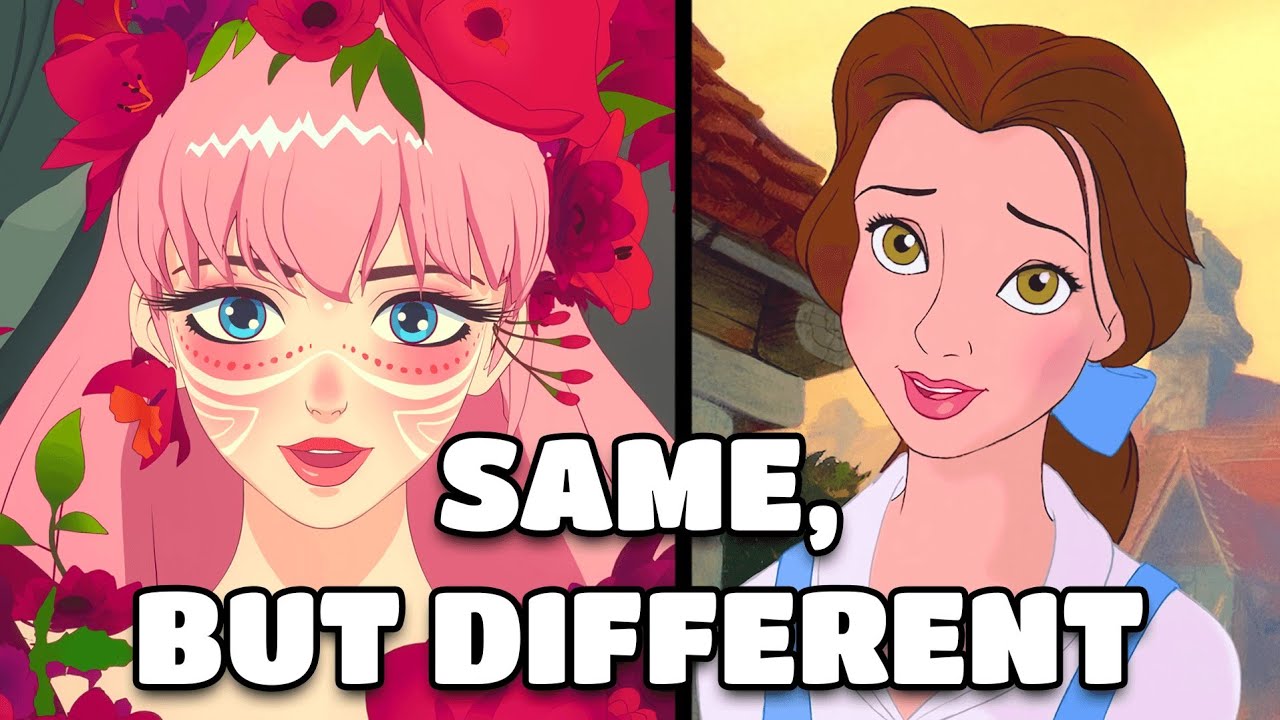
BELLE video - • The Art of the Remake
Re:Zero video - • Subaru Has No Character (According to Him)
Joe's video on removing saliva clicks - • How to edit out Saliva Click Adobe Audition
How to use ffmpeg to "remux" videos - https://opensource.com/article/17/6/f...
Remember, to use ffmpeg you have to set your path variable - https://www.editframe.com/guides/how-...
This is the specific code I use, type it into notepad and save it as a .bat.
for %%a in ("*.mkv") do ffmpeg -i "%%a" -vcodec copy -acodec copy "CHANGE TO FILE PATH OF DESTINATION
pause
Or, just be like a lot of people and use Handbrake!
These are a couple of really great Veritasium videos about title and thumbnail -
• My Video Went Viral. Here's Why
• Clickbait is Unreasonably Effective
Audacity - https://www.audacityteam.org/download/
Davinci Resolve is free! - https://www.blackmagicdesign.com/prod...
Be sure to read or watch the guides.
_____________
End card design by Bakuretsu: https://bakuretsu.co/
Twitter: / kamimamimashita
Patreon: / kamimashita
Reddit: / drjwilson
Anilist: https://anilist.co/user/drjwilson/ani...
Повторяем попытку...
Доступные форматы для скачивания:
Скачать видео
-
Информация по загрузке: