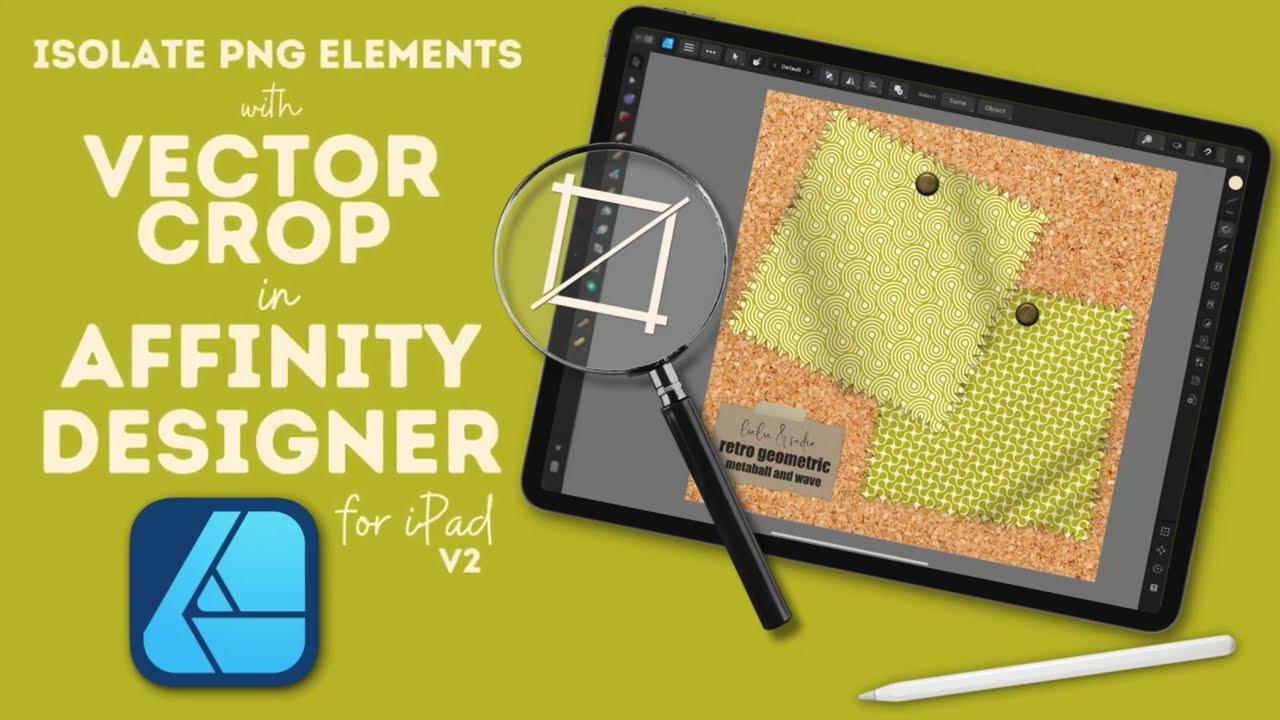
Affinity Designer Tutorial | Isolate PNG Elements with the Vector Crop Tool
Автор: Tracey Capone - The Creator Collage
Загружено: 2024-03-05
Просмотров: 1725
Описание:
#ipadtutorial #graphicdesign #affinitydesigner #vectordesign
In this beginner friendly Affinity Designer tutorial, learn how you can quickly isolate PNG elements with the Vector Crop Tool.
This tutorial is taught on the iPad version of Affinity Designer V2, however the process is the same on V1 of the app. If you're on the desktop version of the app, you can easily follow along, as long as you know where the tools are located.
CHAPTERS
00:00 Intro
00:29 The PNG Elements/Texturelabs.org
00:59 Using the Vector Crop Tool
02:26 Testing the Selection
02:48 Getting Rid of Texture You Don't Need
03:18 Rasterize and Trim
03:57 Wrapping Things Up
Find the Tape PNGs here on Texturelabs: https://texturelabs.org/
****************************************************************************
Where you can find me:
Full length classes-
On Skillshare - https://lnk.bio/s/MySkillshareChannel
On my Creator Collage site - https://lnk.bio/s/CreatorCollageSchool
Creator Collage Community (my free community for digital creatives):
https://lnk.bio/s/JointheCreatorColla...
Find my website, Instagram and more here:
https://lnk.bio/traceycapone
Please note- Some links are affiliate links which means I may earn a bit of additional income when you use or purchase something from the links, but you are not charged any differently for them. (I only endorse what I use myself!)
Music Credit: "White Vacancy" by ZISO on artlist.io (license on file)
Повторяем попытку...
Доступные форматы для скачивания:
Скачать видео
-
Информация по загрузке:





![Vector Flood Fill Tool [Part 1] - Tutorial for Affinity Designer](https://imager.clipsaver.ru/bsNovUYXSsw/max.jpg)