How to Build an Automated Inventory & Reordering Ai Agent | Make.com Ai Agents
Автор: Comfort Joe | AI Automations for Businesses
Загружено: 2026-06-11
Просмотров: 3
Описание:
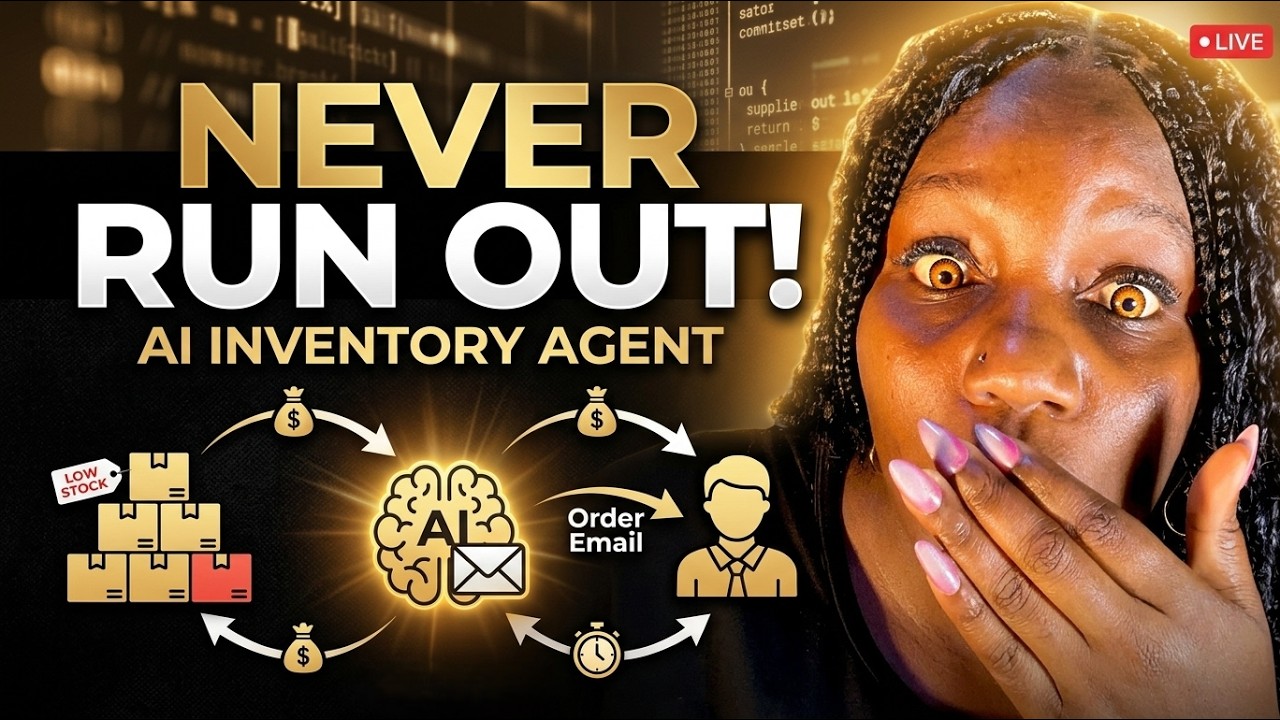
In this step-by-step Make.com tutorial, you'll learn how to build an AI-powered inventory management system that automatically monitors stock levels, creates reorder records, sends supplier emails, and notifies your team when inventory is running low.
This automation is perfect for eCommerce stores, wholesalers, retailers, warehouses, and businesses that want to eliminate manual inventory checks and prevent stockouts.
By the end of this tutorial, you'll have a complete AI inventory agent that:
✅ Monitors inventory levels automatically
✅ Detects low-stock products
✅ Creates reorder records automatically
✅ Sends reorder emails to suppliers
✅ Prevents duplicate orders
✅ Generates professional HTML supplier emails
✅ Sends Telegram, Slack, or WhatsApp notifications
✅ Runs automatically every day
If you're learning Make.com automation, AI agents, inventory management, or eCommerce workflow automation, this is one of the most practical systems you can build.
🔥 What You'll Learn
• How to build an AI Inventory Agent in Make.com
• How to monitor inventory levels automatically
• How to trigger reorder workflows when stock is low
• How to store reorder records in Google Sheets
• How to prevent duplicate supplier orders
• How to generate supplier emails using AI
• How to create HTML email templates for suppliers
• How to receive reorder notifications via Telegram, Slack, or WhatsApp
• How to schedule the automation to run daily
⏰ CHAPTERS
00:00 Introduction – AI Inventory Reordering System
00:15 Reviewing the Inventory Order Agent (Part 1)
00:45 What We're Building Today
01:01 Setting Up the Inventory Database
01:41 Creating Reorder Quantities
02:20 Adding Supplier Email Addresses
02:36 Building the Reorder Tracking Database
03:08 Preventing Duplicate Supplier Orders
03:41 Creating the Make.com Scenario
04:14 Configuring the AI Agent Prompt
05:16 Adding Knowledge Base & Context
05:40 Connecting Google Sheets Tools
06:03 Searching Inventory for Low Stock
06:52 Searching Existing Reorders
07:45 Creating Reorder Records Automatically
08:41 Testing the Inventory Agent
09:37 Generating Reorder Requests
10:30 Viewing Created Reorder Records
10:47 Adding Supplier Email Automation
11:56 Testing Automatic Supplier Emails
12:28 Reviewing Generated Supplier Emails
13:09 Fixing Data Mapping Issues
14:18 Improving Email Formatting
15:19 Creating HTML Supplier Emails
16:40 Final Email Output
17:10 Adding Telegram Notifications
18:05 Scheduling Daily Inventory Checks
18:35 Slack & WhatsApp Notification Alternatives
19:01 Final Thoughts & Next Steps
🚀 Perfect For:
• eCommerce Businesses
• Shopify Store Owners
• WooCommerce Stores
• Warehouse Managers
• Inventory Teams
• Operations Managers
• Automation Consultants
• Make.com Beginners
• AI Automation Agencies
If you want the AI Agent prompt used in this tutorial, leave a comment below and I'll share it in a future video.
#Makecom #InventoryManagement #InventoryAutomation #AIAgent #EcommerceAutomation #BusinessAutomation #AutomationTutorial #StockManagement #SupplyChainAutomation #NoCodeAutomation #GoogleSheetsAutomation #MakecomTutorial #WarehouseManagement #AIAutomation
Повторяем попытку...
Доступные форматы для скачивания:
Скачать видео
-
Информация по загрузке: