3D Printer SD Card Format
Автор: PCMonster
Загружено: 2021-08-29
Просмотров: 16450
Описание:
How to format SD Card bigger than 32 GB with FAT 32 File System.
How to format 64gb SD card as FAT32
Some 3D Printers only allow the FAT 32 File System to be recognized. Windows basic format does not allow you to format an SD card above 32GB as a FAT 32 File System so this is a work around for formatting 32GB+ SD cards in the FAT 32 File System in order to work with 3D printers limited to this stipulation. I use the program Rufus to accomplish this. This program is free and lightweight (1MB). This is not sponsored. I have come to this work around due to lack of online documentation.
When formatting the SD card with Rufus choose these settings.
Device: Choose the device you want to format.
Boot Selection: Non-Bootable
Partition Scheme: MBR
Target System: BIOS or UEFI
Volume Label: Name your SD Card
File System: Large FAT32 (Default)
Cluster Size: 32 Kilobytes (Default)
Click Start
Click OK
Remove files added by Rufus to the SD Card
Add GCODE files to print
Rufus Website:
https://rufus.ie/en/
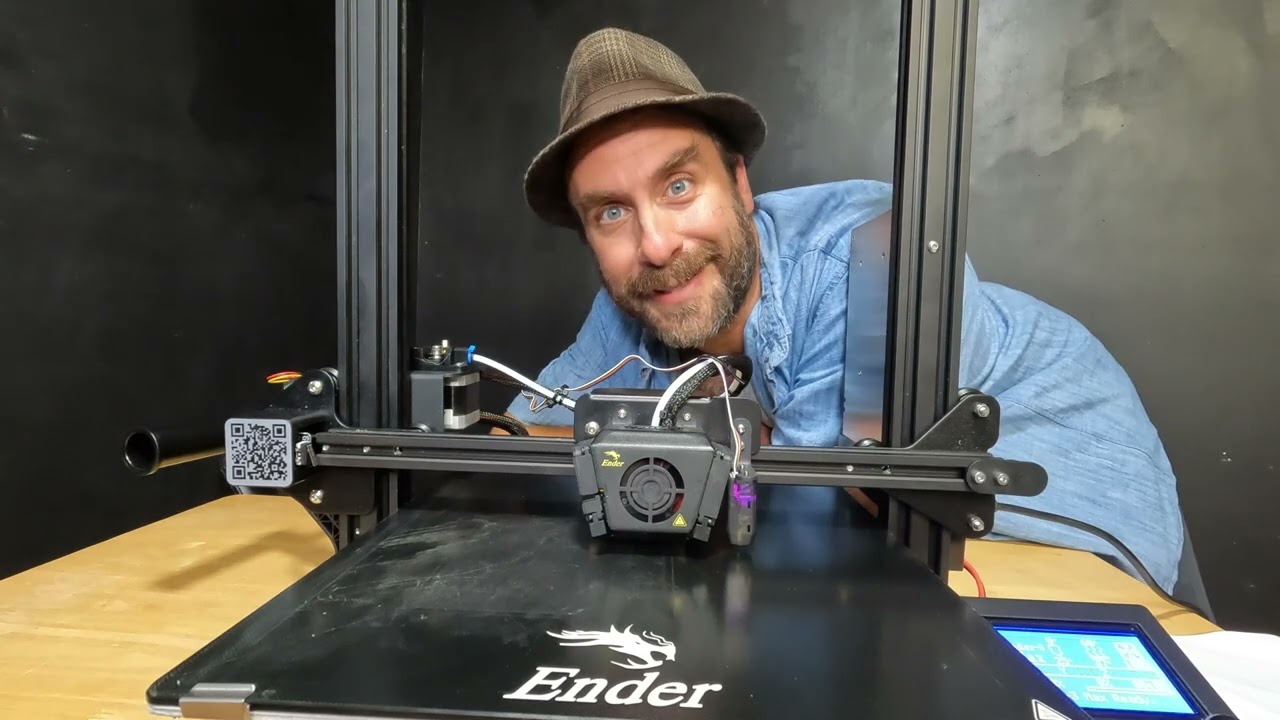
This demonstration was done on my Creality Ender 5 Pro
Creality Ender 5 Pro SD Card format.
Creality SD Card format.
Format SD Card FAT32
Повторяем попытку...

Доступные форматы для скачивания:
Скачать видео
-
Информация по загрузке: