How to Add Background Sounds to Control Center on iPhone (iOS 26) - 17 (Pro, Pro Max), 16, 15, 14
Автор: Free Tech Guide
Загружено: 2025-09-15
Просмотров: 1036
Описание:
Here's how to quickly access background sounds from Control Center on iPhone and enable/disable background sounds from Control Center in iOS 26 for iPhone 17, iPhone 17 Pro, iPhone 17 Pro Max, iPhone 17 Air, iPhone 16 Series, iPhone 15 Series, and iPhone 14 Series.
00:00 intro
00:11 Steps to Add in Control Center
00:58 Background Sound Settings
01:09 Sound for hearing Aid
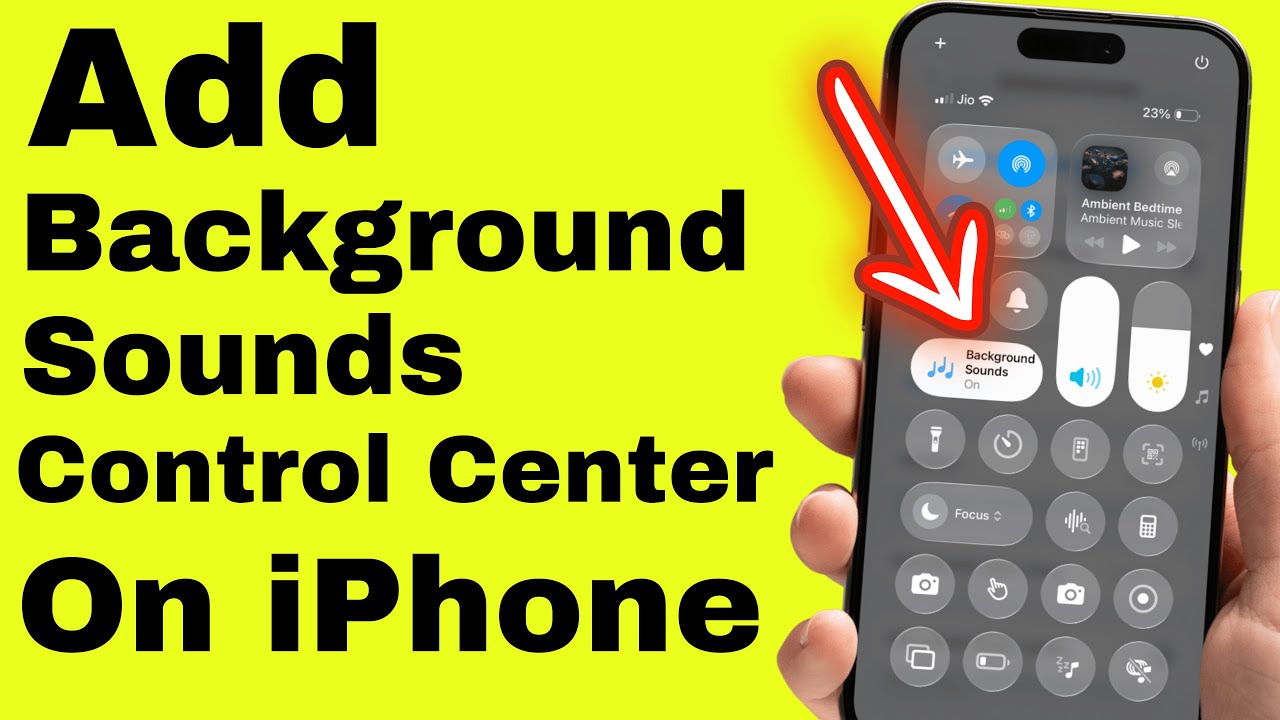
how to add Background Sounds shortcut control to the Control Center on your iPhone running iOS 26.
Start by swiping down from the top right corner to open your Control Center.
Then, tap the plus icon at the top left to add new controls.
Scroll down until you find Background Sounds under the Hearing section, and just tap on it. Or search for Background sounds from the search box.
That’s all there is to it — now you’ll see Background Sounds right in your Control Center.
To enable Background sound, tap on it or hold to open the Background sounds list, Select New Sounds from the list, and Change the Volume level right from the control center.
To apply another change, like set a timer on iPhone running iOS 26 & later update, as you can see on my video screen, scroll to the last and tap on Background sound settings.
That’s it.
I’ve also got a quick bonus tip for you.
You can add Background Sounds to the Hearing Devices shortcut in Accessibility. To turn on the Background sound using the Hearing Devices Accessibility Shortcut.
Add Background sounds to the Hearing Control Center.
Open your Settings app, scroll down, and tap Accessibility.
Scroll again until you see Hearing Control Center, tap on it, then look for Background Sounds and hit the green plus icon.
Now it’s included in your controls.
add background sounds to control center on iPhone,
enable background sounds iOS 26,
iPhone 17 Pro Max background sounds,
iPhone 17 Pro background noise,
iPhone 16 Pro background sound feature,
iPhone 17 background sound control center,
iPhone 15 add background sounds,
iPhone 14 enable background noise,
control center sound settings iOS 26,
turn on background sounds iPhone,
background noise accessibility iOS 26,
add background sounds quick access iPhone,
GET CHEAP iPHONES on Amazon (US): https://amzn.to/3NrhGmd
GET CHEAP iPHONES on Amazon (CA): https://amzn.to/4h53UTU
GET CHEAP iPHONES on Amazon (UK): https://amzn.to/40570Bj
GET CHEAP iPAD on Amazon (US): https://amzn.to/4dP9XcC
GET CHEAP AirPods on Amazon (US): https://amzn.to/3BJVIsd
If you found this video helpful, give it a like!
Need more help? Drop a comment below!
Don’t forget to subscribe for regular updates!
#iPhone, #sound #backgroundmusic #ios26 #iphone17
Subscribe on YouTube: https://www.youtube.com/freetechguide...
Повторяем попытку...
Доступные форматы для скачивания:
Скачать видео
-
Информация по загрузке:





![iOS 26 Settings You NEED To Turn Off NOW! [IMPORTANT]](https://image.4k-video.ru/id-video/jdQWWmJ4Bms)


