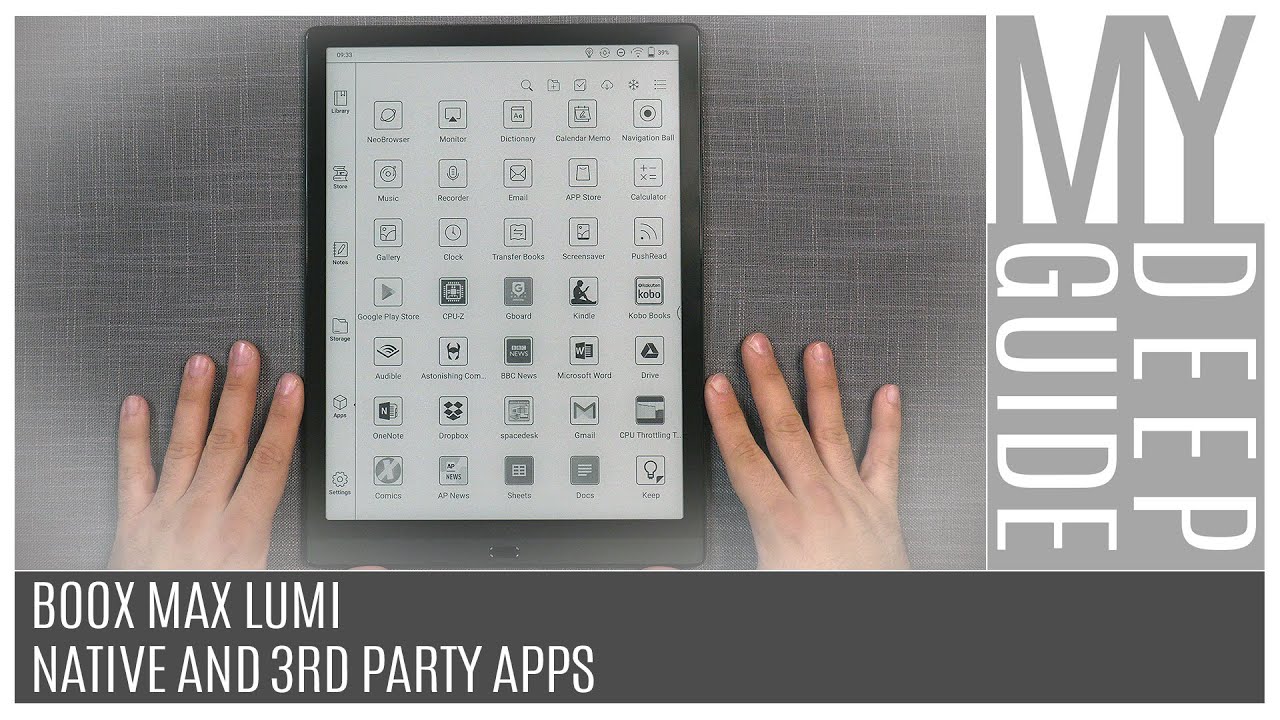
Boox Max Lumi: Native And 3rd Party Apps
Автор: My Deep Guide
Загружено: 2020-10-22
Просмотров: 41043
Описание:
AMAZON ASSOCIATE: https://amzn.to/3opOFbZ
BOOX MAX LUMI SERIES PLAYLIST: • Boox Max Lumi Series
00:00 - Intro
00:35 - App Store And Google Play Store
02:33 - Native Apps: Neo Browser
05:21 - Native Apps: Navigation Ball
06:13 - Native Apps: Calendar Memo
09:00 - Native Apps: Screensaver
12:52 - Native Apps: Clock
13:58 - Native Apps: Recorder
17:18 - Native Apps: Transfer Books (WiFi Transfer And Push)
24:04 - 3rd Party Apps: Amazon Kindle And Kobo
29:57 - 3rd Party Apps: Comixology
32:04 - 3rd Party Apps: MS Word (Not Really)
33:18 - 3rd Party Apps: MS OneNote
37:16 - 3rd Party Apps: Google Docs & Sheet
44:23 - 3rd Party Apps: Dropbox
46:38 - 3rd Party Apps: Google Keep
47:22 - Conclusion
In this video, I go through some of the most useful apps, on a day to day basis, on the Boox platform. I also check the functionality and compatibility of some of the more popular 3rd party apps that can be installed on Boox devices but may not be the thing that you are looking for.
#mydeepguide #onyxboox #maxlumi
Thank you for watching and if you liked the video, like and subscribe :)
Subscribe & Support & Follow
-------------------------------------------------------
PATREON: / mydeepguide
WEBSITE: https://www.mydeepguide.com
INSTAGRAM: / mydeepguide
TWITTER: / mydeepguide
FACEBOOK: / mydeepguide
-------------------------------------------------------
Повторяем попытку...
Доступные форматы для скачивания:
Скачать видео
-
Информация по загрузке: