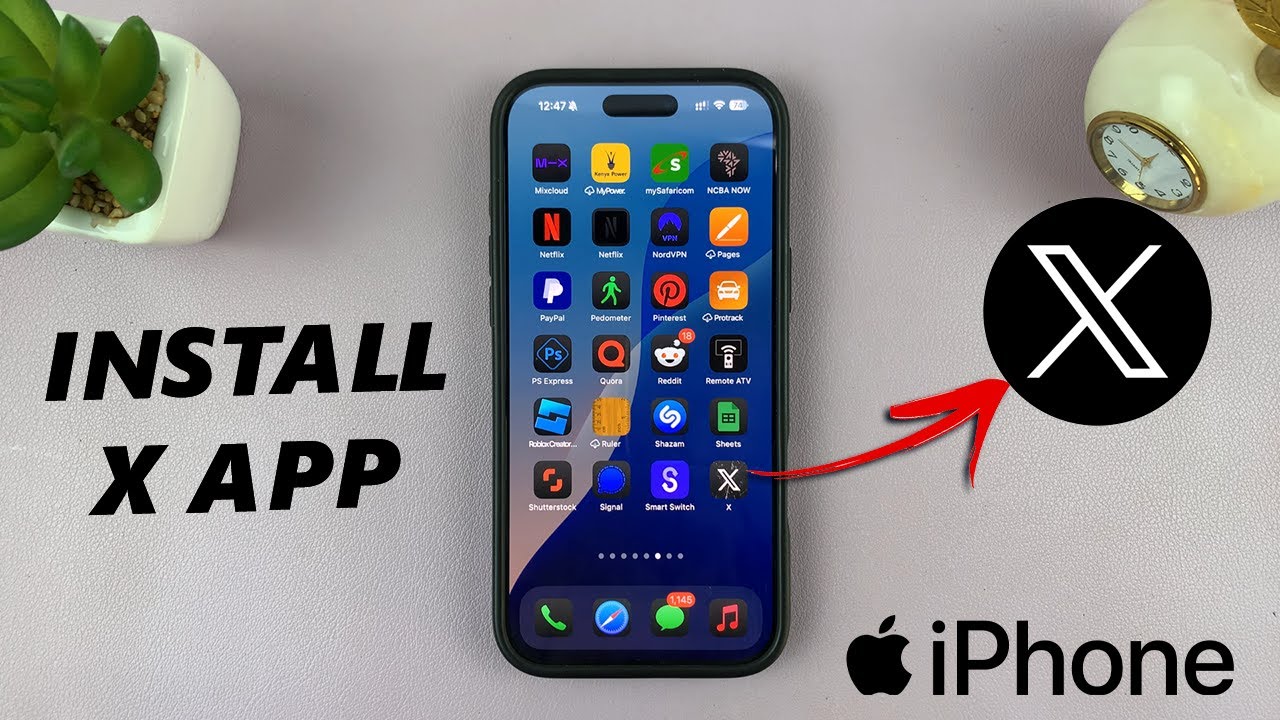
How To Install X App On iPhone
Автор: WebPro Education
Загружено: 2025-03-10
Просмотров: 2047
Описание:
Discover how to effortlessly install X App on your iPhone. Download and install the X app (formerly Twitter) on any iPhone.
Get the iPhone 16 Pro: https://amzn.to/4hxtW2D
How To Install X App On iPhone:
How To Download X App On iPhone:
How To Get X App On iPhone:
Step 1: Before you can use the X app, you need to download it onto your iPhone. Launch the App Store on your iPhone and tap the Search icon at the bottom right.
Type X in the search bar and tap Search. Find X, formerly Twitter (developed by X Corp.) in the search results.
Step 2: Tap the Download (cloud icon) or Get button to install the app. If prompted, authenticate using Face ID, Touch ID, or your Apple ID password.
Step 3: Wait for the app to install, then tap "Open". You can also launch the app from the Home Screen.
Step 4: To create an account, select "Continue with Google", "Continue with Apple" or "Create Account". Then, follow the on-screen instructions to set up.
If you already have an account, tap on "Log In", then enter you phone, email or @loggingusername. Then, tap on "Next".
Step 5: Finally, enter your password and tap on "Log In" to proceed to the app.
#iphone #xapp #iphone16 #iphone15 #iphone14 #iphone13 #iphone16pro #iphone16promax
----My Gear for YouTube videos----
Main Camera (iPhone 13 pro): https://amzn.to/3GZztve
Tripod: https://amzn.to/35acqRa
Cell Phone Tripod Adapter: https://amzn.to/3v3wFuI
Lights: https://amzn.to/3vkoGK7
As full disclosure, I use affiliate links on this channel and purchasing through these links earns me a small commission. The price you pay will be the same!
Website: https://www.webproeducation.org
Facebook: / webproeducation.org
Twitter: / webpro_e
Instagram: / webproeducation
Повторяем попытку...
Доступные форматы для скачивания:
Скачать видео
-
Информация по загрузке: