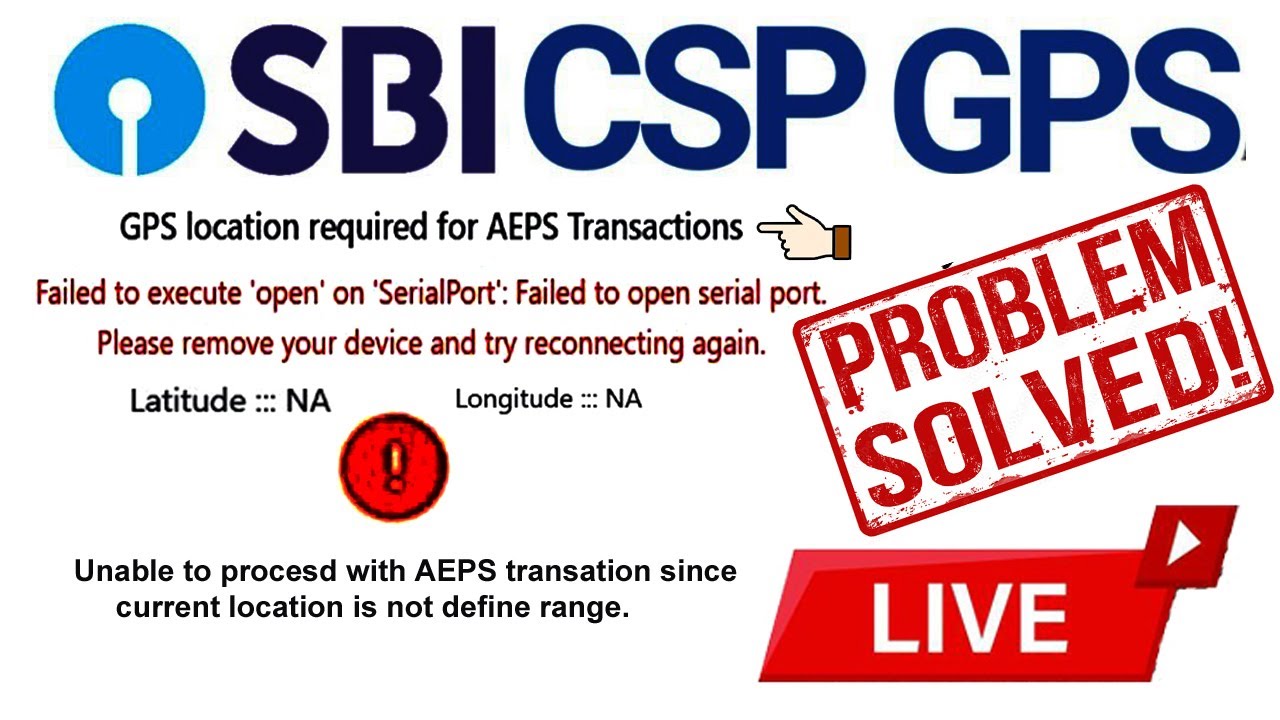
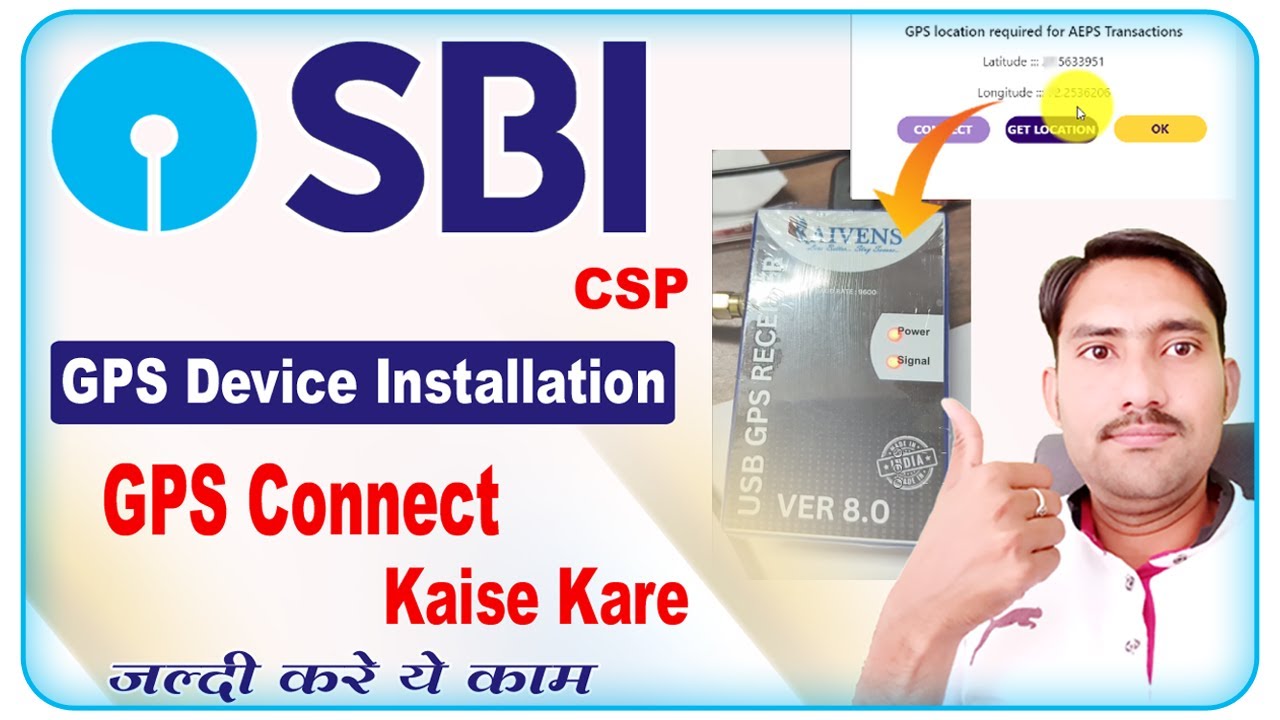
SBI GPS Device Installation | sbi csp me gps connect kaise kare | sbi csp gps setting
Автор: Jasol Computer (Emitra Help & Support)
Загружено: 2025-09-27
Просмотров: 18956
Описание:
SBI GPS Device Installation | sbi csp me gps connect kaise kare | sbi csp gps setting
Hi, I am Jasraj Welcome to our youtube channel jasolcomputer.
About this video-maine is video me SBI csp GPS Device Installation karna bataya hai. or sbi csp me gps connect karna bataya hai. or sbi csp gps setting karna bataya hai. ye gps ab sbi csp gps location required for aeps transaction ke jaruri kar diya gaya hai.
Installation Process for SBI Kiosk GPS Dongle
1. Purchase a GPS Device:
CSPs need to purchase a GPS dongle through the provided link on the NICT TPL website to meet the mandatory requirement.
2. Install the Software/Drivers:
• Download: Download the relevant software or drivers for the GPS dongle.
• Install: Install the downloaded software or drivers on the computer used for your kiosk operations.
• Connect: Plug the GPS dongle into a USB port on your computer
3. Connect to the Kiosk Portal:
• Select Corporate: Open the relevant software and select "Corporate"
• Select SBI: Choose "SBI" as the corporate
• Select Country and State: Select your country (India) and your specific state
• Enter Details: Provide your BC agent ID or CSP code when prompted
4. Connect the Device:
• Pair and Connect: Pair and connect your Android device to the Bluetooth GPS receiver.
• Connect App to Receiver: Connect the GPS receiver to your computer's USB port
Important Considerations
• Compliance: The GPS device is crucial for continued AEPS functionality.
• Technical Support: You may need to refer to specific guides or support from your district's area business correspondent if you encounter issues during the installation process
SBI GPS Device Installation
sbi csp me gps connect kaise kare
sbi csp gps setting
sbi csp gps location required for aeps transaction
sbi csp me gps kaise lagaye
#SBI_GPS_Device_Installation
#sbi_csp_me_gps_connect_kaise_kare
#sbi_csp_gps_setting
#sbi_csp_me_gps_kaise_lagaye
Thank you so much..........
...............................................................................................................
Amazon Link
Business Correspondents (Hindi) New Book Link
https://amzn.to/2HfDm2e
finger print scanner Morpho E3 USB
perched - https://amzn.to/2OCP7le
Mantra MFS100 USB-OTG-RD SERVICE
link - https://amzn.to/2X7HXK9
Wire for Mantra MFS 100 Fingerprint Scanner Mantra MFS100 USB :
https://amzn.to/2zCAZCT
Tripod and Mobile Clip Bracket 3110 :
https://amzn.to/2PloNRT
boya by m1 mic. : https://amzn.to/2PL1Y9j
Our Social Links-
subscribe to this channel
Youtube - / jasolcomputer
Email- [email protected]
Disclaimer -
video is for educational purposes only. Copyright Disclaimer Under Section 107 of the Copyright Act 1976, allowance is made for "fair use" for purposes such as criticism, comment, news reporting, teaching, scholarship, and research. Fair use is a use permitted by copyright statute that might otherwise be infringing. Non-profit, educational or personal use tips the balance in favor of fair use.
THANKS FOR WATCHING...#Jasolcomputer
Повторяем попытку...
Доступные форматы для скачивания:
Скачать видео
-
Информация по загрузке: