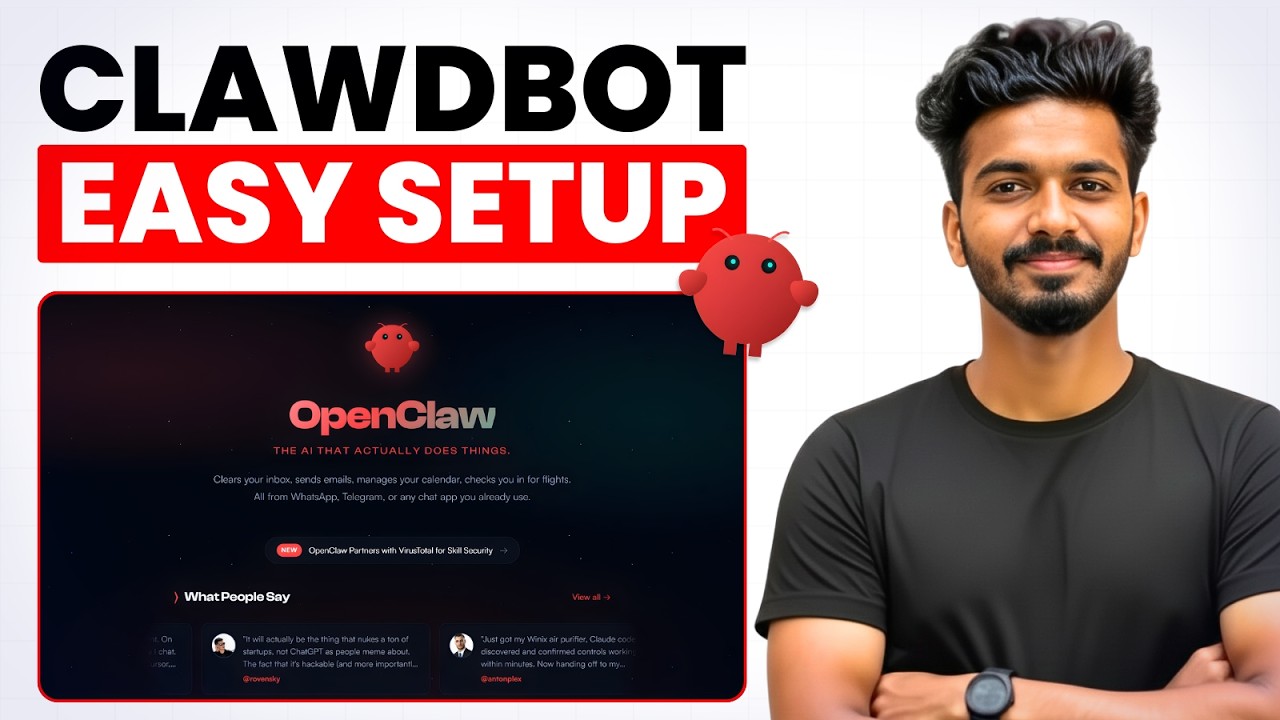
How to Setup & Use Clawdbot (OpenClaw/Moltbot): Full Step-by-Step Guide
Автор: Rajeevdaz
Загружено: 2026-02-07
Просмотров: 6
Описание:
In this video, I will show you how to setup and use Clawdbot, which has now officially rebranded to OpenClaw (after a brief stint as Moltbot). This is the complete tutorial on how to deploy your own 24/7 AI personal assistant safely on a VPS. We will cover the full setup using Docker, explore powerful use cases like web browsing and automation, and help you master the ai skills needed to customize your bot with unique skills.
👉 Get Hostinger VPS here: https://www.hostg.xyz/SHIpj
Coupon Code (24-Month Plan): Rajeevdaz15 (15% OFF)
Coupon Code (12-Month Plan): Rajeevdaz (10% OFF)
📂 Resources & Commands
Find Custom Skills: https://clawhub.ai
Telegram JSON Snippet:
"channels": {
"telegram": {
"enabled": true,
"dmPolicy": "allowlist",
"botToken": "your_bot_access_token",
"allowFrom": ["your_telegram_chat_id"],
"groupPolicy": "allowlist",
"streamMode": "partial"
}
}
🤖 What You’ll Learn
How to Setup a VPS: The safest way to host OpenClaw without a Mac Mini and without risking your personal data.
How to Install Clawdbot/OpenClaw: Step-by-step Docker deployment for a clean, error-free installation.
How to Connect OpenAI or Claude: Configuring your API keys to use the world's most powerful LLMs.
Connect with Telegram: How to link your AI assistant to a chat platform for 24/7 access.
How to Add Custom Skills: Expanding your agent's capabilities with tools from Clawhub.
For business inquiries or collaborations: 📩 [email protected]
🕒 Timestamps
0:00 - Introduction About Clawdbot & Security
1:37 - VPS Setup (Hostinger)
4:01 - Clawdbot/Openclaw installation
5:25 - Openclaw dashboard overview
5:50 - Connecting Telegram
9:11 - How to Add Custom Skills from Clawhub
11:53 - Clawdbot Browser automation
12:19 - Conclusion
#clawdbot #openclaw #aiassistant
Повторяем попытку...
Доступные форматы для скачивания:
Скачать видео
-
Информация по загрузке:















