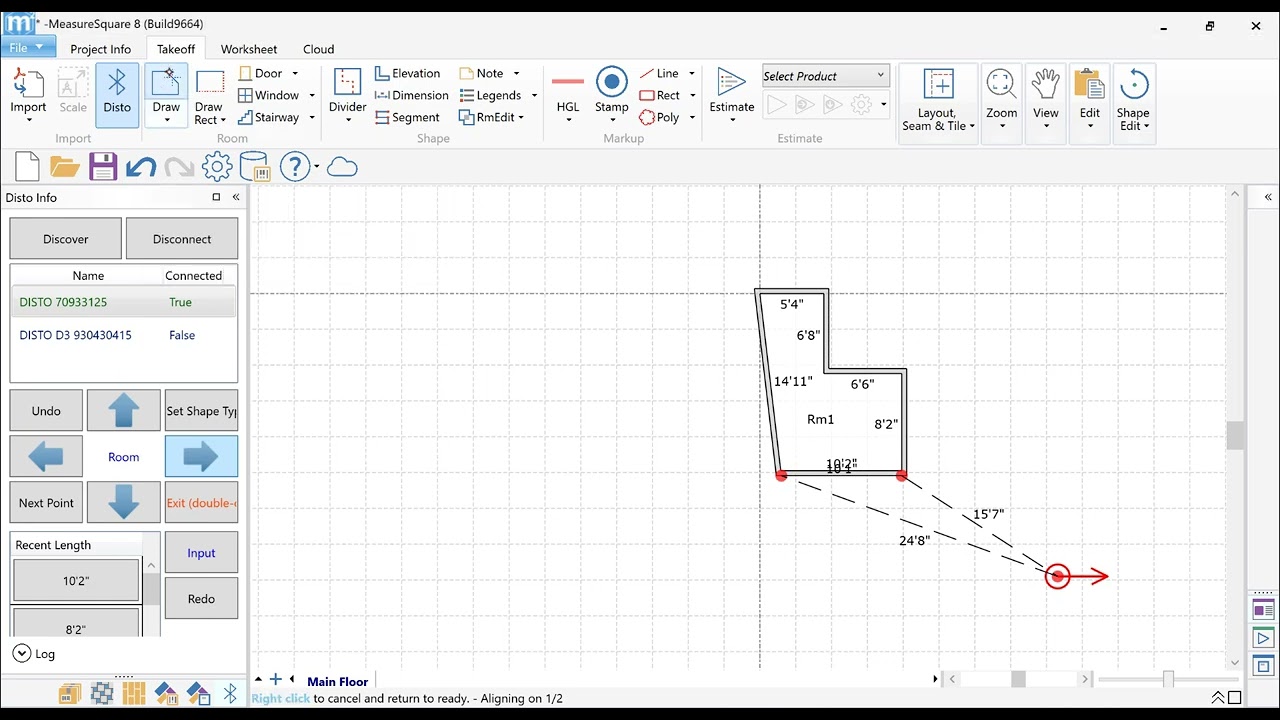
How to measure on-site with a Surface Pro, DISTO and MeasureSquare 8 to create a floor plan.
Автор: Measure Square
Загружено: 2023-06-29
Просмотров: 1822
Описание:
MeasureSquare 8 is now touchscreen-optimized for Surface Pro and all Windows touchscreen devices. Compatible Laser: Leica Disto D1 & E7100
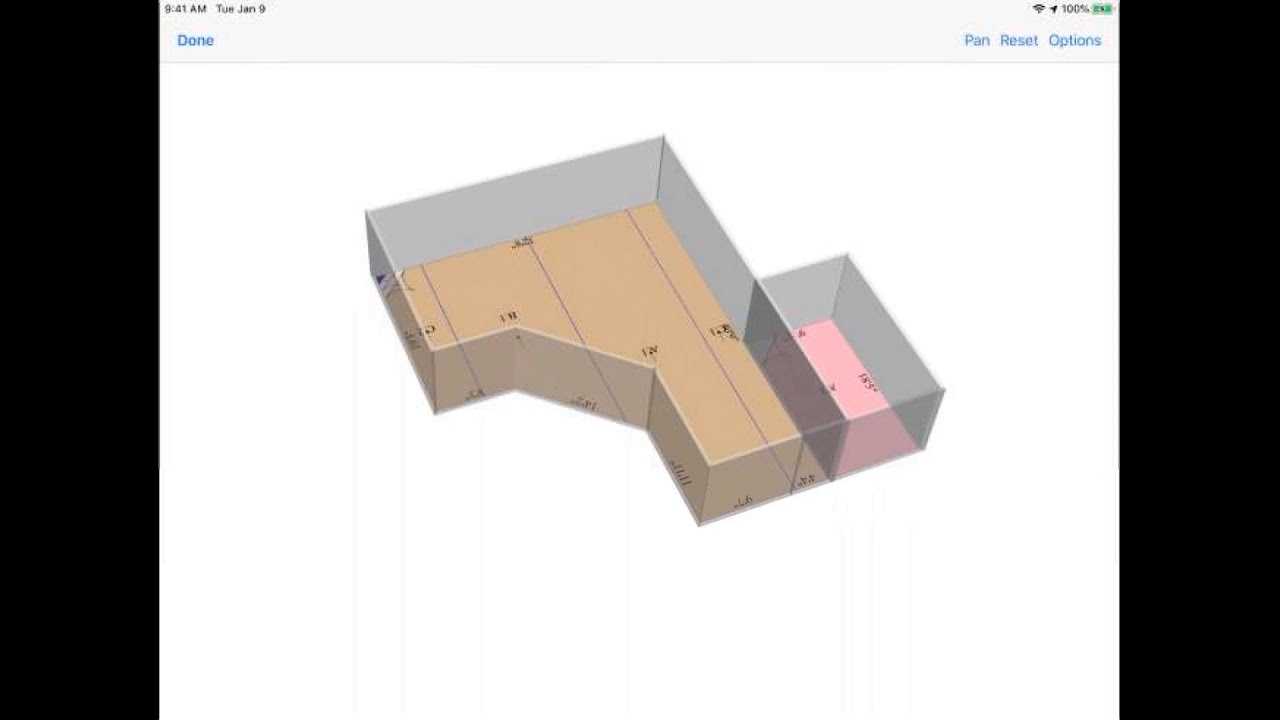
In this video, we will walk you through how to measure and draw using the Disto mode and Draw mode in MeasureSquare 8. The benefit of this update is to make it easier to measure and create a floor plan on-site with a connected Disto laser, or draw it out using the touchscreen.
0:00 Intro
0:43 Room measuring and drawing in the Disto mode
2:07 Using the Disto in the Draw mode
3:04 Use the Disto with the Rectangle by Size tool
Key Improvements:
-With the Disto connected, you can drag your starting point using your finger or stylus
-Drag and drop products using your finger or stylus
-With the Disto connected, switch to the Draw mode to continue to using the Disto for measurements in different fields
-Use your finger or stylus to draw objects such as rooms and elevations directly on the touchscreen.
Coming next: Live demo using a stylus and disto to show these changes off even more .
Повторяем попытку...
Доступные форматы для скачивания:
Скачать видео
-
Информация по загрузке:



![[How To] Create a Cubicasa floorplan in under 5 minutes!](https://imager.clipsaver.ru/bX6H3CjvJcM/max.jpg)