STEM Challenge. How to 3d Draw a CO2 Dragster. Engineering Graphics
Автор: Splat3D Design Skills for STEAM
Загружено: 2020-08-02
Просмотров: 11155
Описание:
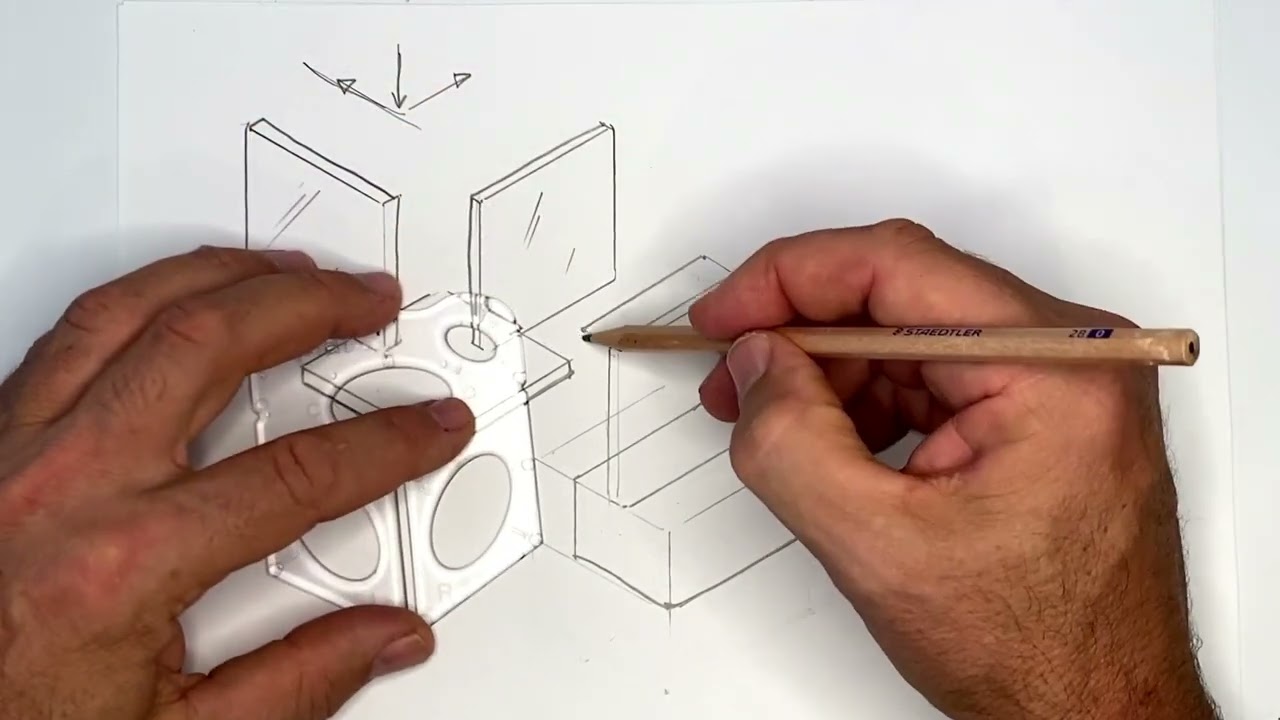
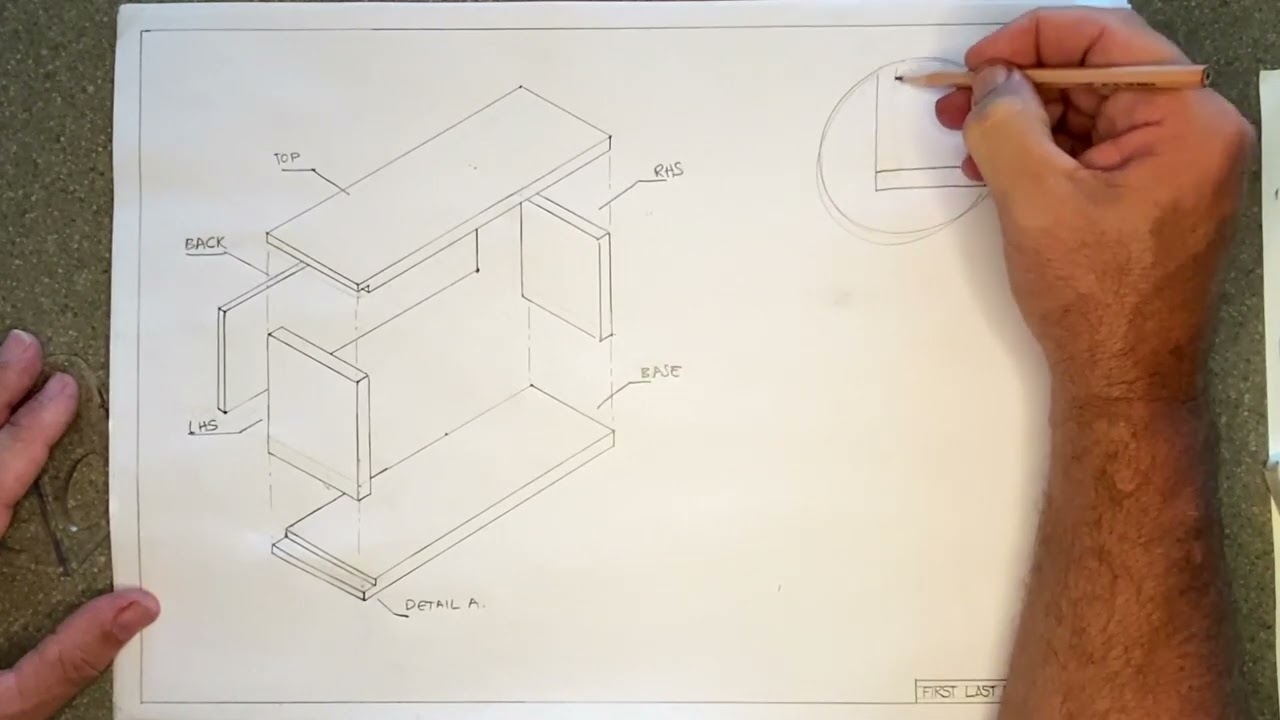
This tutorial helps students to turn their side views of the CO2 Dragster into isometric (3D) drawings.
Designers must be able to work with both types of views when quickly visualising and communicating using concept drawings. A basic grid is drawn in isometric and is used to construct the dragster in 3D.
Splat® - can be purchased via our website splat3d.com
FOLLOW us on social media and help share our message below.
@splat3d Insta, Twitter & Facebook.
STEM Challenges often include the engineering design process. An important part of that process requires kids to think about problem-solving by generating design ideas. It is the sweet spot of design; the moment an idea becomes tangible. The trick is students can’t just think about it, they need to be able to communicate their ideas. An introduction to engineering graphics is often the missing element when teaching STEM for kids.
We are on a mission to improve students' understanding of engineering and industrial design. Engineering drawing is not about learning how to draw pretty pictures, it’s about quick sketching that tells the story of their design; to illustrate how the shape and texture of the object relates to its function.
Unlocking a child's imagination and allowing them to grow into their creativity, instead of out of it, is one of the best gifts educators and parents can give to children.
Please LIKE, SHARE & SUBSCRIBE
Повторяем попытку...

Доступные форматы для скачивания:
Скачать видео
-
Информация по загрузке: