🚀 How to Add Activities in Primavera P6 – Step-by-Step Guide!
Автор: Tech Max
Загружено: 2025-03-20
Просмотров: 59
Описание:
#PrimaveraP6 #ProjectManagement #PrimaveraTips #Primaveramasterclass #p6 #primavera
"Unlock Your Project Management Potential with Practical Primavera P6 Tips! 🚀"
🚀 How to Add Activities in Primavera P6 – Step-by-Step Guide!
Master Primavera P6 with this quick tutorial on adding activities to your project schedule!
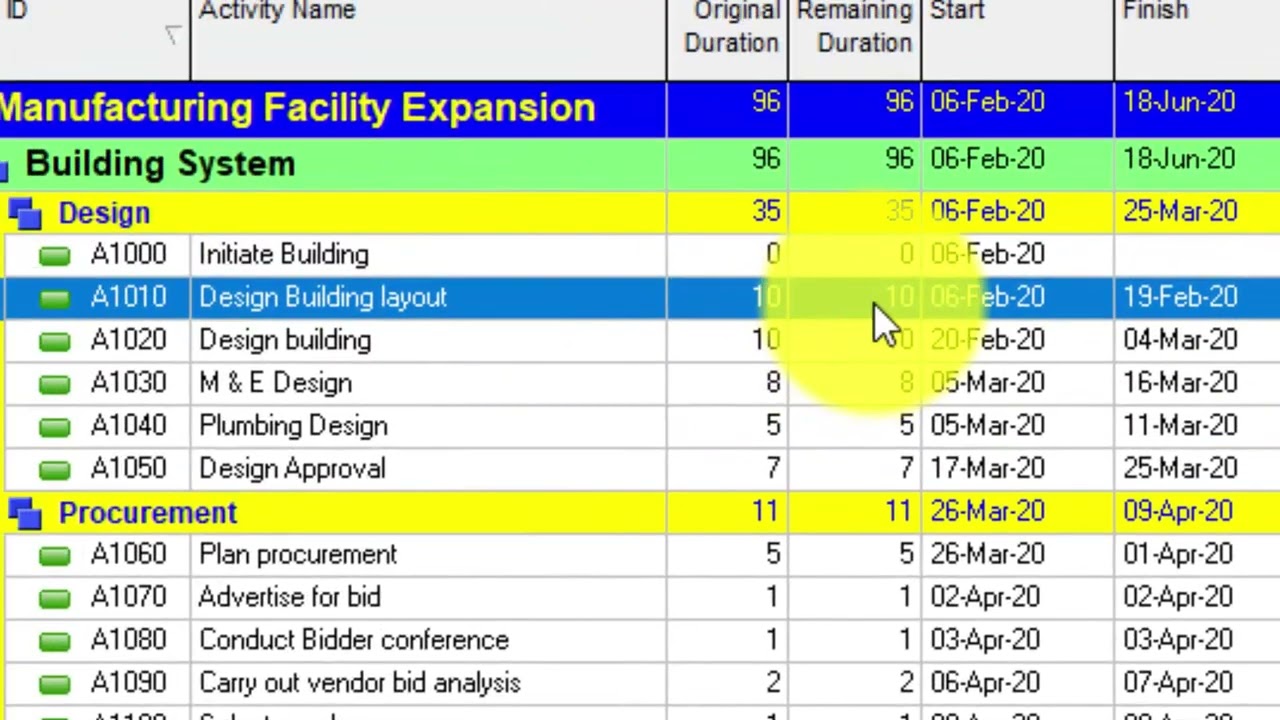
🔹 Step 1: Open your project and go to the Activities tab.
🔹 Step 2: Click Add (Insert) to create a new activity.
🔹 Step 3: Enter the Activity ID, Name, Type, and Duration.
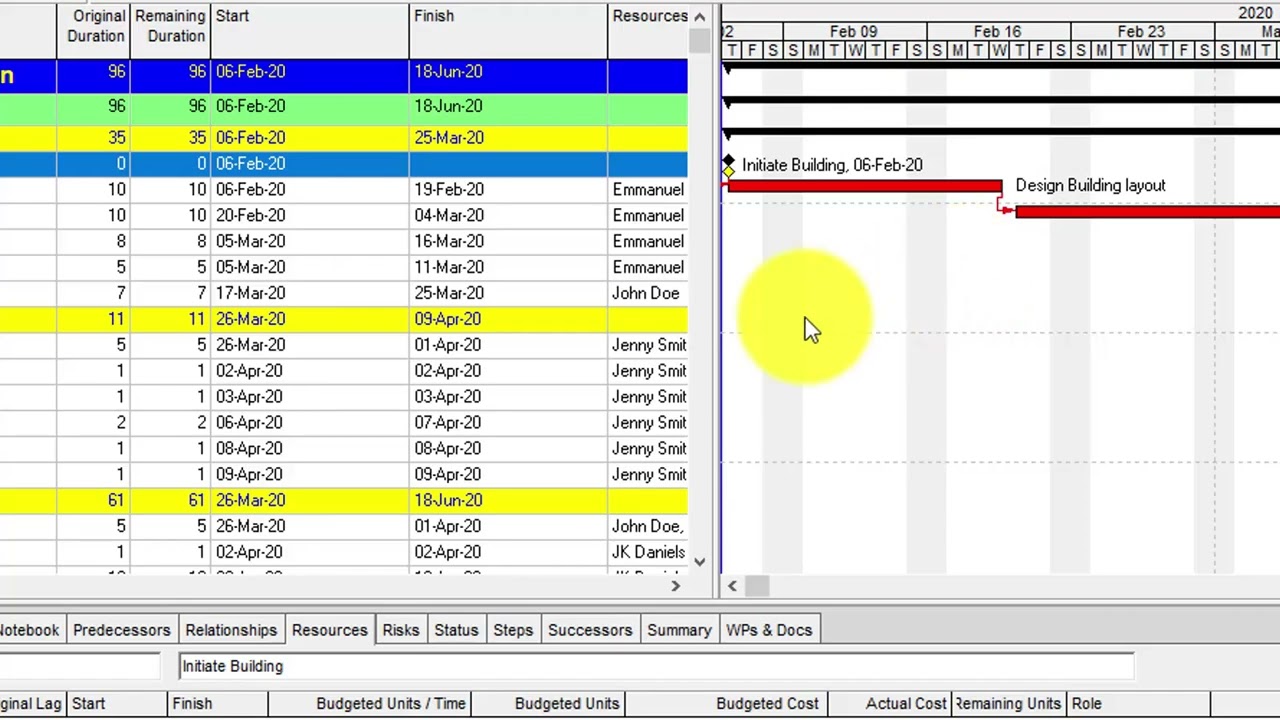
🔹 Step 4: Set Predecessors & Successors to define task dependencies.
🔹 Step 5: Assign Resources (optional) to track workload.
🔹 Step 6: Press F9 to Schedule and update your project timeline.
📢 Want to become a Primavera P6 expert? Subscribe now for more project management tips and tutorials! 📊🔥
#PrimaveraP6 #ProjectManagement #ConstructionScheduling #SchedulingTips
Level Up Your Project Management with Primavera P6 Tips
Повторяем попытку...

Доступные форматы для скачивания:
Скачать видео
-
Информация по загрузке: