How To Adjust the Micro Sync Dial On Bowtech's
Автор: Bowtech Archery
Загружено: 2016-06-24
Просмотров: 15232
Описание:
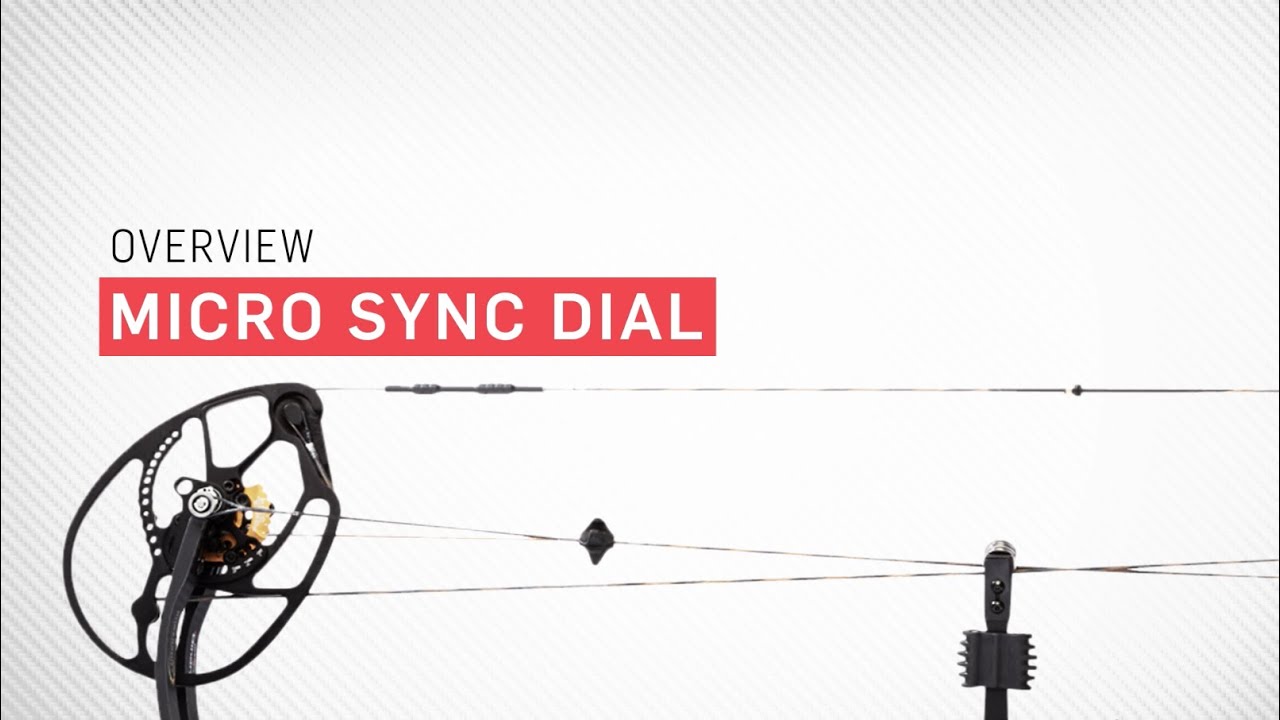
The Micro Sync Dial is an innovative part of the OverDrive Binary Cam System that allows you to fine tune cam timing with incredible precision without having to put your bow in a press.
Every Binary Cam equipped bow insures that the cams are synched, meaning they take up AND let out cable at the exact same rate. When your bow is out of time you’ll notice that the draw stops are not hitting the cables at the exact same moment. This usually happens overtime because one cable may have stretched so that it’s now longer than the other. This is caused by aging, weather as well as the servings being forced into the cam tracks over and over.
Traditionally you need to put the bow in a press and shorten the longer cable by twisting it. You can see here that cable loops can only be twisted in half rotation increments. This might be enough to get you close to matching the other cable’s length, but frequently you want slightly less or slightly more than a half twist.
This is where the micro sync dial provides the precise control needed to achieve perfect cam timing.
First, identify which cam is late and hitting the draw stops second. This is the cam that is out of sync and its cable is longer than the other. You need to take up some of the slack in this cam's cable to advance it’s timing so that it hits the draw stop at the same exact time as the opposite cam.
Instead of putting this bow in a press, we’re simply going to rotate the Micro Sync Dial using an allen wrench. You can do this anywhere, including in the field.
When you advance the Micro Sync Dial you are actually shifting it into the pathway of the cable when it’s drawn. The higher the number on the dial the more interference we are putting into the cable’s pathway. This simple shift has the same result as if you were to shorten the cable, but in micro adjustments. The dial has 10 increments of adjustment providing the ultimate in precision tuning, all without the need to press your bow. Simply adjust the dial until both draw stops are hitting the cables at the same exact moment. Your cams are now back in perfect timing.
Overall, Bowtech’s OverDrive Binary System delivers the ultimate control with incredibly precise adjustability. The Micro Synch Dial is just one more advantage on our #SmartBow that gets you shooting better, farther and smarter.
Повторяем попытку...
Доступные форматы для скачивания:
Скачать видео
-
Информация по загрузке: