Migrating to the new
Автор: Robert Wallis
Загружено: 2024-06-24
Просмотров: 810
Описание:
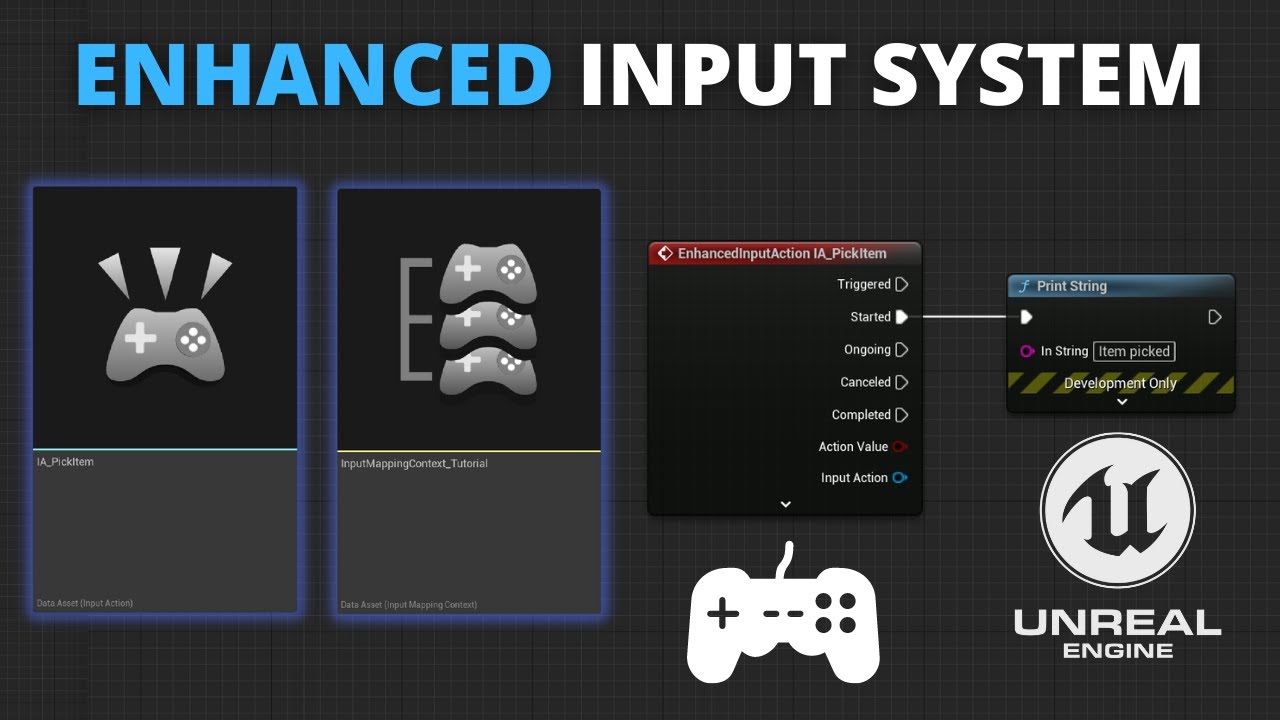
Shows from start to finish, including possible gotchas and errors, how to convert a Third Person Player Controller from the old Input system to the asset based Enhanced Input System that uses Action Input assets and Input Mapping Context assets.
This contains a new fix for macOS gamepad support not working in Unreal Engine 5. By adding this to your DefaultEngine.ini:
[SystemSettings]
Slate.MacControllerPreferGCImpl=0
Art pack from @syntystudios
POLYGON - Town Pack
Direct: https://syntystore.com/products/polyg...
Unreal Marketplace: https://www.unrealengine.com/marketpl...
Part 2: • Setting up the Chaos Vehicles Plugin in #u...
#ue5tutorial
00:00 Intro
00:26 How to add a 5.3 pack to 5.4 project
01:23 Problem: Input doesn't work
01:49 Why is Input broken?
02:56 Context vs Action
04:48 Which Actions are Needed?
05:41 Error: Reset Orientation and Position node doesn't exist
05:56 Solution: OpenXR Plugin
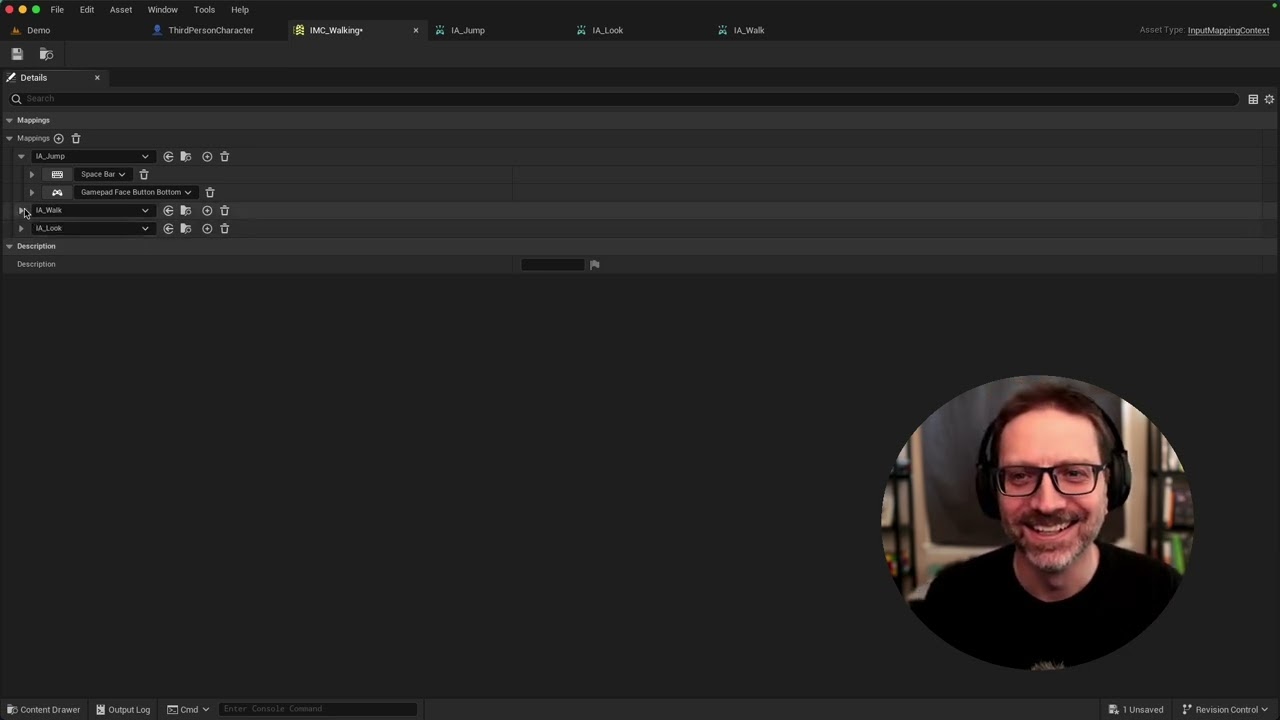
06:26 Make Input Mapping Context Asset
07:25 IA_Jump and Boolean Actions
08:59 IA_Look, IA_Move and 2D Axis Controls
10:11 Attach Actions to Mapping Context
10:36 IA_Jump, Xbox vs PS vs Nintendo button names
12:15 Gamepad Thumbstick Joystick Dead Zones
13:34 Left Hand Coordinate System XYZ
14:08 W Key: Swizzle X and Y
15:20 S Key: Negate
16:02 A Key
16:37 D Key
16:54 IA_Look, Inverted Mouse Y
18:15 Deleting turn rate
19:37 IA_Look and chaining Add Controller Yaw Input instead of setting RotationInput directly
22:22 IA_Jump Start and Stop Jumping
23:21 Setup Touch for IA_Jump in EIS as config instead of code in Blueprint
24:07 IA_Move combined into a single Add Movement Input node
27:28 Playtest: Fail
27:51 Adding IMC_Walking Input Mapping Context. Dealing with runtime crash on Enhanced Input Local Player Subsystem node.
32:30 Test: Pass on Keyboard
32:46 Gamepad doesn't work in Unreal Engine 5 on macOS!
34:25 Solution: Edit DefaultEngine.ini Slate.MacControllerPreferGCImpl=0
36:01 Fix Gamepad Y Invert
36:32 Fix: multiple directional lights are competing
37:17 Fix: gamepad thumbstick drift with Dead Zone
38:32 Bye
Movable camera on macOS app by me "Camera up Top" https://apps.apple.com/us/app/camera-...
Повторяем попытку...
Доступные форматы для скачивания:
Скачать видео
-
Информация по загрузке: