Maximize productivity in Windows 11 Terminal
Автор: itvraag
Загружено: 2022-01-06
Просмотров: 1999
Описание:
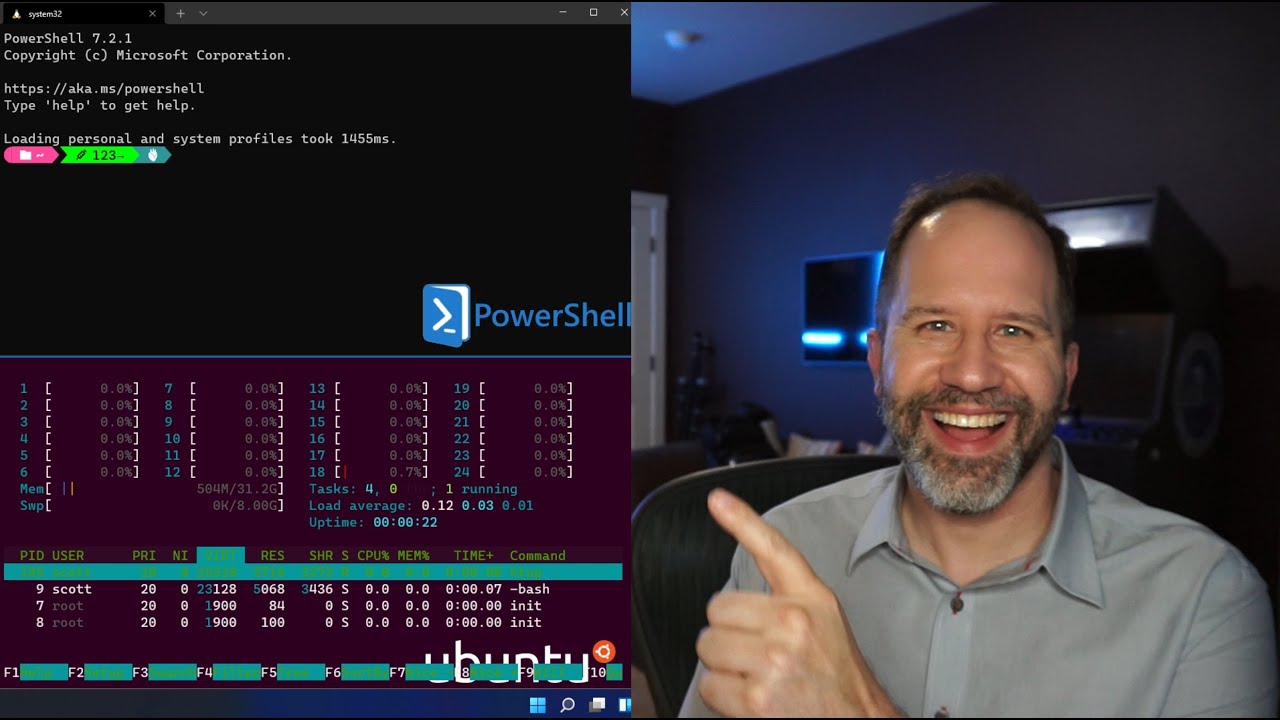
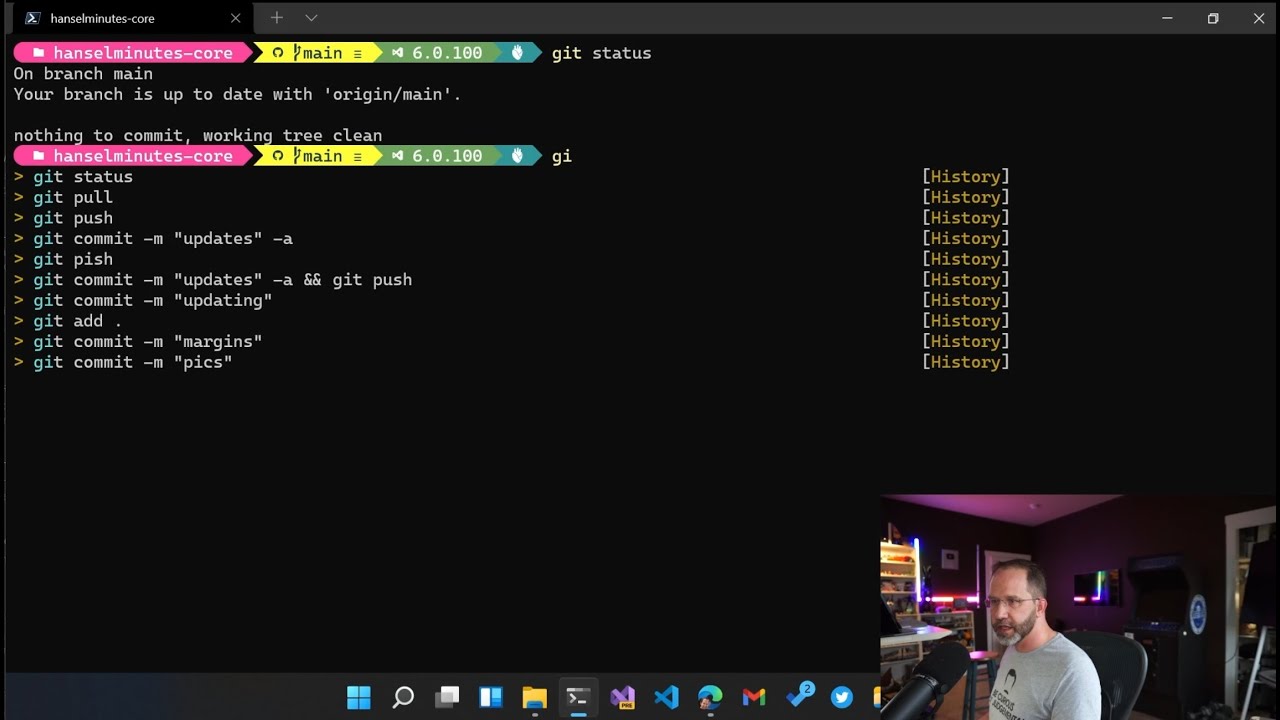
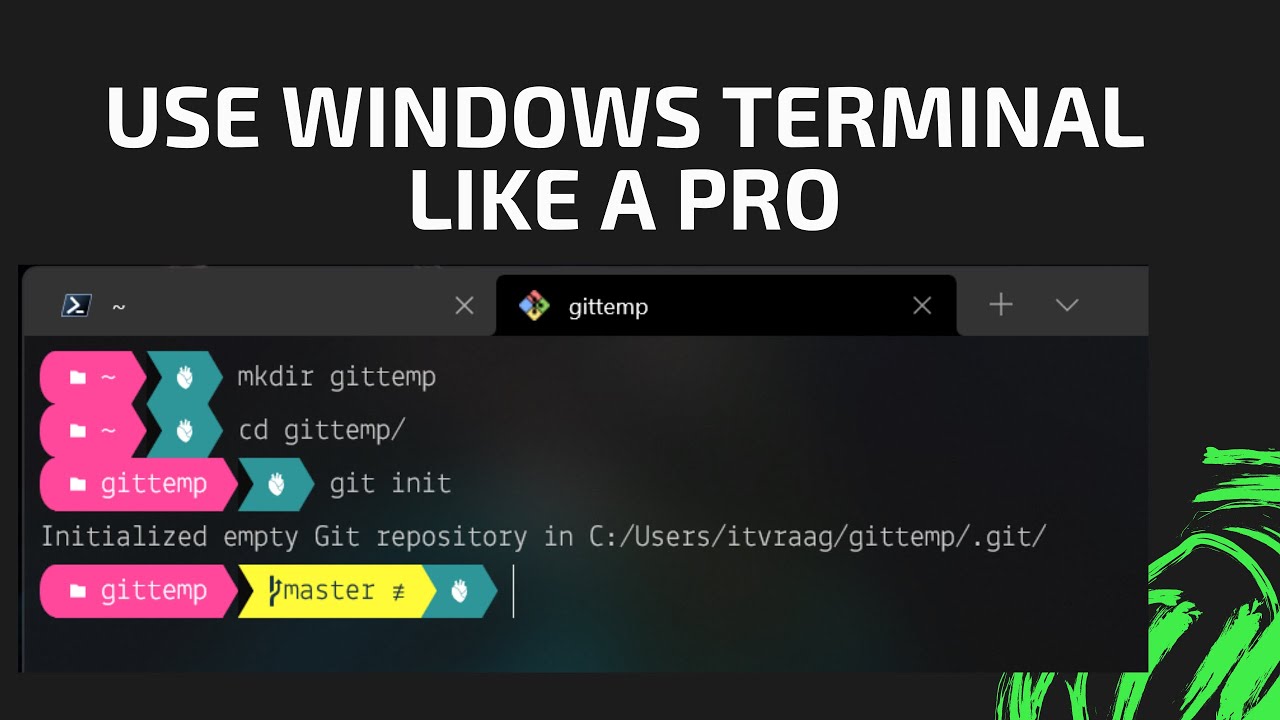
Here are tips for Windows terminal in Windows 11 to use tabs, panes, color schemes, oh-my-posh and git bash.
#terminal #windows11 #productivity
https://itvraag.nl
Used links:
Windows terminal link: https://docs.microsoft.com/en-us/wind...
Powershell version: Get-Host | Select-Object Version
Color schemes: https://terminalsplash.com
oh-my-posh link: https://ohmyposh.dev/docs/
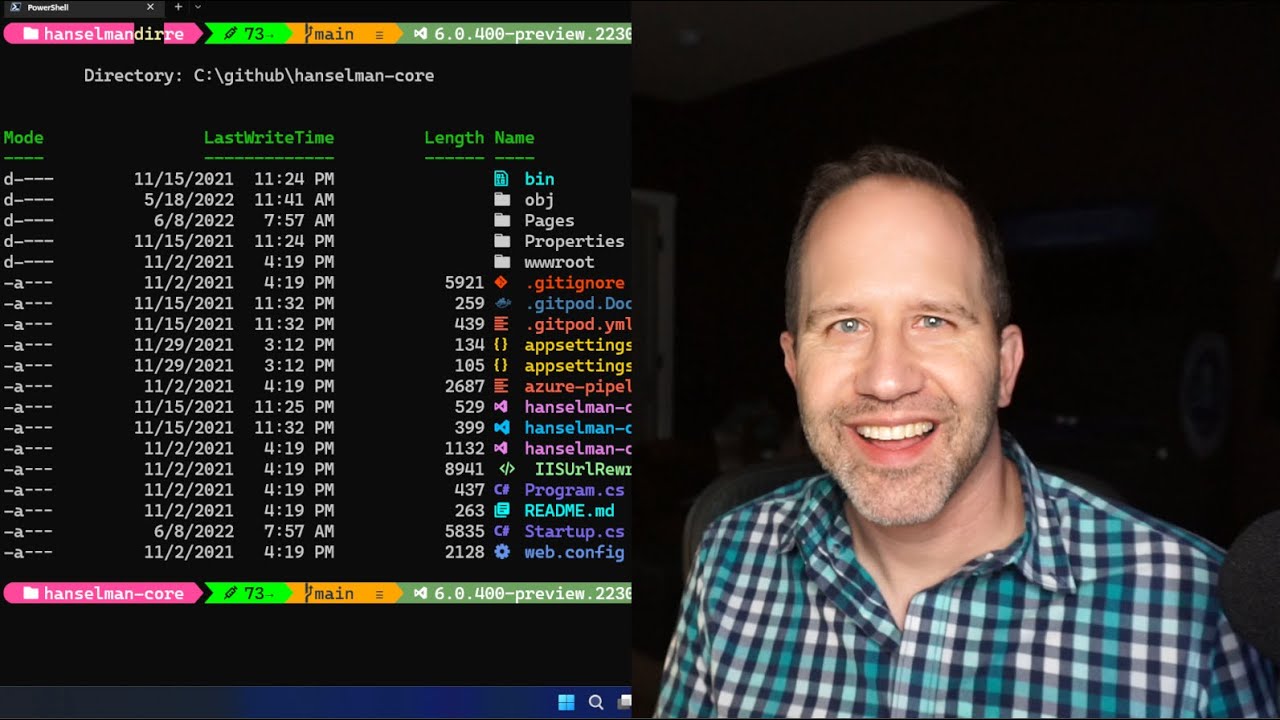
Scott Hanselman GitHub: https://gist.github.com/shanselman/1f...
Scott Hanselman channel: / shanselman
Scott Hanselman blog: https://www.hanselman.com/blog/my-ult...
PowerShell profile:
oh-my-posh --init --shell pwsh --config ~\GitHub\ohmyposh\ohmyposhv3-v2.json | Invoke-Expression
Import-Module -Name Terminal-Icons
git bash, bashrc:
eval "$(oh-my-posh --init --shell bash --config ~/GitHub/ohmyposh/ohmyposhv3-v2.json)"
Повторяем попытку...
Доступные форматы для скачивания:
Скачать видео
-
Информация по загрузке: