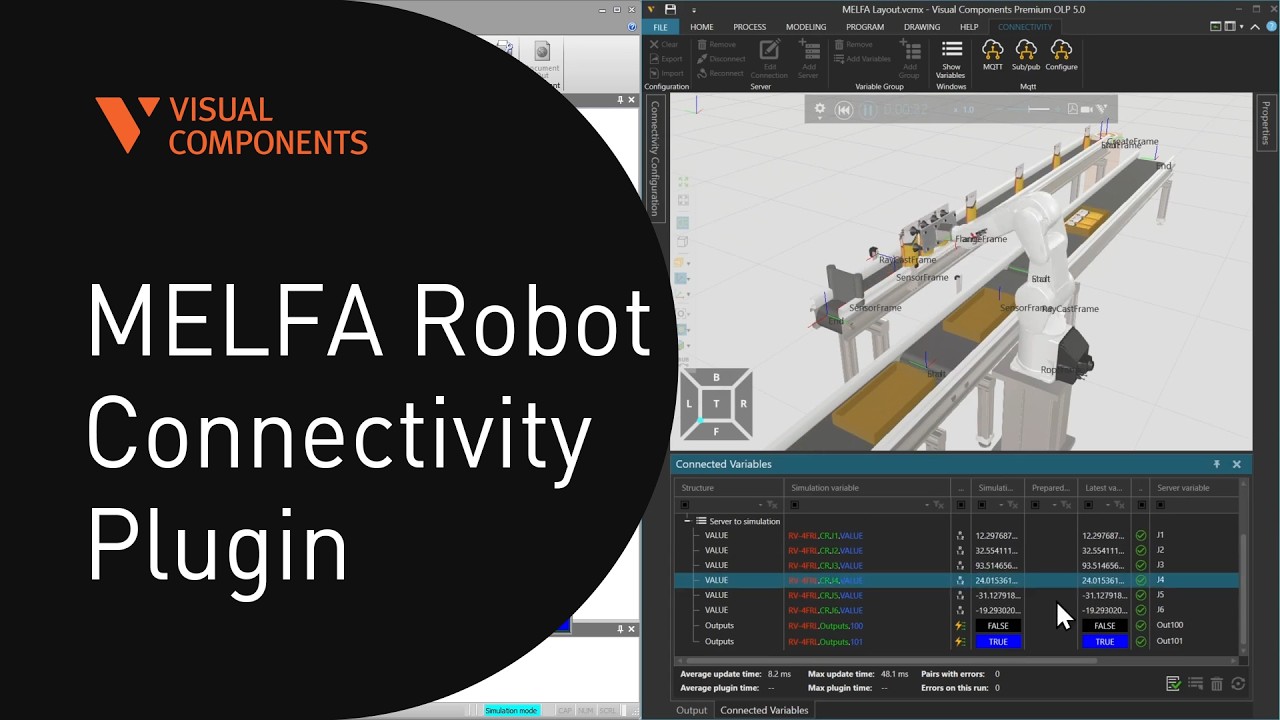
MELFA Robot Connectivity Plugin
Автор: Visual Components
Загружено: 2026-03-12
Просмотров: 61
Описание:
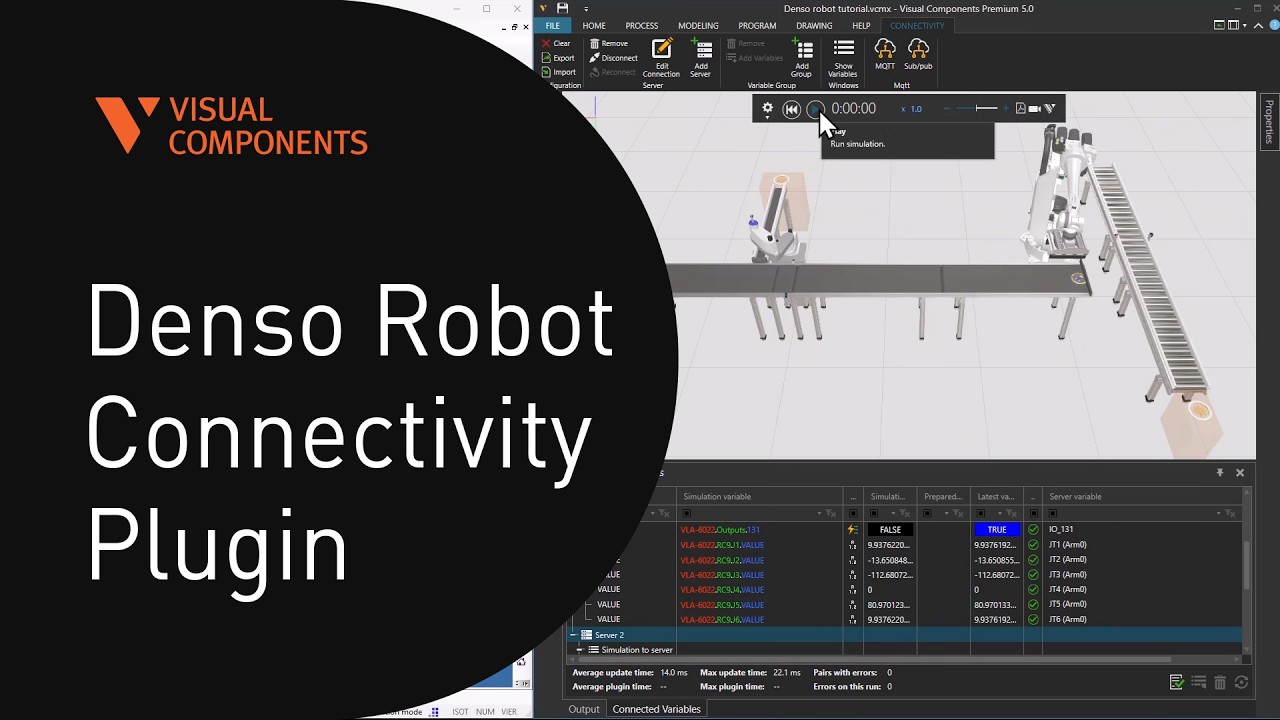
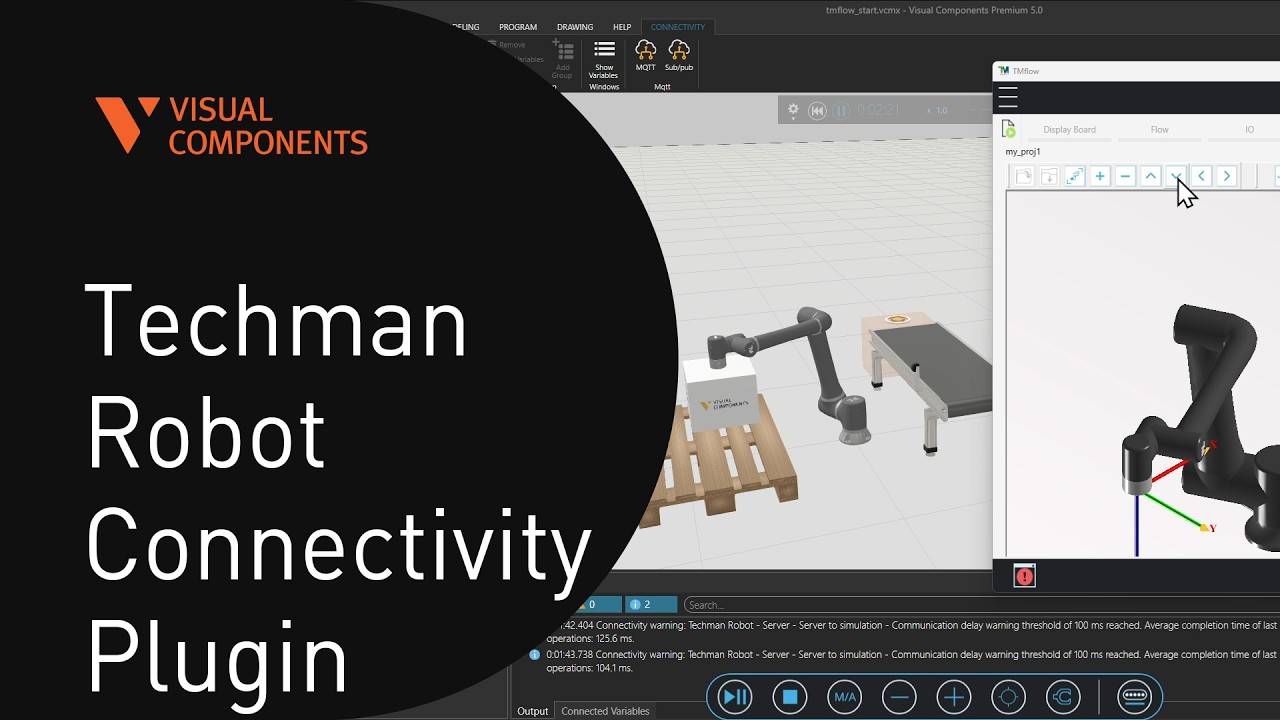
In this tutorial, you will learn how to connect a Mitsubishi MELFA robot to Visual Components using the built-in Connectivity tools. The lesson guides you through setting up the layout, configuring RT ToolBox3, preparing robot programs, and pairing variables so Visual Components and the real or virtual robot can exchange data in real time. By the end of the tutorial, you will understand how to establish a stable connection for online testing, program validation, and robot simulation workflows.
This video is also available from the Visual Components Academy:
https://academy.visualcomponents.com/...
Chapters:
00:38 Setup layout
05:00 Setup RT ToolBox3
06:45 Post process robot program
07:58 Simulator mode in RT ToolBox3
09:00 Create server
10:40 Pair variables
Software Version: 5.0 or higher
Product: Premium OLP, Professional OLP or Robotics OLP
http://www.visualcomponents.com
Повторяем попытку...
Доступные форматы для скачивания:
Скачать видео
-
Информация по загрузке: