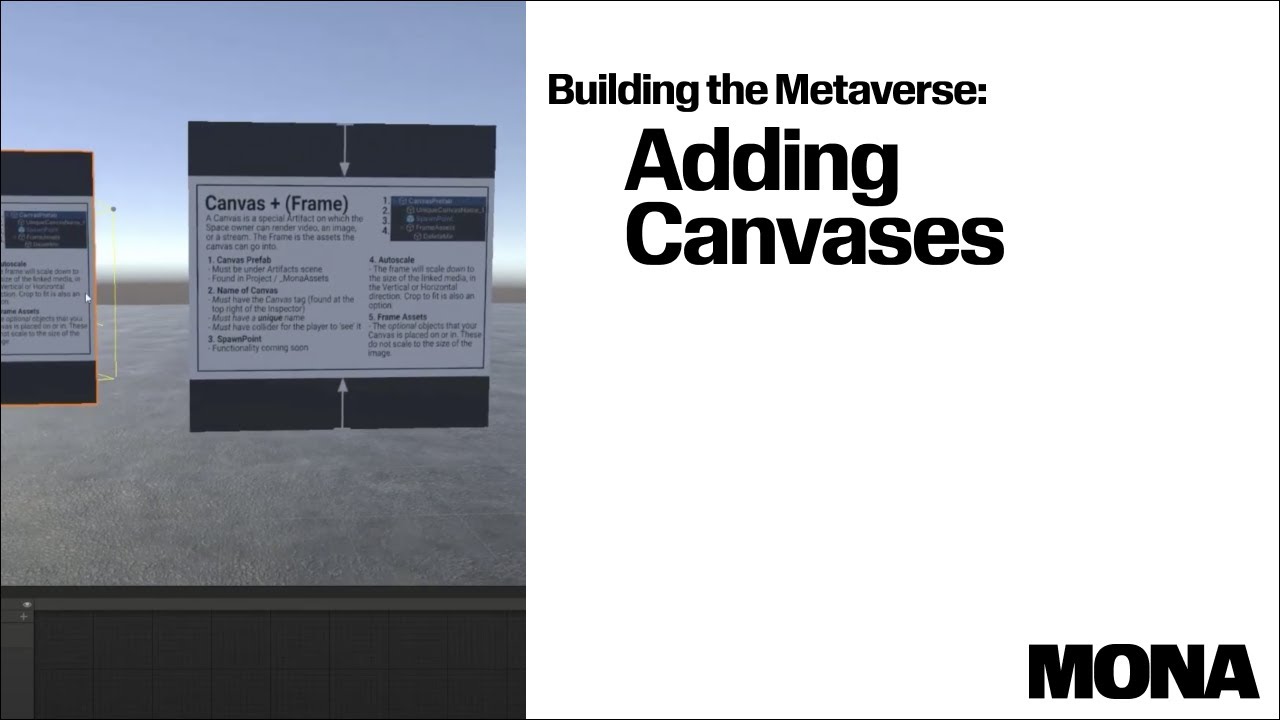
Building the Metaverse : Adding Canvases
Автор: MONA
Загружено: 2022-03-07
Просмотров: 1019
Описание:
In this tutorial we will go into how to create a canvas for use with media in a Mona Space such as .Jpg, .png, and .gif which can be updated after a space is minted.
Make sure that there are no other colliders covering the Canvas tagged gameobject collider. If there is, the user will not be able to interact with the Canvas. A common example is a frame or scene asset colliders going over the top of the canvas collider.
Edits : Portals are now optional, you do not require a portal in the space but they are recommended so that you can link to other minted spaces or others can link to yours.
For more information go to : https://docs.monaverse.com/create/bui...
As Mona has upgraded to Unity 2022 some of the UI may be different in this video. All tools/features can be found within 2022 however.
Mona is a creator-first world building platform powered by web3. We are the best place for architects, game developers, and artists to start building in the metaverse.
Using Mona's World-Building Platform, you can build for free using standard 3d creation tools like Blender, Maya, 3DStudio Max, among others, mint them on the blockchain, and publish them to the web for everyone to experience!
Learn more in the Mona documentation: https://docs.monaverse.com/create/bui...
Join other 3d Builders in the Mona Discord: https://www.monaverse.com/discord
Enter Mona Spaces: https://www.monaverse.com
Intro 0:00 - 0:24
Canvas examples 0:24 - 1:09
Canvas Hierarchy 1:09 - 8:07
Scaling a Canvas 8:07 - 8:27
Summary and Autoscale details 8:27 - 9.24
Adding Canvases 9:24 - 11:19
Linking Media in the Wallet 11:19 - 14:04
Testing the final result 14:04 - 14:42
Closing 14:42 - 14:55
#Mona #Metaverse #Monaverse
Повторяем попытку...
Доступные форматы для скачивания:
Скачать видео
-
Информация по загрузке: