Create Stunning 3D Documentary Animation in DaVinci Resolve(No Plugins!)
Автор: Visual Nova
Загружено: 2026-04-27
Просмотров: 6741
Описание:
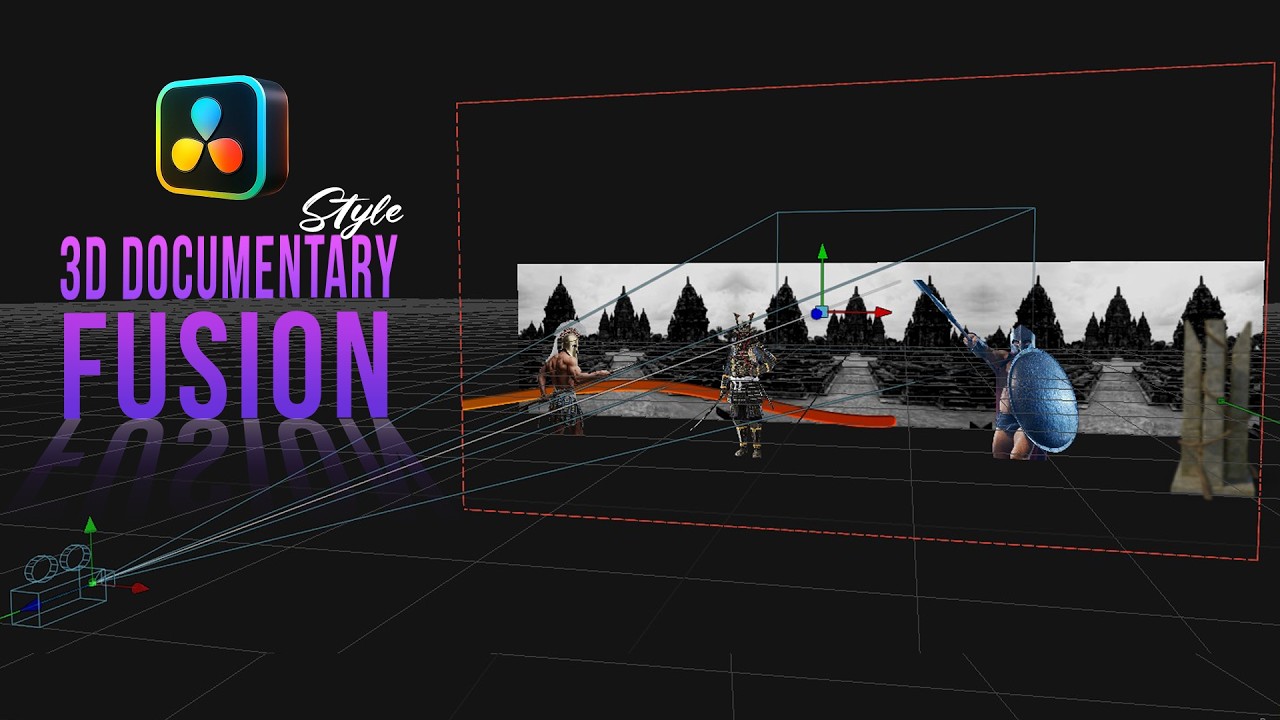
Learn how to create a Cinematic 3D Documentary Style Animation in DaVinci Resolve — step by step!
In this tutorial, you’ll discover how to build a complete 3D workflow from scratch. We’ll cover everything from optimizing performance using proxy settings, to converting simple 2D images into a realistic 3D scene, and adding smooth camera movement, motion lines, and professional text animation.
The best part?
👉 No plugins required — everything is done inside DaVinci Resolve!
Whether you’re a beginner or looking to improve your motion graphics skills, this tutorial will help you level up your editing workflow and create cinematic results.
⏱️ Timestamps:
00:00 – Intro
00:22 – Smooth 3D Workflow Settings
00:58 – 3D Scene Setup
01:17 – Building the 3D Scene
04:42 – Motion Line Setup
06:13 – Camera Movement Animation
06:53 – Line Animation
07:20 – Smooth Animation (Spline)
07:35 – Enhancing Line
08:20 – Text Animation
10:52 – Final Preview
11:08 – Outro
📁 Download Assets (PNG Files):
https://drive.google.com/drive/folder...
💡 If you enjoyed this video, don’t forget to Like 👍 and Subscribe 🔔 for more DaVinci Resolve tutorials.
💬 Got questions? Drop them in the comments — I’ll help you out!
#DaVinciResolve #3DAnimation #MotionGraphics #DocumentaryStyle #VideoEditing #Fusion #NoPlugins #CinematicVideo
Повторяем попытку...
Доступные форматы для скачивания:
Скачать видео
-
Информация по загрузке: