How to adjust your Wahl Clipper if it's too loud/noisy by Wahl Canada
Автор: Wahl Canada
Загружено: 2019-10-28
Просмотров: 150177
Описание:
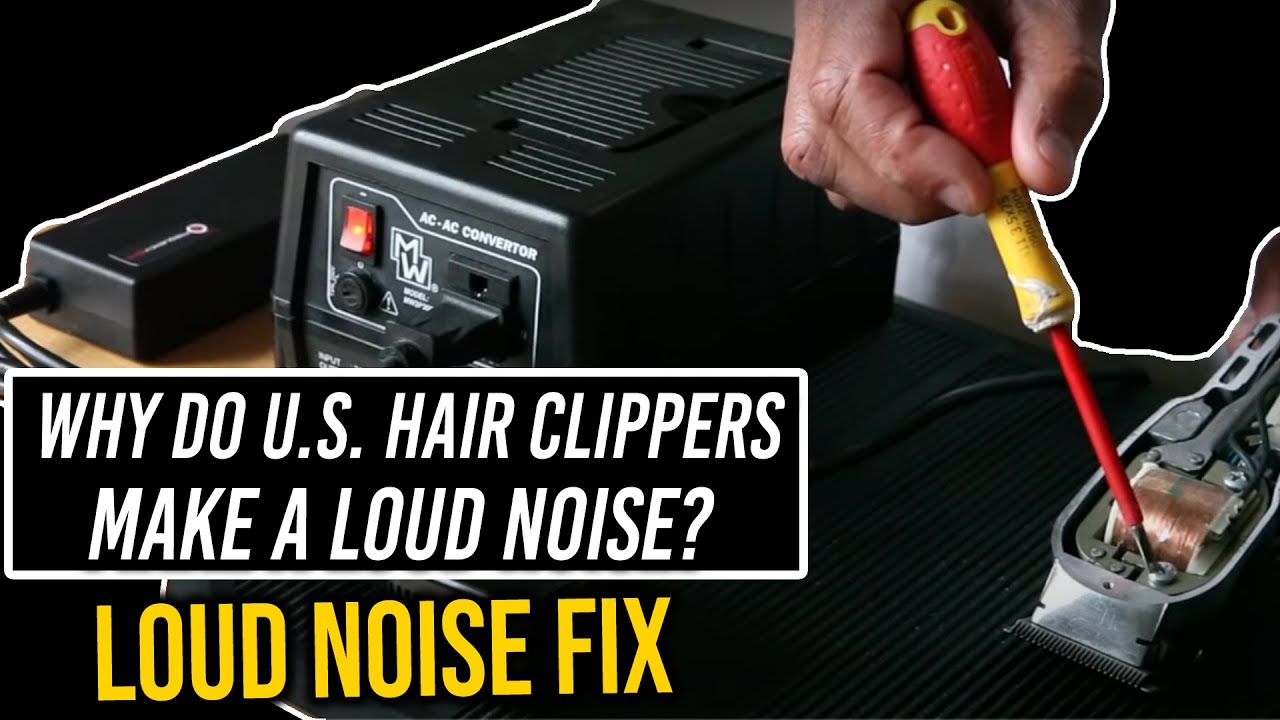
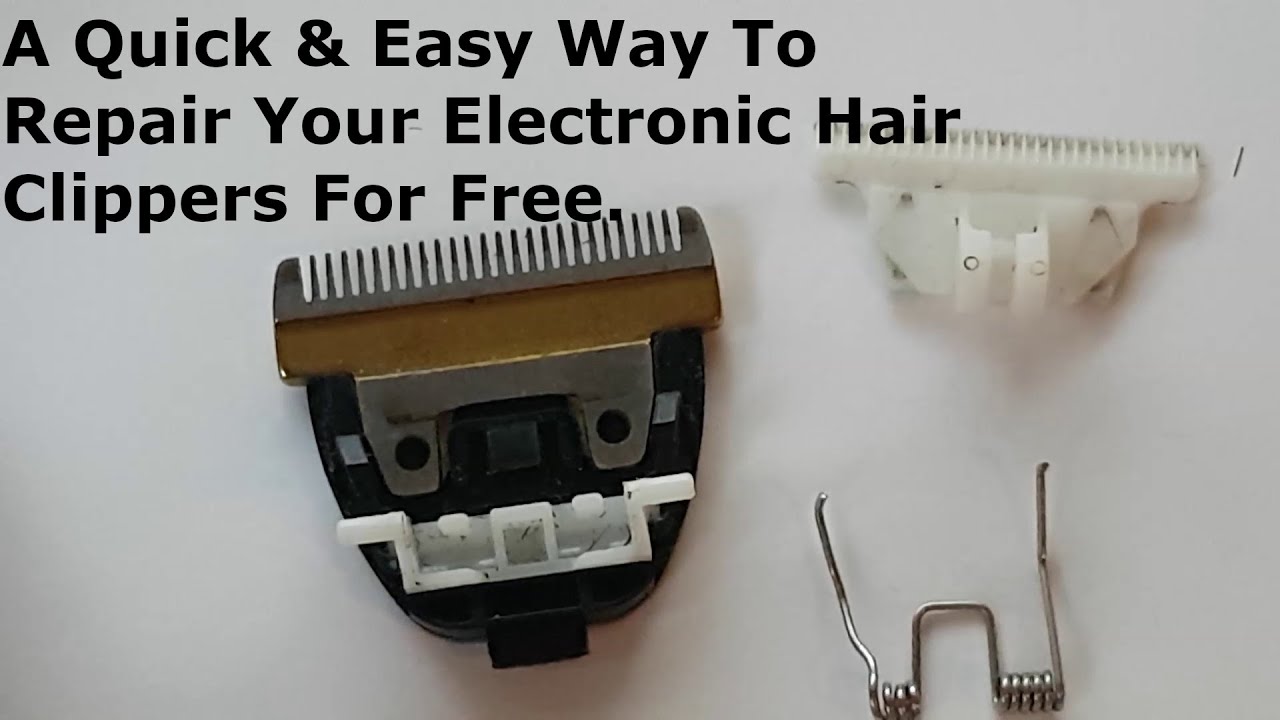
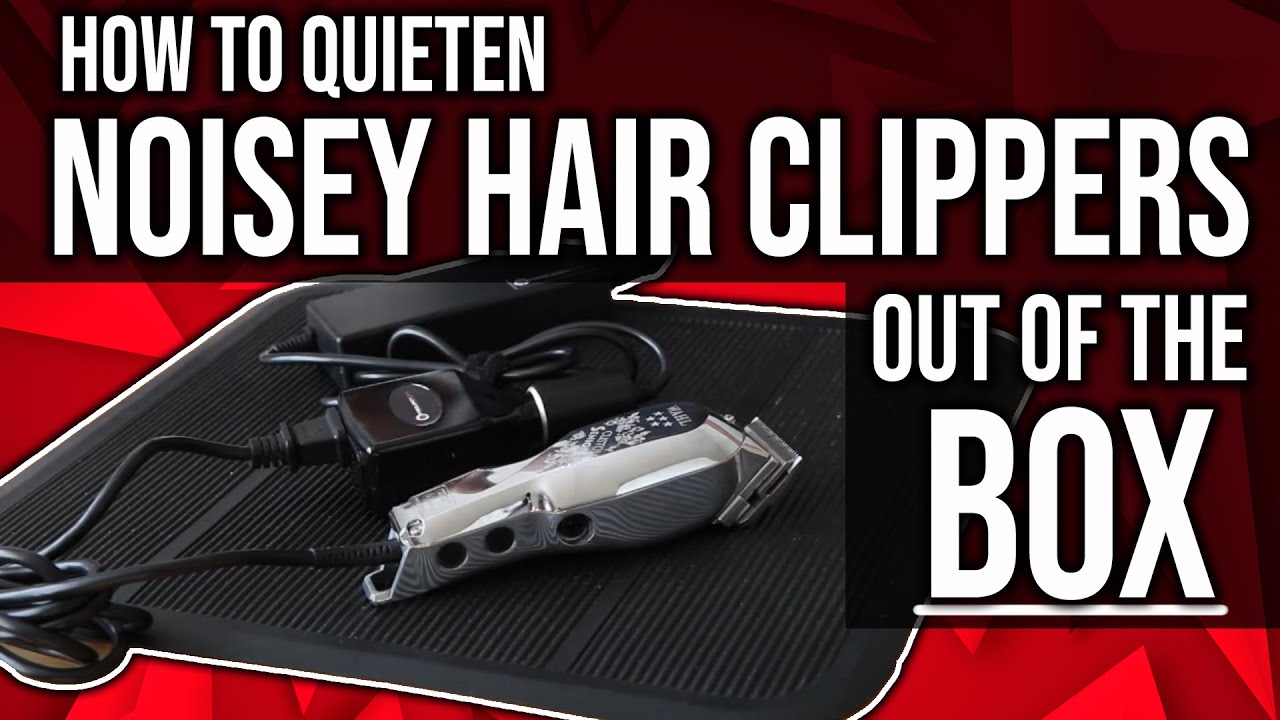
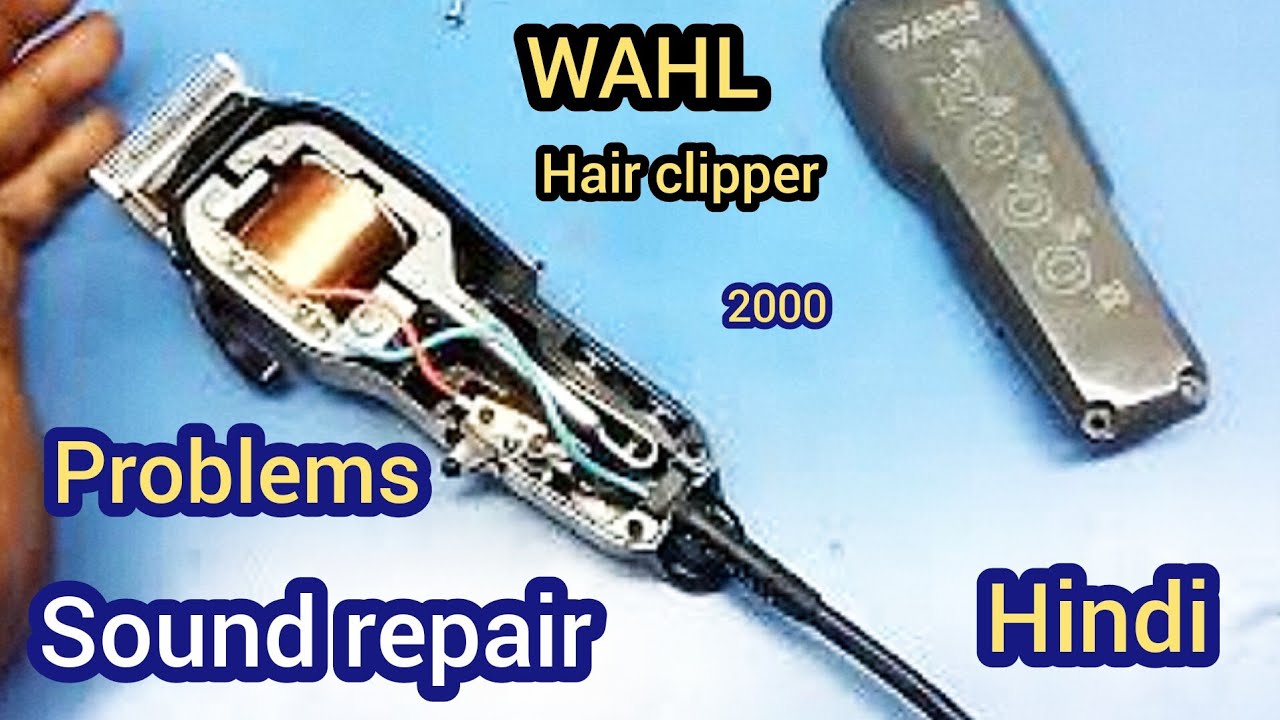
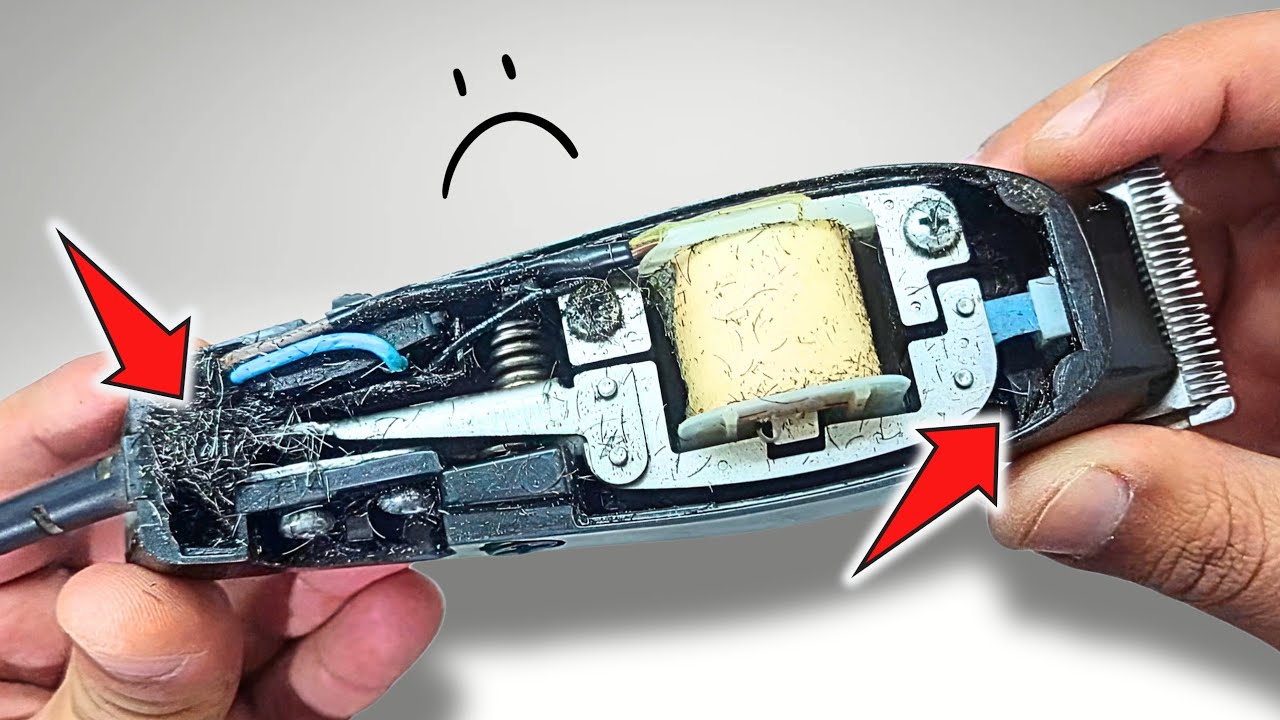
Thanks for visiting our Wahl Canada YouTube page! We hope you find this tutorial helpful. If you find your Wahl Clipper is making a loud noise during use, please use the steps in this video to correct this.
Please see the steps below on how to adjust your clipper so that it's not noisy:
Issue - How to fix a Noisy Clipper or one that vibrates?
Step 1: Locate the adjustment screw on the side of your clipper
Step 2: Turn on the Wahl Clipper
Step 3: Once the Wahl Clipper is on, take your screw driver and turn the adjustment screw counterclockwise until the noise stops.
Step 4: Shut off your Wahl Clipper.
If you need more info or help, you are welcome to give Wahl Canada a call at 1-866-787-9245 .
Please visit us at https://ca.wahl.com/
Повторяем попытку...

Доступные форматы для скачивания:
Скачать видео
-
Информация по загрузке: