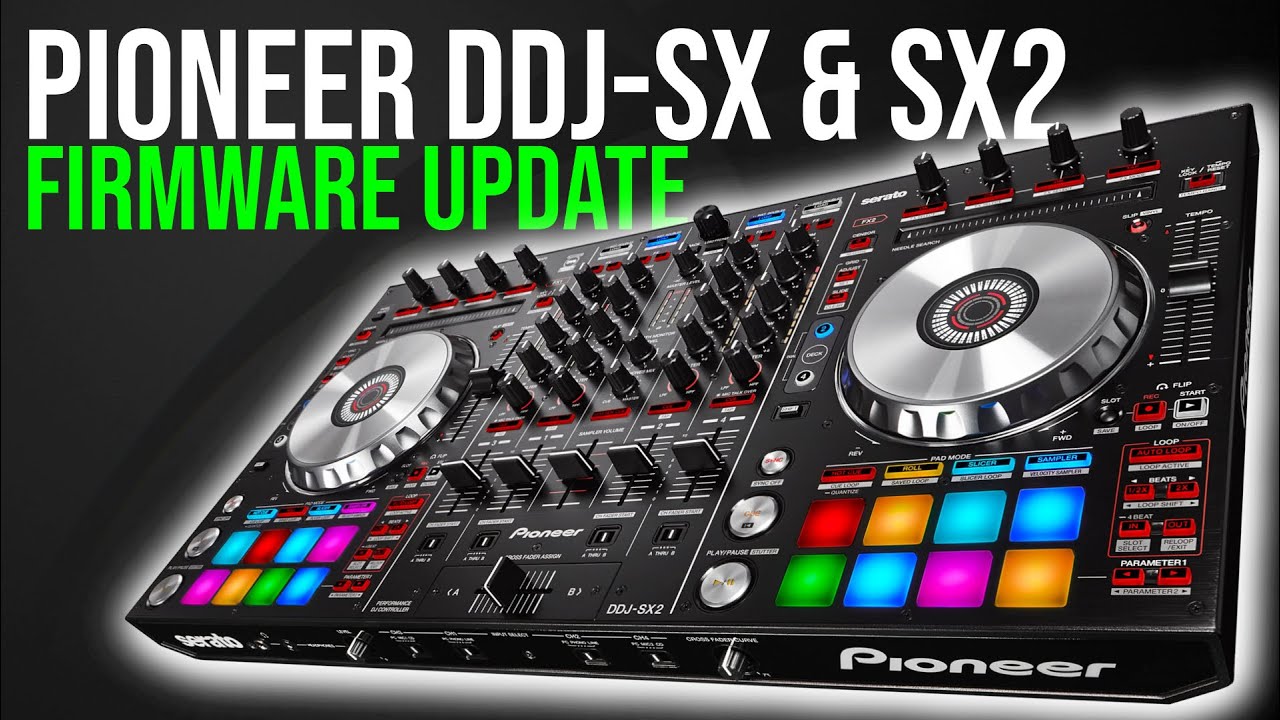
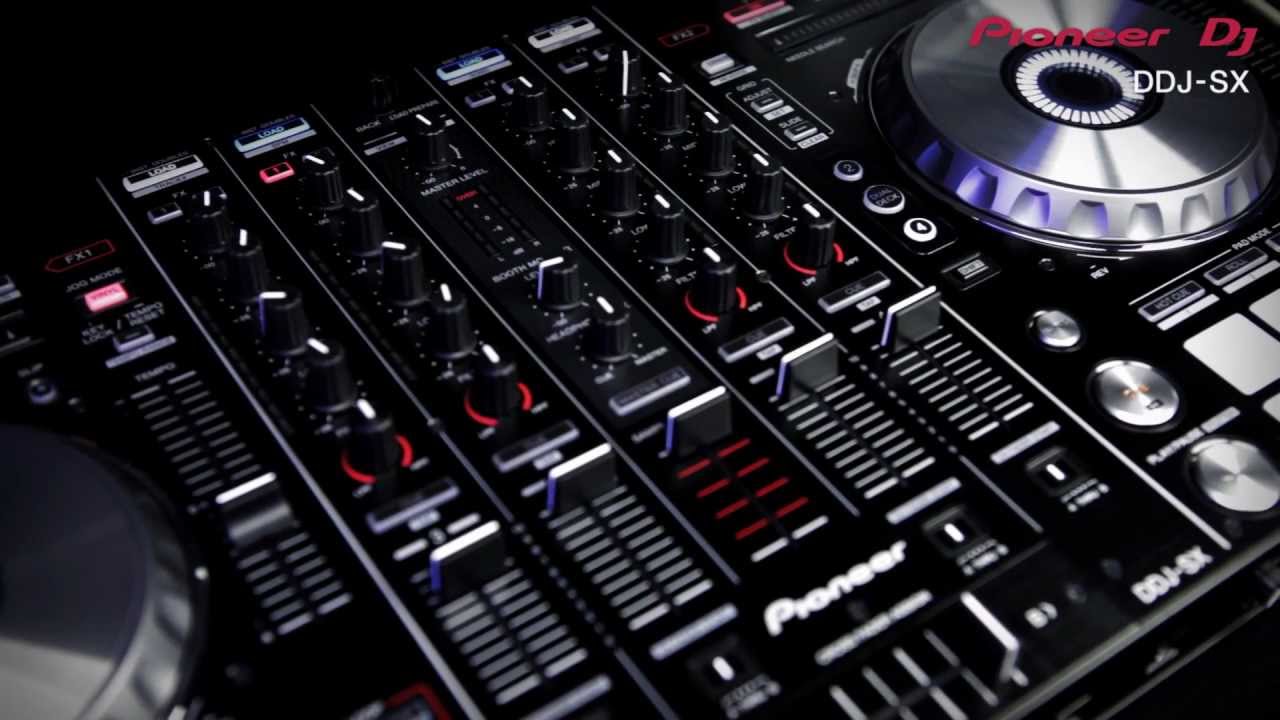
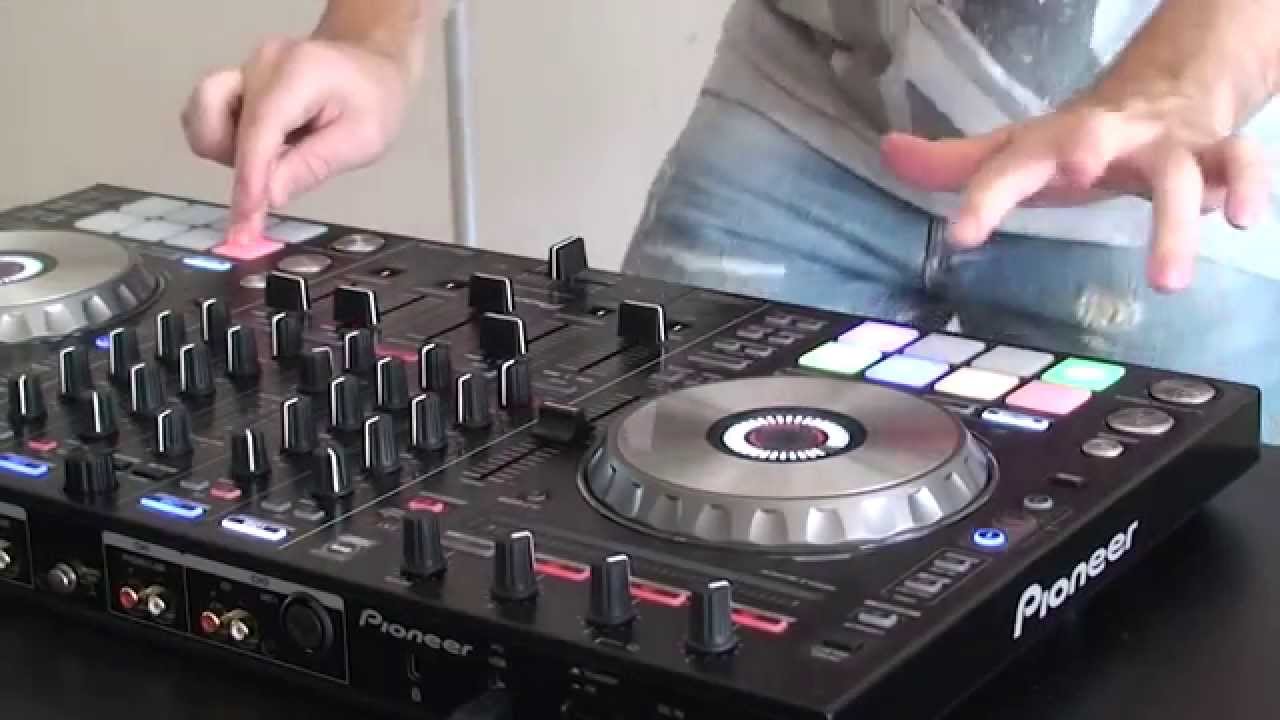
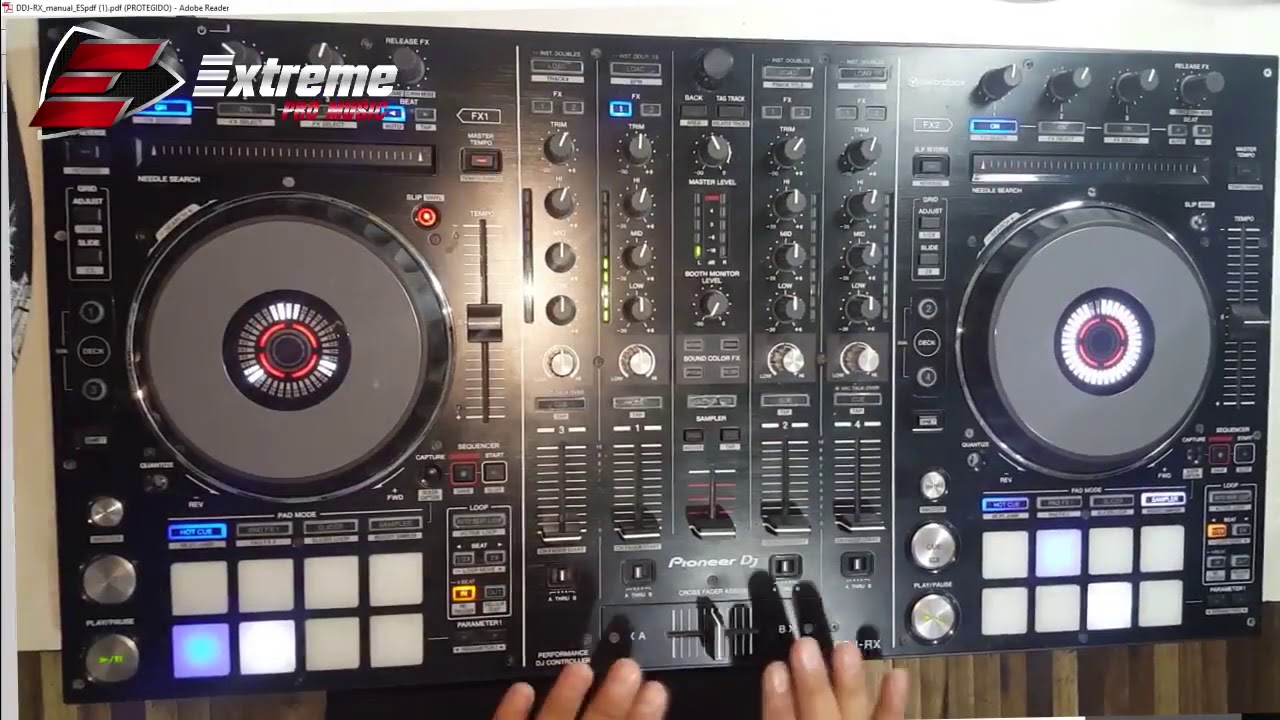
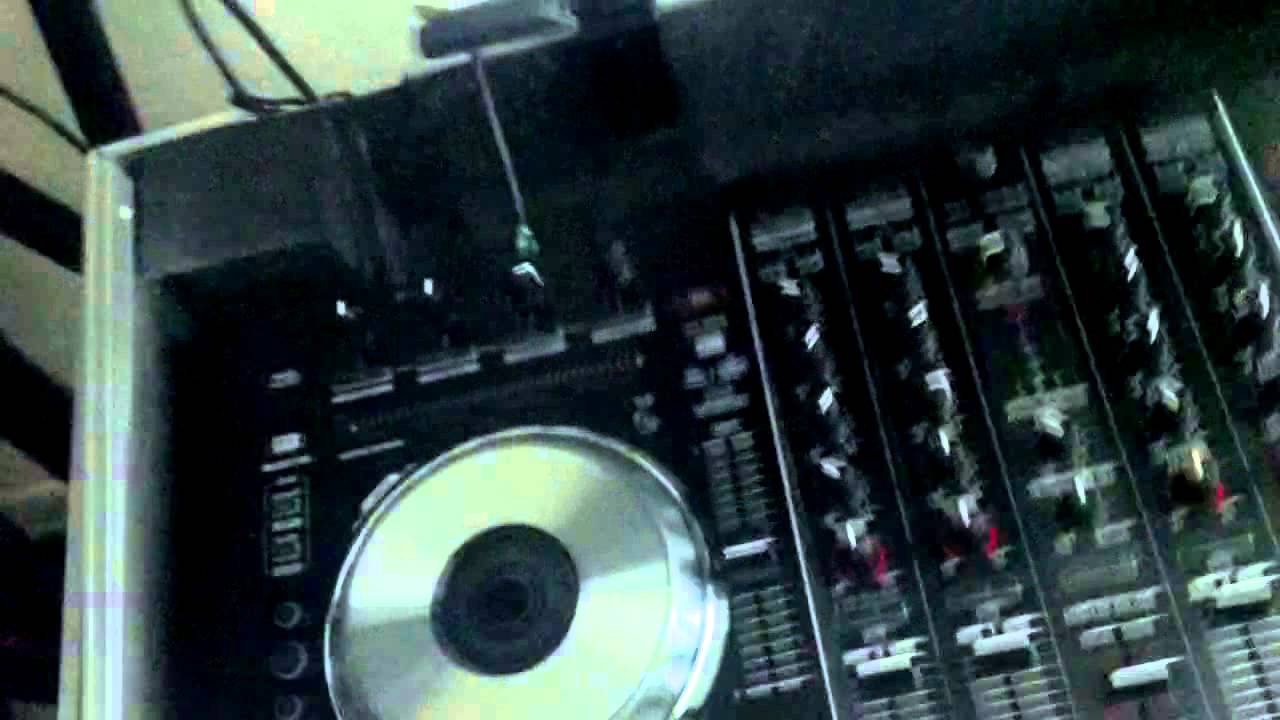
Pioneer DDJ-SX Firmware Upgrade Procedure Instructions (Step-by-Step) by DJ Esco
Автор: DJ Esco
Загружено: 2012-12-12
Просмотров: 119716
Описание:
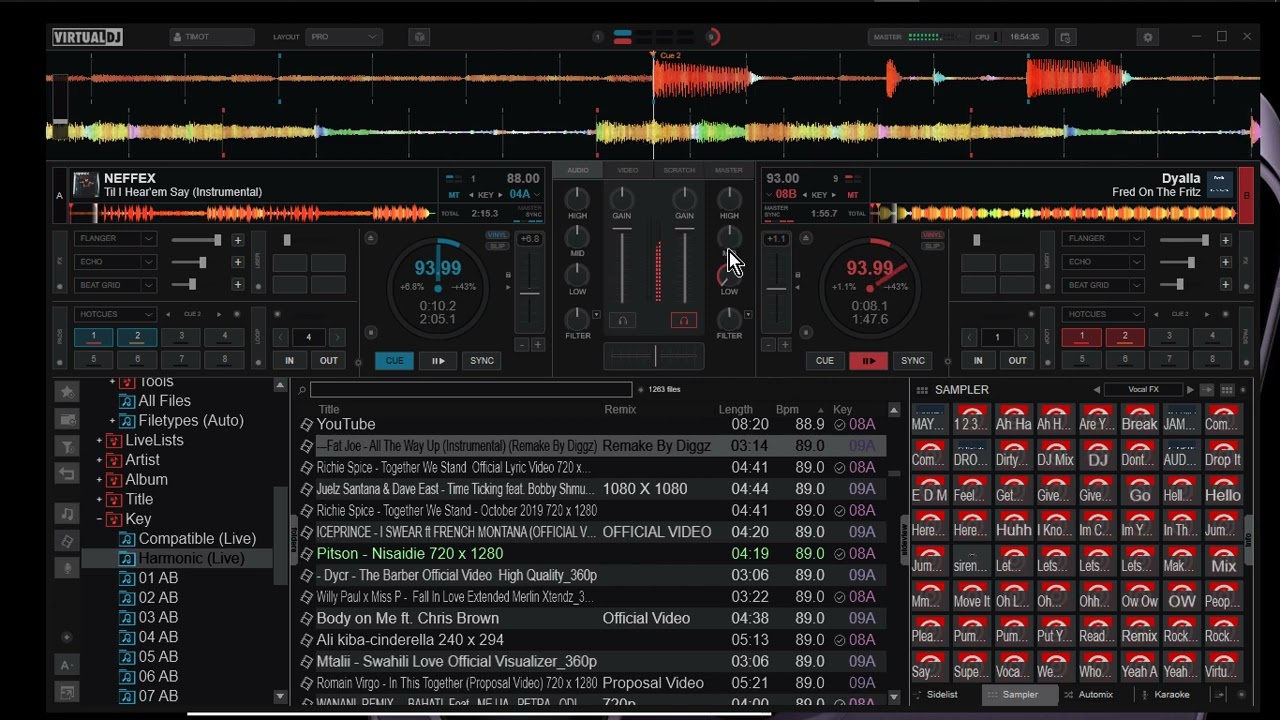
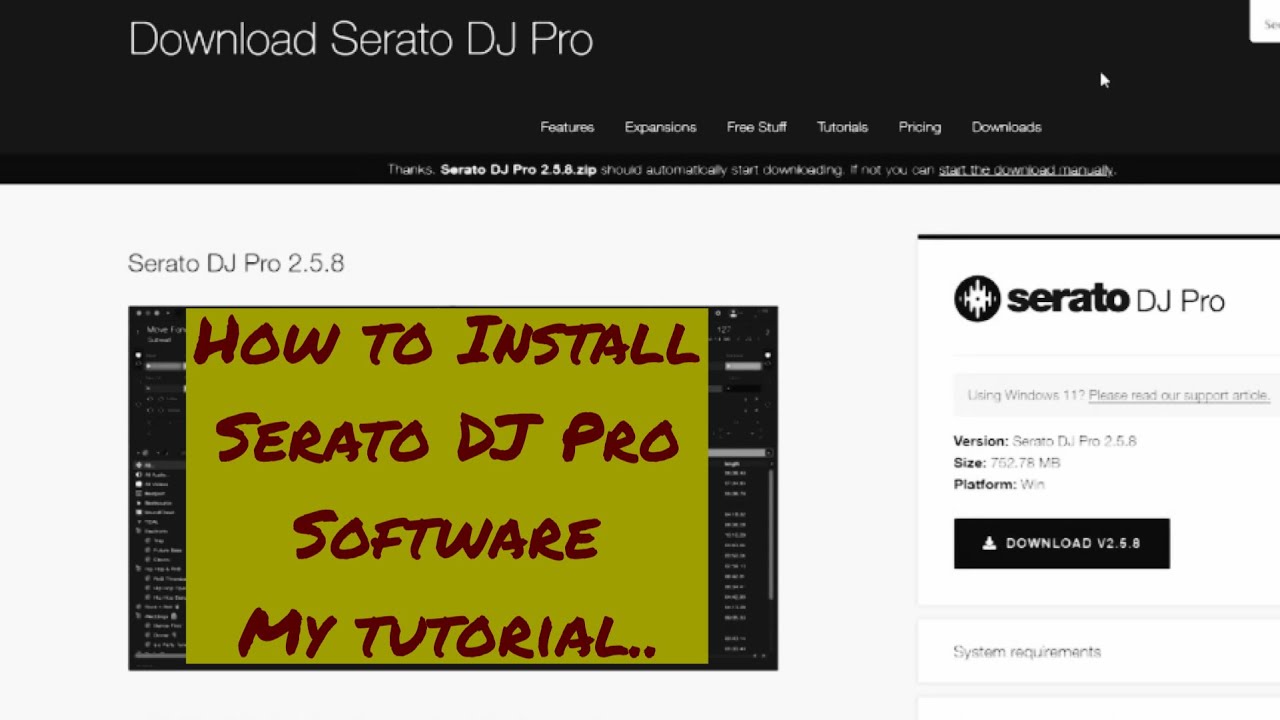
If you are trying to use The latest Version of Serato DJ with the DDJ-SX or use Virtual DJ or Traktor with the DDJ-SX you will first need to upgrade the Firmware.
Please be sure to install the Drivers for your unit if you are using a Windows based system. Mac based Computers/Laptops do not require the installation of any drivers.
Be sure you have the following:
1.)Downloaded Firmware for the DDJ-SX from Pioneer's website which will be installed.
2.) Power to Your Laptop or Computer you will be using to perform the update.
3.) Power to your Pioneer DDJ-SX by using the AC wall adapter.
Keep in mind that it is important you do not Power OFF or Disconnect or Interrupt the unit while this procedure is performed.
Instructions:
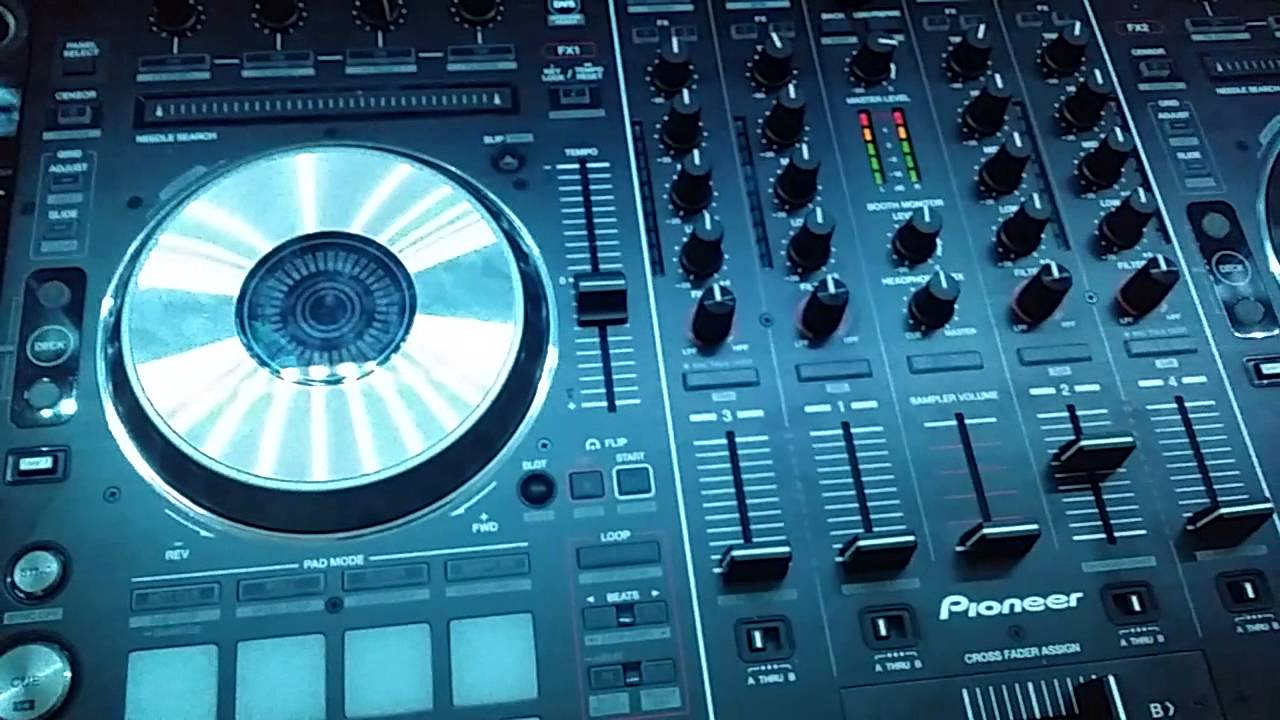
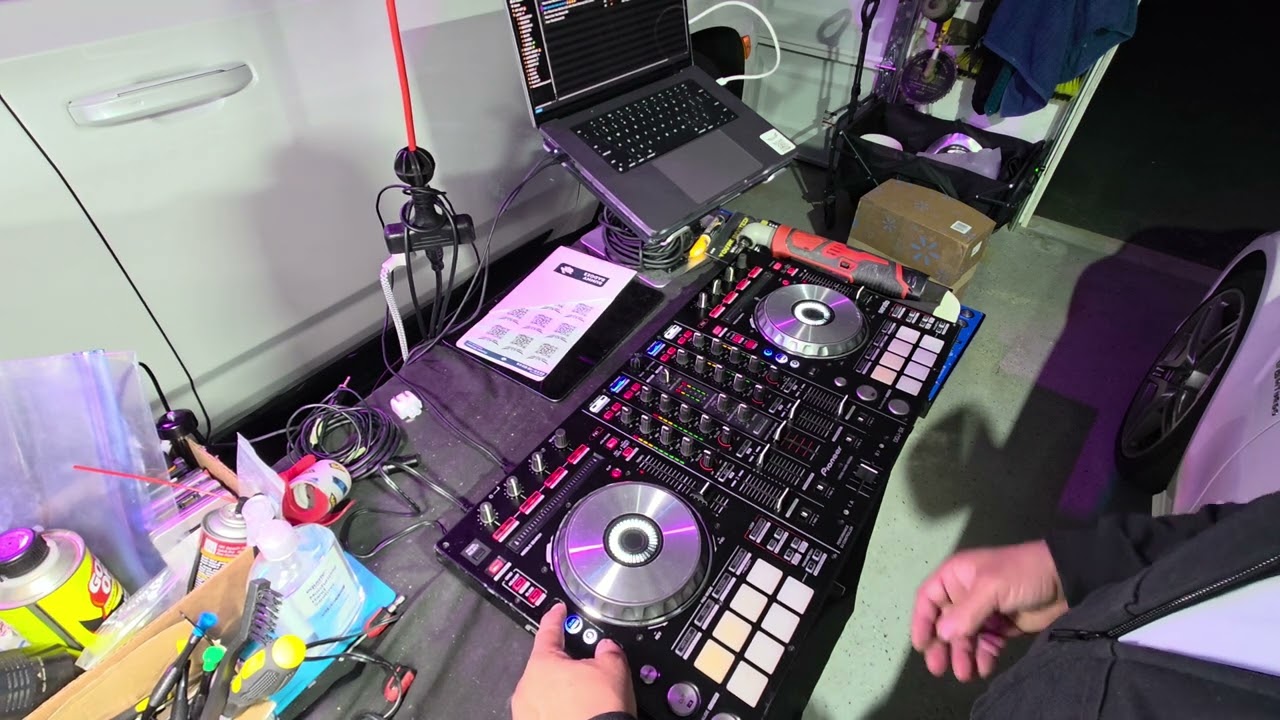
1.) Power the unit "ON" while holding the left deck's "SHIFT" and "SYNC" button
2.) Run or Unzip and run the jar file (you may have to install the latest version of Java from www.java.com
3.) The .jar file will execute and open an installation window follow the the steps to install and you will be good to go in no time.
4) Enjoy and give thumbs up!
Повторяем попытку...
Доступные форматы для скачивания:
Скачать видео
-
Информация по загрузке: