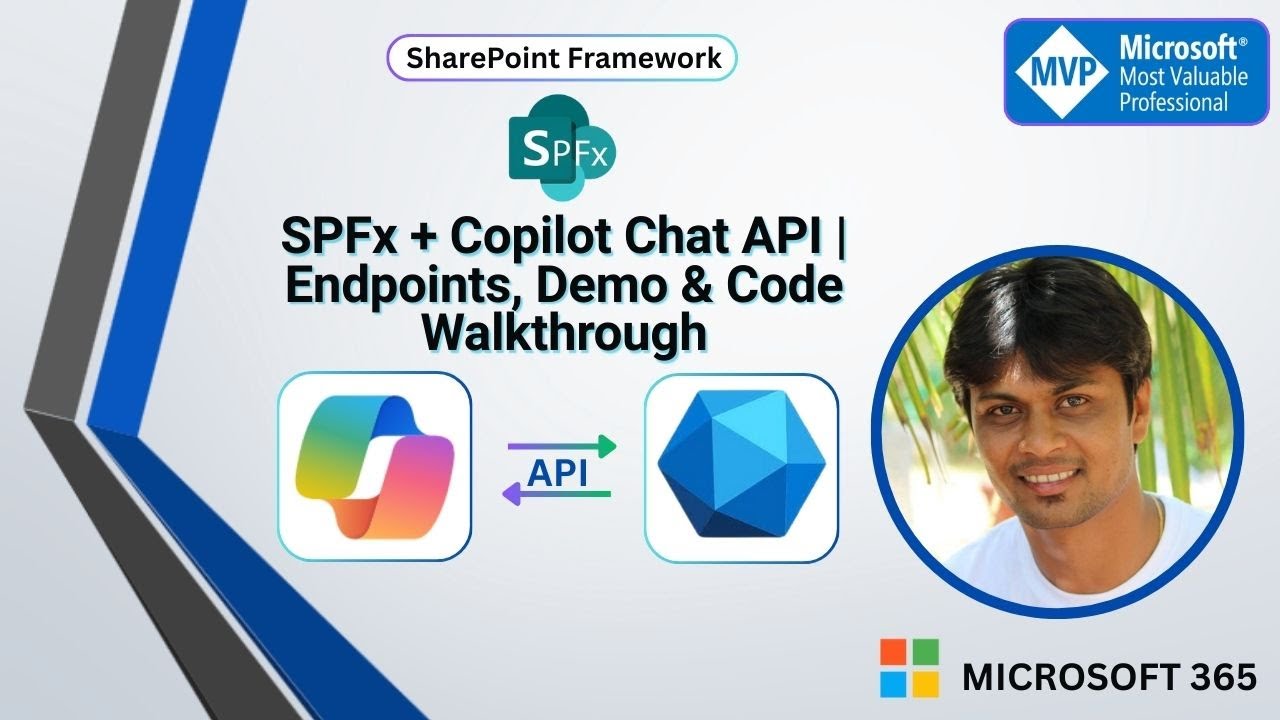
Understanding Copilot Chat API & Using It in SPFx | Endpoints, Demo & Code Walkthrough
Автор: Codeman
Загружено: 2026-01-27
Просмотров: 191
Описание:
Microsoft Copilot is no longer limited to built-in experiences like Teams or Microsoft 365 apps.
With the Copilot Chat API exposed through Microsoft Graph, you can now build custom, context-aware AI experiences directly into your applications — including SharePoint Framework (SPFx) webparts.
In this video, we start by understanding what the Copilot Chat API is and how it works under the hood. We then break down the key Graph endpoints such as conversations and messages, explaining what each endpoint does and how they fit into the Copilot interaction model.
After covering the fundamentals, we move into a real SPFx webpart demo where we:
• Create a Copilot conversation programmatically
• Send user messages to Copilot
• Receive and render AI responses inside SharePoint
• Understand how SharePoint data can be passed as context to Copilot
Finally, we walk through the actual SPFx code, showing how to call the Copilot Chat API using Microsoft Graph and how to structure the requests and responses.
This video is ideal for SPFx developers, M365 architects, and anyone exploring AI-powered extensions in SharePoint.
What You’ll Learn
• What the Copilot Chat API is and where it fits in Microsoft Graph
• Key Copilot Chat API endpoints and their purpose
• How conversations and messages work in Copilot
• How to call Copilot Chat API from an SPFx webpart
🔗 Let’s connect:
LinkedIn – / siddharthvaghasia
If you’re interested in real-world demos around SharePoint, SPFx, Power Platform, and Copilot, make sure to subscribe and follow for more content.
#MicrosoftCopilot #CopilotChatAPI #MicrosoftGraph #SharePoint #SPFx #SharePointFramework #Microsoft365 #M365 #AIinSharePoint #CopilotDevelopment #GraphAPI #AIDevelopment #SharePointDevelopers
Повторяем попытку...
Доступные форматы для скачивания:
Скачать видео
-
Информация по загрузке: