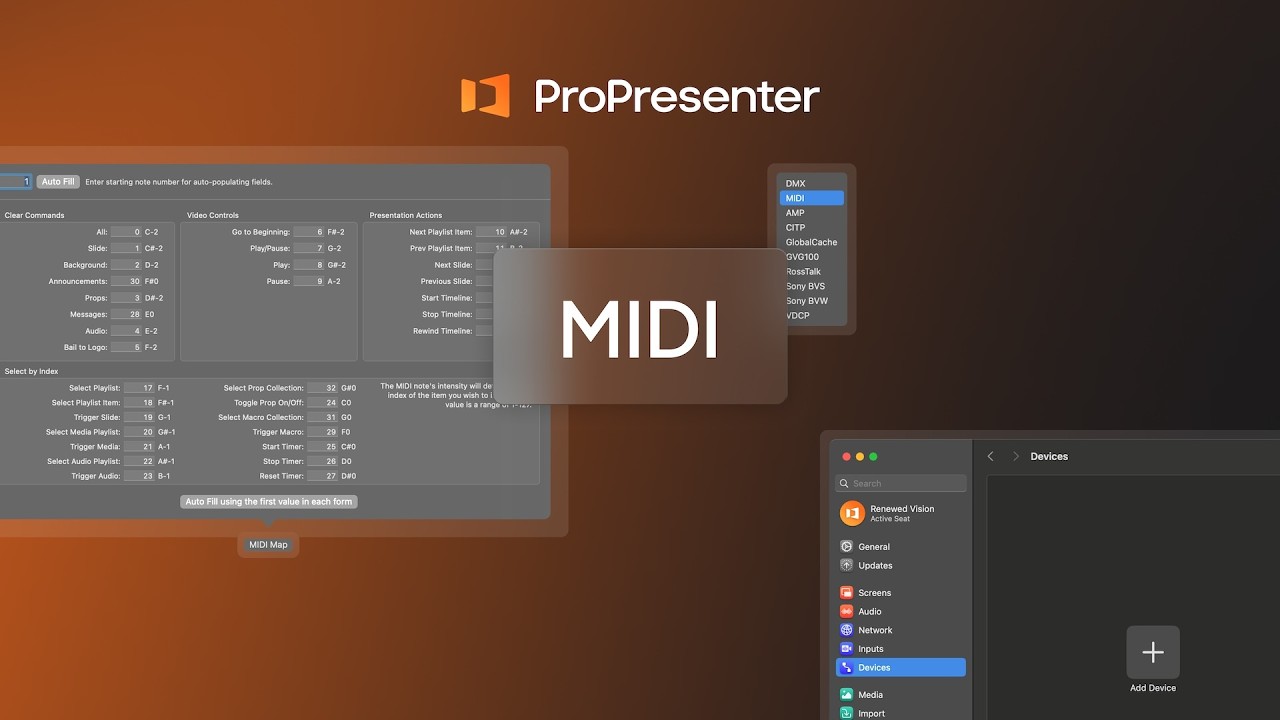
ProPresenter- Macros
Автор: Renewed Vision
Загружено: 2026-03-04
Просмотров: 441
Описание:
Running weekly services means juggling audience looks, stage displays, timers, lighting cues, video inputs, and streaming elements — often all at once.
In this video, we’ll show you how Macros in ProPresenter help you automate those tasks with a single trigger. Instead of clicking through multiple actions, you can build one macro that handles it all — from switching layouts and clearing layers to triggering MIDI lighting cues (including integrations with LightKey), starting countdowns, and more.
We’ll walk through:
Creating and customizing a Macro
Adding actions and applying Macros to slides
Organizing Macros with Collections
Triggering Macros on Startup
Scheduling Macros using Calendar events
Macros help you streamline your workflow, reduce mistakes, and give your team greater confidence during live production.
#ProPresenter #ChurchProduction #WorshipTech #LiveProduction #ChurchMedia #ProductionWorkflow #VolunteerTech
Subscribe for more ProPresenter training and workflow tips!
Official Software Support: https://support.renewedvision.com/
Official ProPresenter User Community: / propresenterusersgroup
Повторяем попытку...

Доступные форматы для скачивания:
Скачать видео
-
Информация по загрузке: