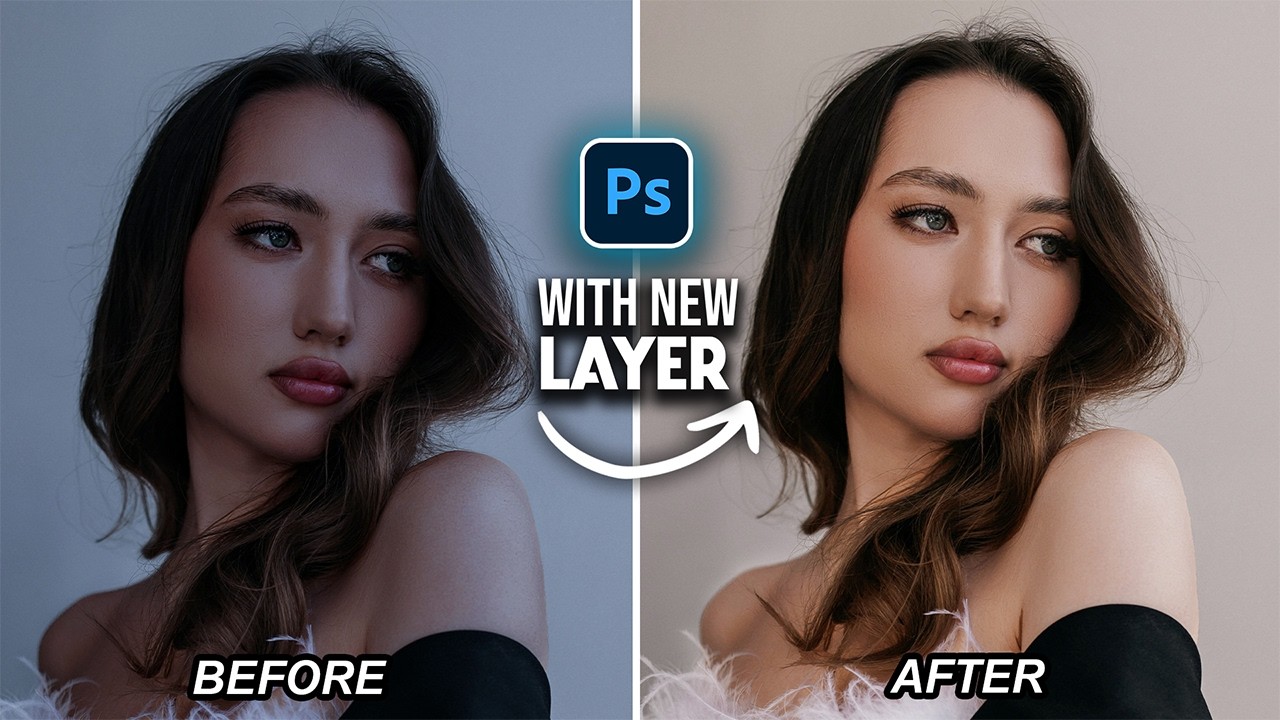
Lighten Skin Tones Fast with This New Photoshop 2026 Adjustment Layer
Автор: Easy Photoshop
Загружено: 2026-02-25
Просмотров: 2981
Описание:
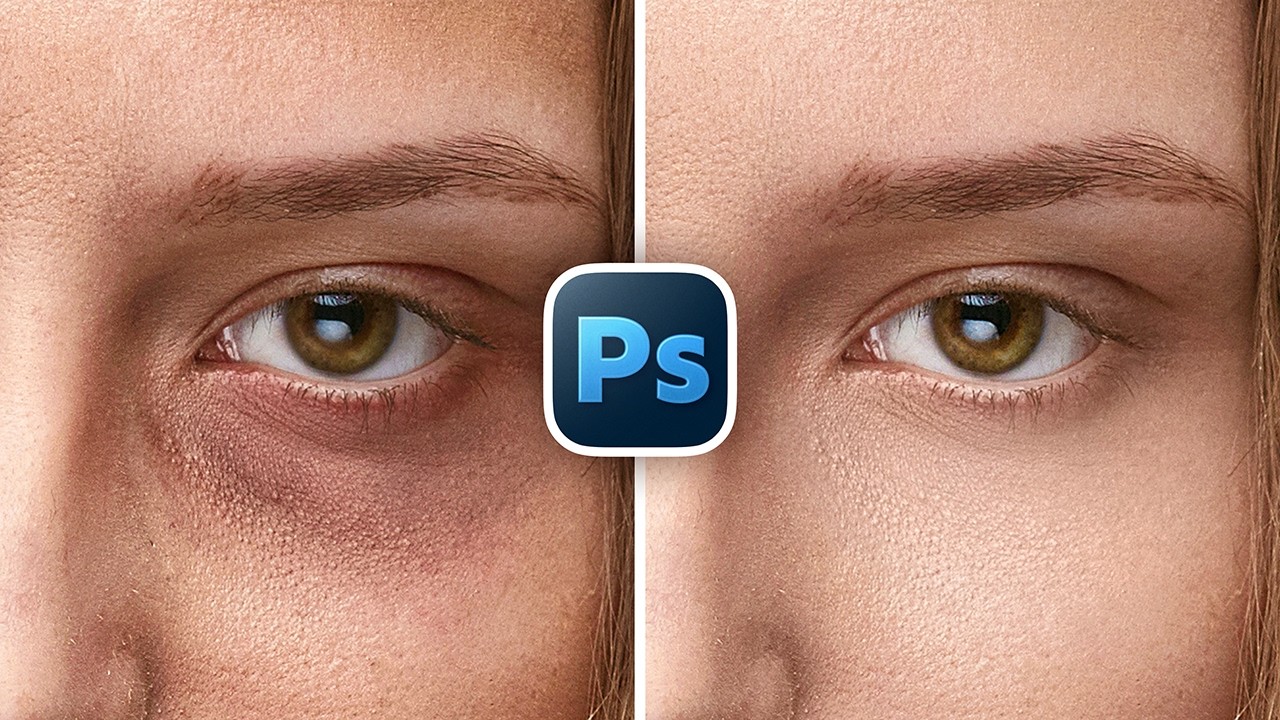
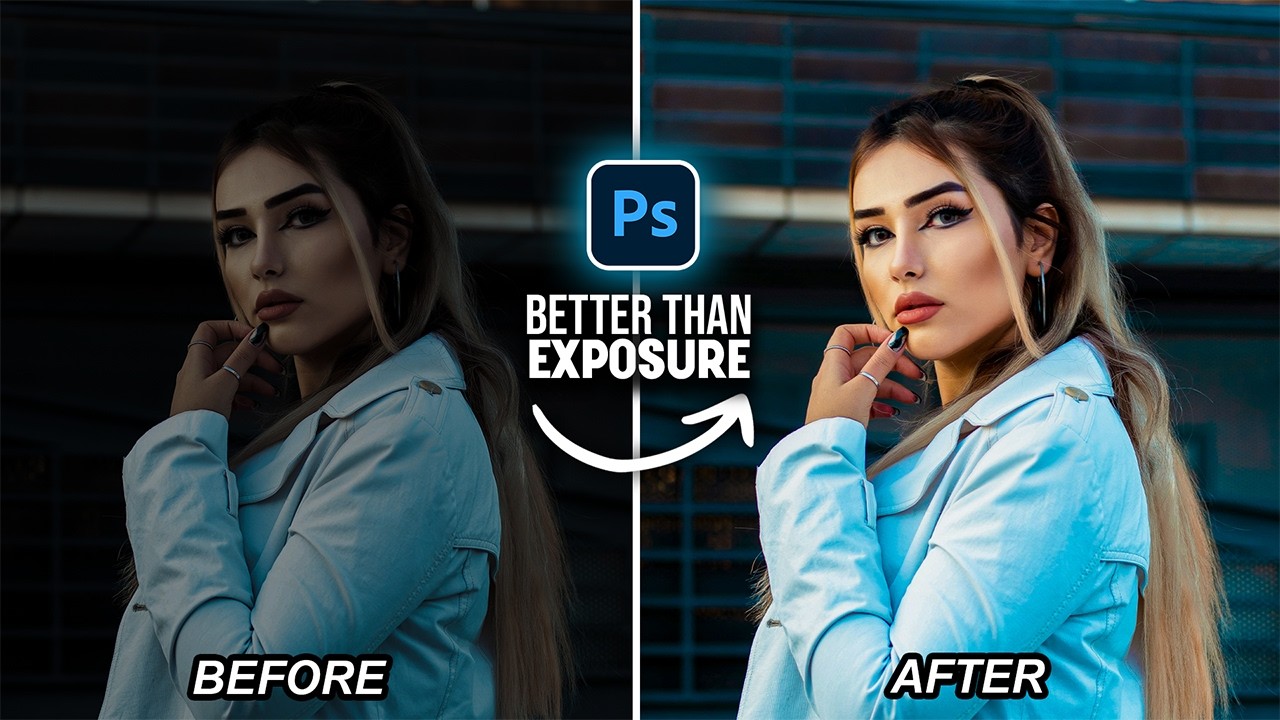
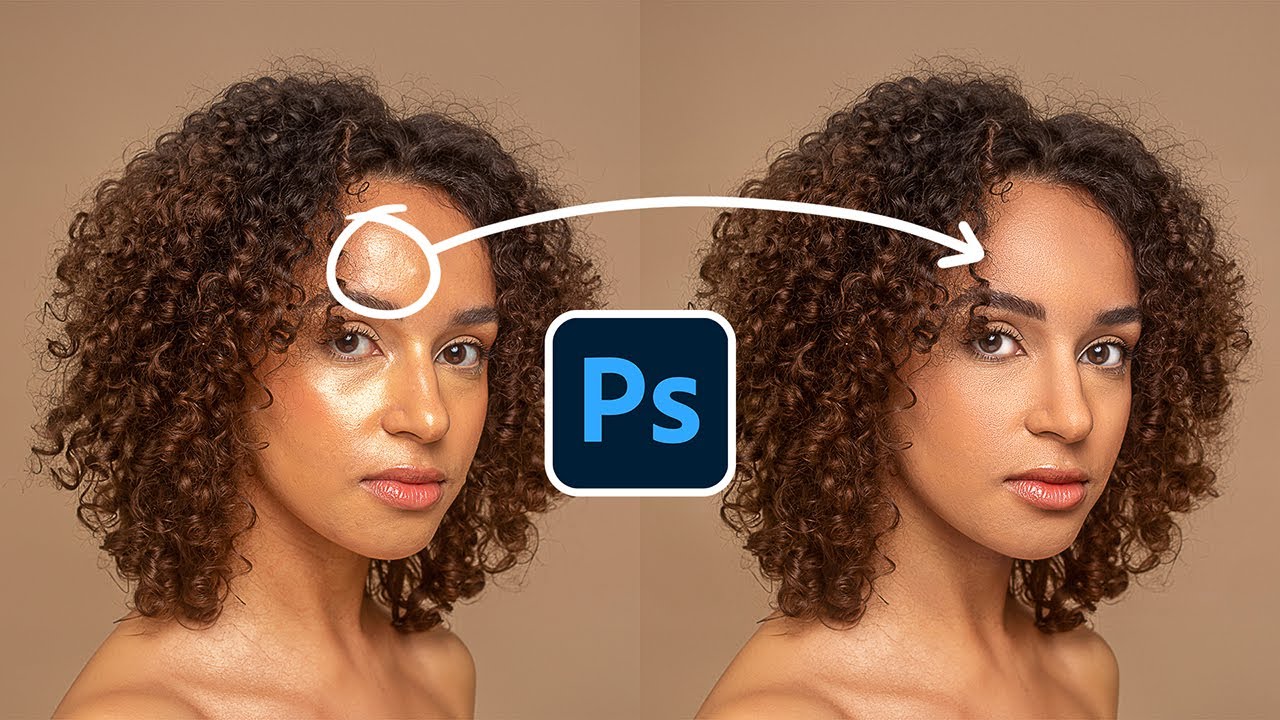
In this tutorial, I will show you a faster and more precise way to lighten skin tones using the new adjustment layer in Photoshop 2026. This feature is available in the regular version, so just make sure you are using Photoshop 2026 version 27.2 or later. Instead of using Camera Raw or multiple layers, we will use only one adjustment layer to brighten the skin. Photoshop gives you much better and more accurate selections, so you can target only the skin without affecting the rest of the image. The best part is that this method keeps the skin looking natural. It gives a softer and cleaner result compared to using Exposure or Curves. This is a quick and simple technique that you can use in your daily workflow. I hope you enjoy this tutorial and learn something new. Thanks for watching.
Easy photoshop on Instagram
https://instagram.com/easyphotoshop20...
Easy photoshop on fb
https://www.facebook.com/profile.php?...
Повторяем попытку...
Доступные форматы для скачивания:
Скачать видео
-
Информация по загрузке: