How to Install and Use Chessify Cloud Engines on ChessBase 18 (Step-by-Step Guide)
Автор: Chessify AI
Загружено: 2025-03-22
Просмотров: 1773
Описание:
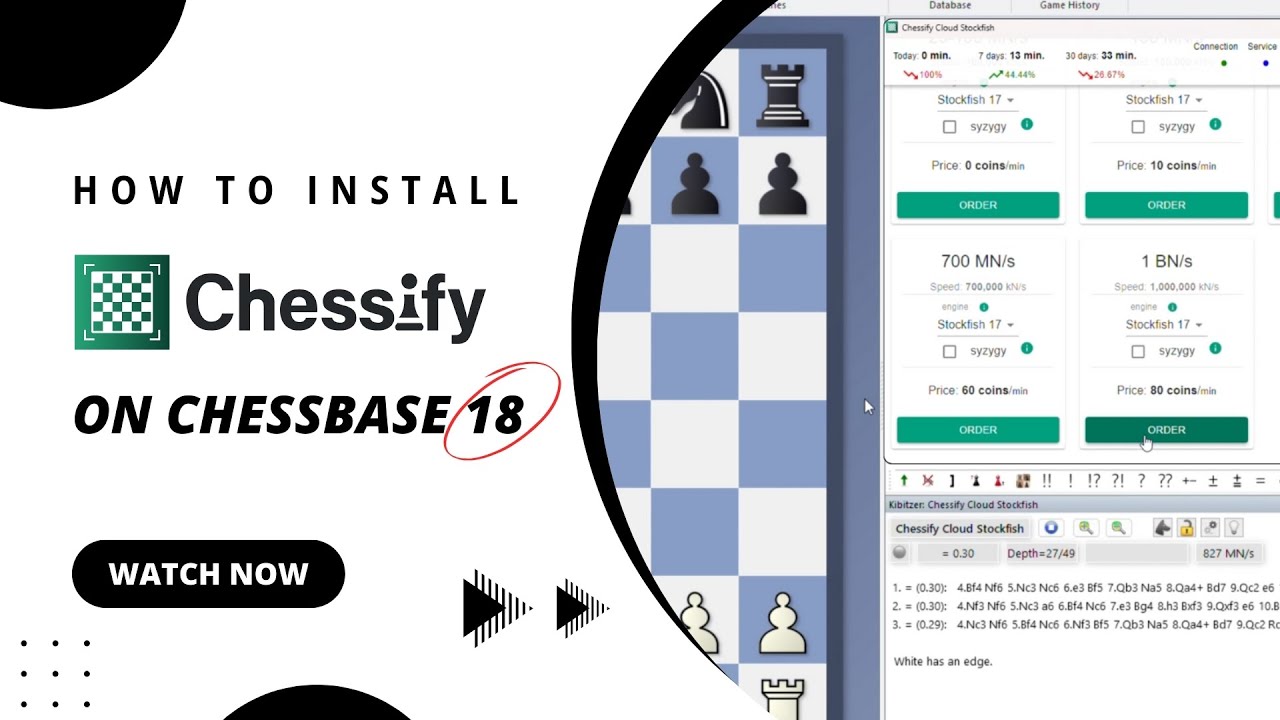
Want to boost your chess analysis with powerful cloud engines like Stockfish and LCZero? In this video, we'll walk you through the step-by-step process of installing Chessify cloud engines on ChessBase 18.
📌 Note: Many users face issues while using Chessify on ChessBase 17 and 18 due to the new "Buddy Engine" feature. In this video, we’ll also show you how to disable it so your Chessify engines work seamlessly.
✅ What you'll learn:
How to download and install the Chessify plugin
How to connect Stockfish and LCZero engines to ChessBase
How to rent cloud servers (including 1 BN/s engines)
How to log in, start analysis, and stop server usage
Tips to avoid being charged unnecessarily
How to troubleshoot common issues like Buddy engine conflicts
💡 Whether you're a tournament player or a hobbyist looking for deeper analysis, this setup will help you get the most out of Chessify and ChessBase.
🔗 Download the plugin from: https://chessify.me/
🌐 Want to access all Chessify features in one place? Visit our web platform: https://chessify.me/analysis
Here you'll find everything—from cloud engines and chess databases to your game history and cloud storage. It's the easiest way to manage your training and analysis in one place.
📩 Need help? Contact us anytime at [email protected]
Don’t forget to subscribe for more tutorials and chess improvement content!
#Chessify #ChessBase18 #Stockfish #ChessTutorial #LCZero #CloudEngines #ChessAnalysis #ChessEngines #ChessBase17
Повторяем попытку...
Доступные форматы для скачивания:
Скачать видео
-
Информация по загрузке:






![How to install a chess engine and add it to ChessBase [2026]](https://image.4k-video.ru/id-video/AAwvFZOwzrM)



