How to TELL BETTER STORIES with Your Doodle Videos
Автор: IM Toolkit
Загружено: 2021-12-21
Просмотров: 4715
Описание:
Create the most realistic-looking, doodle videos for any industry and niche with Doodly! Download and Try Doodly today ► https://animatoon.co/doodly
Doodly is a whiteboard animation software that combines storytelling and visuals to create engaging videos, increasing customer retention and participation rates. The video provides tips on creating a script, utilizing visuals and sound effects, and adding a voiceover to enhance the storytelling experience.
If you’re looking for a better way to tell the story behind your product or service, then whiteboard animation could be the answer you’ve been looking for...
The Power of Storytelling
Sharing stories is an effective way of connecting with people. It is a powerful tool used to breathe life into every successful brand. It is a crucial component of every marketing campaign. Storytelling is the process of using fact and narrative to communicate something to your audience. Some stories are factual, and some are embellished or improvised in order to better explain the core message. It helps make ideas stick. People love to hear stories because it creates that human connection based on empathy
Studies show that people remember stories 22x more than facts and figures alone and it can boost conversion rates by a significant 30%. According to Neil Patel, “62% of B2B marketers rated storytelling as an effective content marketing tactic”
What if you could create content using your words, visuals, and the power of narrative to tell an enthralling tale? With Doodly you can create an engaging whiteboard video that does just that
Stories are the building block of any brand. A relatable narrative will build trust and loyalty. Meanwhile, whiteboard animation is a powerful tool for businesses that helps increase customer retention and participation
A study about whiteboard animation conducted by Dr. Richard Wiseman who’s a professor of psychology found that whiteboard animation increases customer retention by 15% and their participation rate increased to 66% compared to your typical talking head videos
As you can imagine, blending Doodly with storytelling is a winning combination!
How Long Should a Whiteboard Animation Take?
Generally speaking, a whiteboard animation video should be no more than two minutes long. This is because people’s attention spans are super short these days. If your video goes over that, you have a good chance of having your viewers just sign out and go find something else to do
So, how long is two minutes in actual words? Well, it is about 150 words per minute so if you’re shooting for a two-minute video, that’s about 300 words at the most
Writing Your Script
Before we can start building our story in Doodly, we need to know what our story is. To do that, we’re gonna need to write a script. Writing can be intimidating for a lot of people however it’s not as hard as you think it is. All you need is just to find the right audience and focus on their problems and not necessarily your product’s features. Consider the emotion you want to evoke in your audience every time they interact with your brand. Your audience may forget what you say, but they will not forget how you made them feel which is important because emotions drive “purchase” more than logic
There are three questions we have to consider when writing a script:
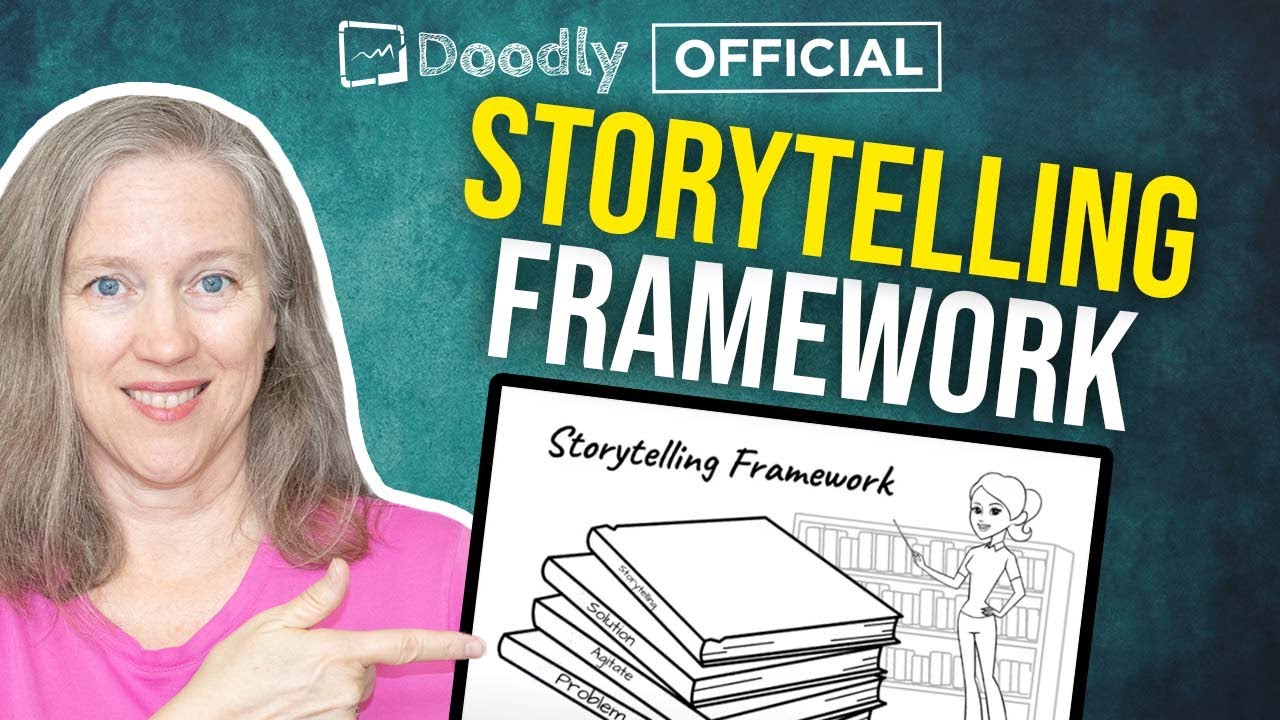
Who’s your protagonist? Now that’s a fancy word for the main character and in this case it’s probably your customer. What is their motivation for what they want to achieve or what problems are they facing? How does the character change as a result of the conflict in your story and how did that one step affect them?
Think about how your product or services changes your customer’s lives for the better
Here are some more tips that you can apply when creating your Doodly video:
1. Our video will be great with voice-over and music. In creating your voice-over, keep in mind the following:
Keep a natural tone of voice and try not to overact
Include pauses so viewers have time to reflect on what they just watched
If you’re not confident to do your own voice-over, you can hire a narrator on fiverr or somewhere else
2. Consider using colors in fun ways. If you notice the texts used in our example, we used blue for all of the voice work anytime the character is thinking or talking
3. Play around with props and see if you can use them to represent something else that may not have been portrayed in the text such as sound or smell. For example, a clock represents time. You can use it to show duration, a person waiting, busy, being late, etc
4. Use different camera angles. For example, with the character expression we used, we have dragged and extended him for a close-up look but this character actually has a foot. Now if we use the character as it is, it won’t have the same impact as it does when it is in close-up
Download and Try Doodly Today!
► https://animatoon.co/doodly
#storytelling #doodly #whiteboardanimation
Повторяем попытку...
Доступные форматы для скачивания:
Скачать видео
-
Информация по загрузке: