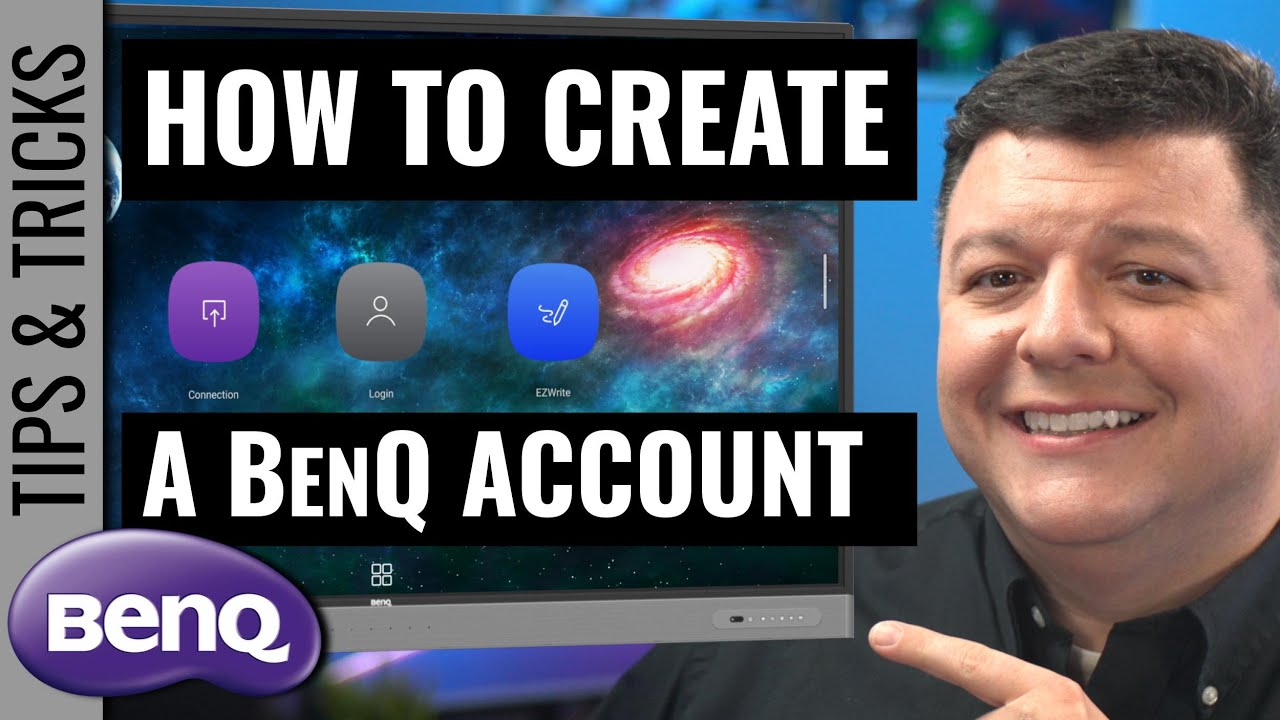
Creating a BenQ Account
Автор: Grifftastic Industries
Загружено: 2022-10-31
Просмотров: 665
Описание:
This video will show you how to create a BenQ Account in order to:
Change your BenQ Board Wallpaper or background
Link an online storage account (Google Drive, One Drive, Dropbox) to your BenQ Board
Change the automatic logout time on your BenQ Board account
Chane the name on your BenQ Account so the student see the name you want
Add bookmarks to the BenQ Board for quick access
0:00 Introductions
0:45 Create BenQ Account for BenQ Board from Email
3:35 BenQ Account Management Services (AMS)
4:24 Change your name on the BenQ Board in the BenQ Account
5:17 Change the wallpaper or background on your BenQ Board
7:41 Change the auto logo out time on your BenQ Board
9:06 Link your BenQ Board to your Google Drive, OneDrive, or Drop Box cloud storage
10:27 Adding bookmarks to your BenQ Board
12:42 Logging into the BenQ Board with your New BenQ Account
15:09 Have a Grifftastic Day
Повторяем попытку...
Доступные форматы для скачивания:
Скачать видео
-
Информация по загрузке: