How to save Windows spotlight background images on Windows 11 (nerdy method)
Автор: Praey_Light
Загружено: 2026-03-29
Просмотров: 59
Описание:
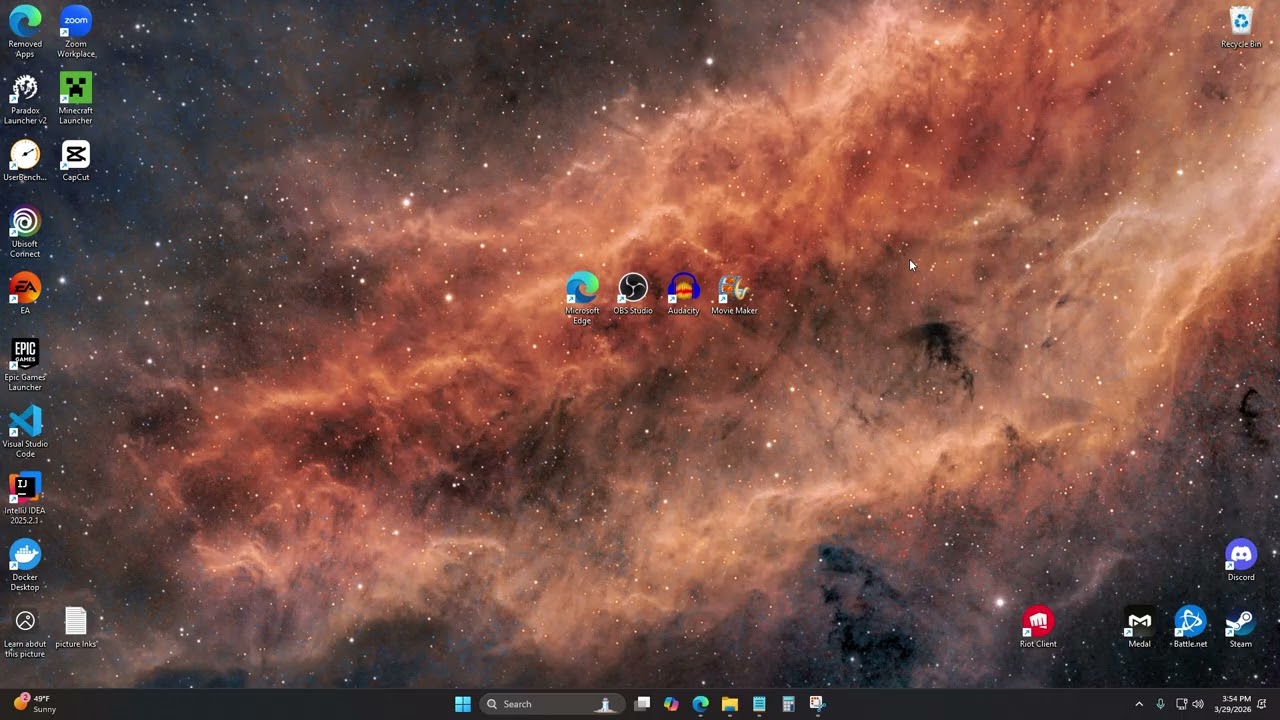
saving Windows spotlight images steps:
1. right-click your desktop background, and click "Explore background".
2. in the opened tab, click on the large image so it is focused.
3. right-click on the large wallpaper image, and click "Inspect".
4. in the opened developer tools, click on the "Sources" tab.
5. the "www.bing.com" node should be expanded. you will see several image resources. click through them until you see the corresponding image you want to save. then, right-click that element/node from the list, and click "Open in new tab".
6. in the opened tab, right-click on the image, click "Save image as", and save the image in a convenient location.
7. right-click your desktop background, and click "Personalize".
8. in the opened settings, click "Background".
9. set the "Personalize your background" setting to use "Picture" instead of "Windows spotlight". then, for the "Choose a photo" setting that pops up, click "Browse photos" and select your image wherever you saved it.
sorry I didn't feel like talking today :/
Повторяем попытку...
Доступные форматы для скачивания:
Скачать видео
-
Информация по загрузке: