How to Import Banking Transactions in Business Central
Автор: Ben Cole on Business Central
Загружено: 2025-07-07
Просмотров: 706
Описание:
Follow me on LinkedIn / benjcole
Check out my Website https://www.bencolebc.com/
In this video, Ben walks you through the step-by-step process of importing banking data from a CSV file into Microsoft Dynamics 365 Business Central. While many users can link their bank feeds directly, not all banks support this integration—or they may only import partial data, especially when multiple cardholders are involved. If you’ve run into these limitations, this tutorial is for you.
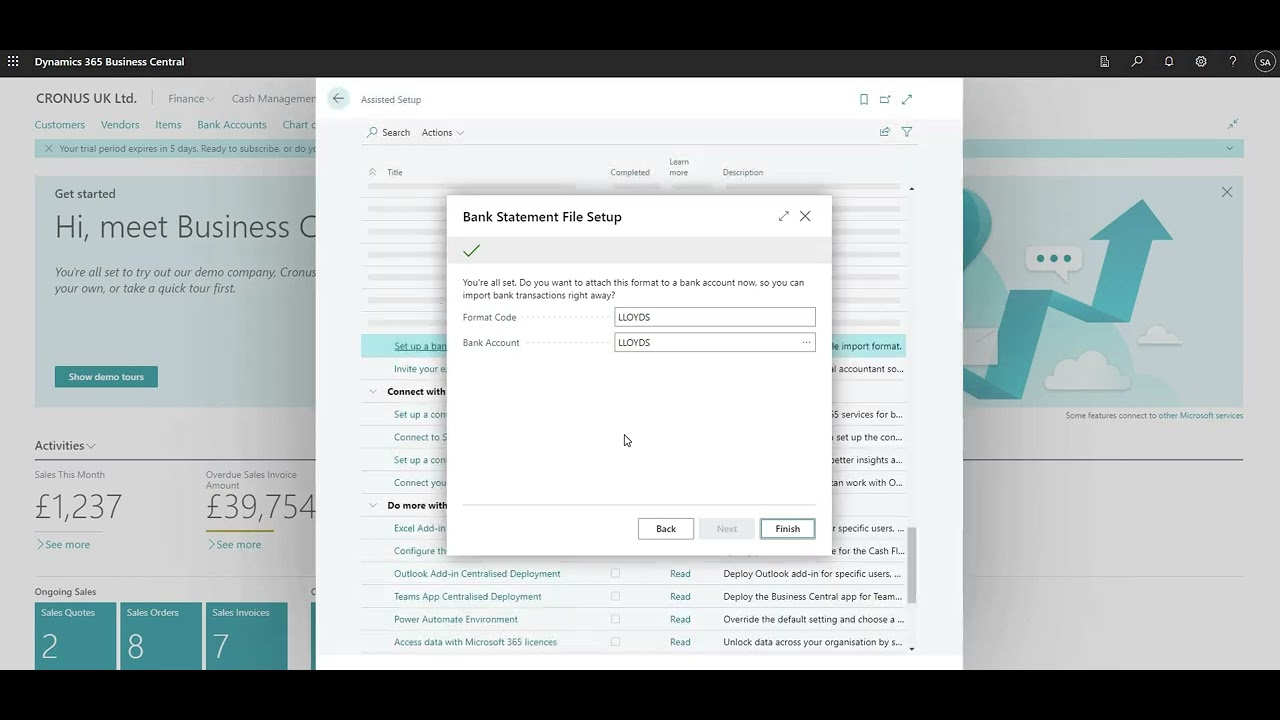
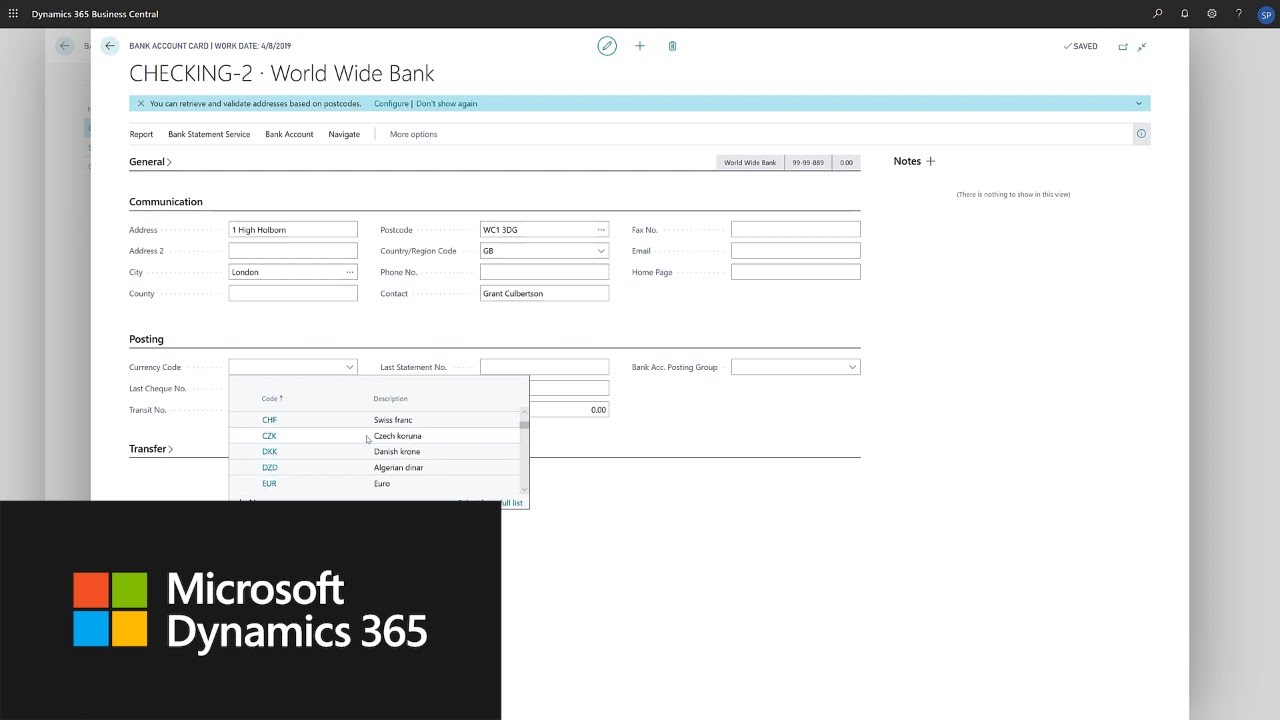
Ben demonstrates how to set up a bank account card, configure the bank statement import format, and use the Bank Statement File Format Wizard to map your data correctly. You’ll learn how to handle common issues like fixed vs. variable text formats, date formatting, and column mapping. Whether you're importing data from Chase or another bank, this guide will help you create a reusable data exchange definition import that simplifies your reconciliation process.
Finally, Ben shows how to test your setup using the Payment Reconciliation Journal and troubleshoot common errors. By the end of the video, you’ll be able to confidently import banking transactions—even if your bank doesn’t support direct integration. Don’t forget to like, subscribe, and drop a comment if you found this helpful or have questions about your specific setup!
0:00 Introduction and Overview
0:40 Use Cases for Data Exchange Definition Imports
1:00 Create a Bank Account
1:25 Bank Statement Import Format Setup
2:00 Create a New Bank Statement Import Format
2:30 Upload an Existing Bank Feed File
3:30 Identifying Header Lines to Skip
4:00 Column Separator and Count Setup
4:35 Mapping Columns to Data
5:35 Date Format and Decimal Separator
6:35 Link Import Bank to Bank Account
7:05 Import Data with Payment Reconciliation Journal
8:10 Switch from Fixed to Variable Setup
9:35 Import Data with Payment Rec Journal
9:55 More to Come – Automated Tagging
10:20 Recap and Next Steps
Повторяем попытку...

Доступные форматы для скачивания:
Скачать видео
-
Информация по загрузке: