Keep Your Kids Safe with SafeNest | Parental Control App | Mobile tracker app
Автор: SafeNest
Загружено: 2025-03-28
Просмотров: 413
Описание:
Hello! In this video, we show you how to use SafeNest, the world’s first WhatsApp-integrated parental control app. With SafeNest, you can:
Easily control your kids’ phone from WhatsApp.
Track their location in real-time.
Block unwanted apps and reduce screen time.
How to Use the SafeNest App?
Control Your Kids’ Phone Easily!
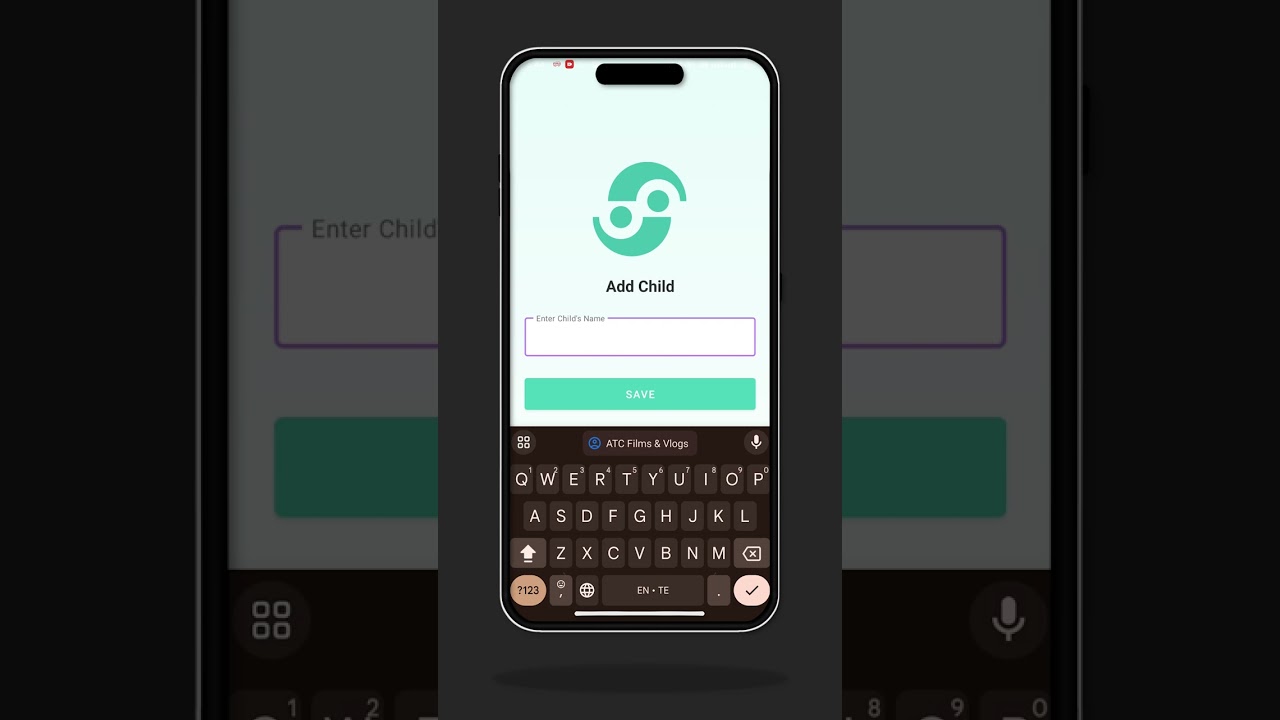
1️⃣ Step 1: Install the SafeNest app on your kids’ phone and enter your WhatsApp number.
2️⃣ Step 2: Activate the app with the OTP sent to your WhatsApp.
3️⃣ Step 3: Save the SafeNest number that sent the OTP on your phone.
4️⃣ Step 4: Send “Hi” to that number on WhatsApp – all options will appear!
5️⃣ Step 5: Use those options to monitor and control your kids’ phone activity from WhatsApp.
6️⃣ Step 6: Turn on location tracking to see where your kids are in real-time.
7️⃣ Step 7: Set a geo-fence – get alerts if they leave the set area.
8️⃣ Step 8: Check app usage reports to know which apps they used and for how long.
9️⃣ Step 9: Block unwanted apps and set screen time limits.
🔟 Step 10: Enable battery and social media alerts for full control.
⚠️ Important Note: Send “Hi” at least once a day. If you don’t message even once, you won’t get alerts. Remember this!
App link: https://play.google.com/store/apps/de...
Повторяем попытку...
Доступные форматы для скачивания:
Скачать видео
-
Информация по загрузке: