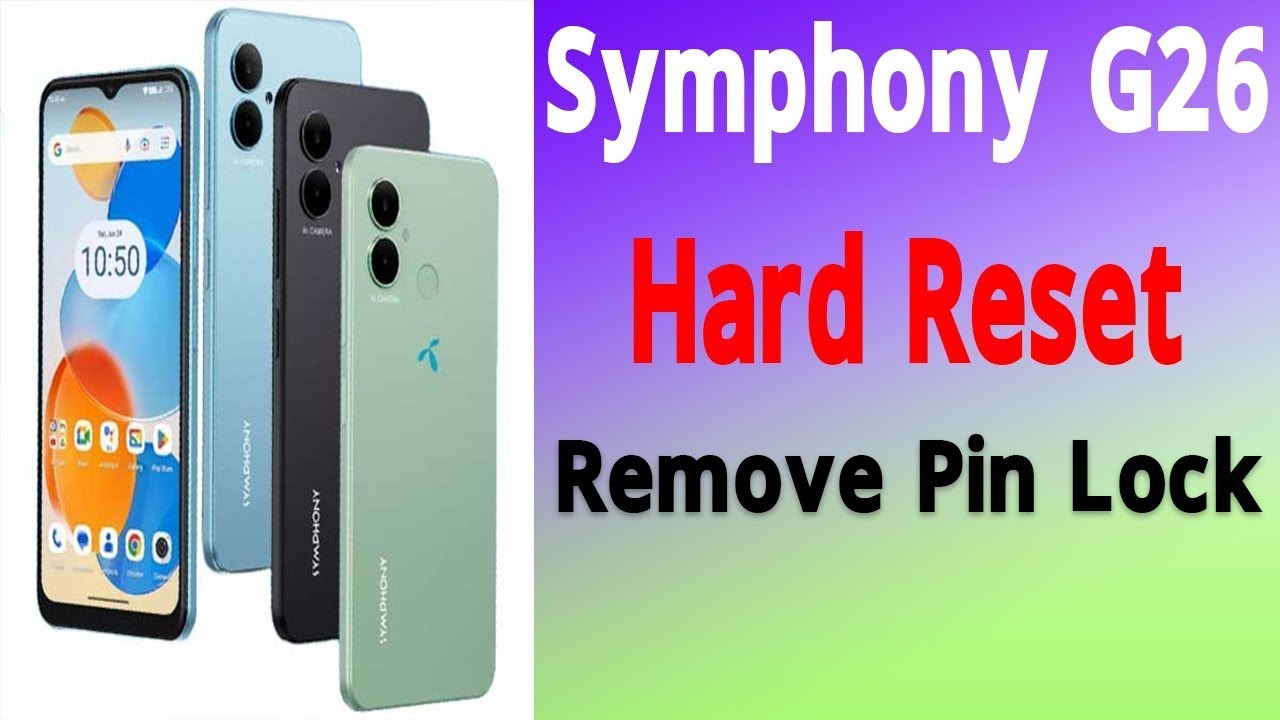
Symphony G26 Hard reset and Frp unlock Hydra Tools
Автор: Phone Repair Tricks
Загружено: 2025-11-04
Просмотров: 9
Описание:
Symphony G26 — Official Hard Reset & Troubleshooting Guide (No FRP Bypass)
In this video I show the official and safe way to perform a factory reset (hard reset) on the Symphony G26, plus simple troubleshooting steps to fix common issues like boot loops, freezing, and performance slowdowns.
Important: This video does NOT show or promote methods to bypass Factory Reset Protection (FRP) or break device security. FRP is a security feature designed to protect device owners — attempting to bypass it without the device owner’s explicit permission may be illegal. If you forgot your Google account, contact the original account holder or an authorized service center.
What you’ll learn:
• How to back up your data before resetting (recommendations)
• How to perform an official hard reset using device menu and recovery mode (owner-authorized resets)
• Troubleshooting tips: boot loop fixes, slow performance, and safe reboots
• When to contact Symphony support or an authorized repair center
Timestamps:
0:00 Intro & safety note
0:35 Backup recommendations
1:40 Official factory reset (menu method)
3:30 Recovery mode reset (owner-authorized)
5:20 Troubleshooting common post-reset issues
7:10 When to contact service center / legal notes
8:00 Outro & subscribe
🔔 Subscribe for more phone repair tips: [Your Channel Link]
👍 Like & share if this helped — it supports the channel!
Need a script, thumbnail, or tags for this video? I can make those next.
Повторяем попытку...
Доступные форматы для скачивания:
Скачать видео
-
Информация по загрузке:





![[4K FULL HD] Relaxing Water Background | 1 HOUR | Calm Water Wallpaper (No Sound)](https://image.4k-video.ru/id-video/y9PTNTSpGJs)


