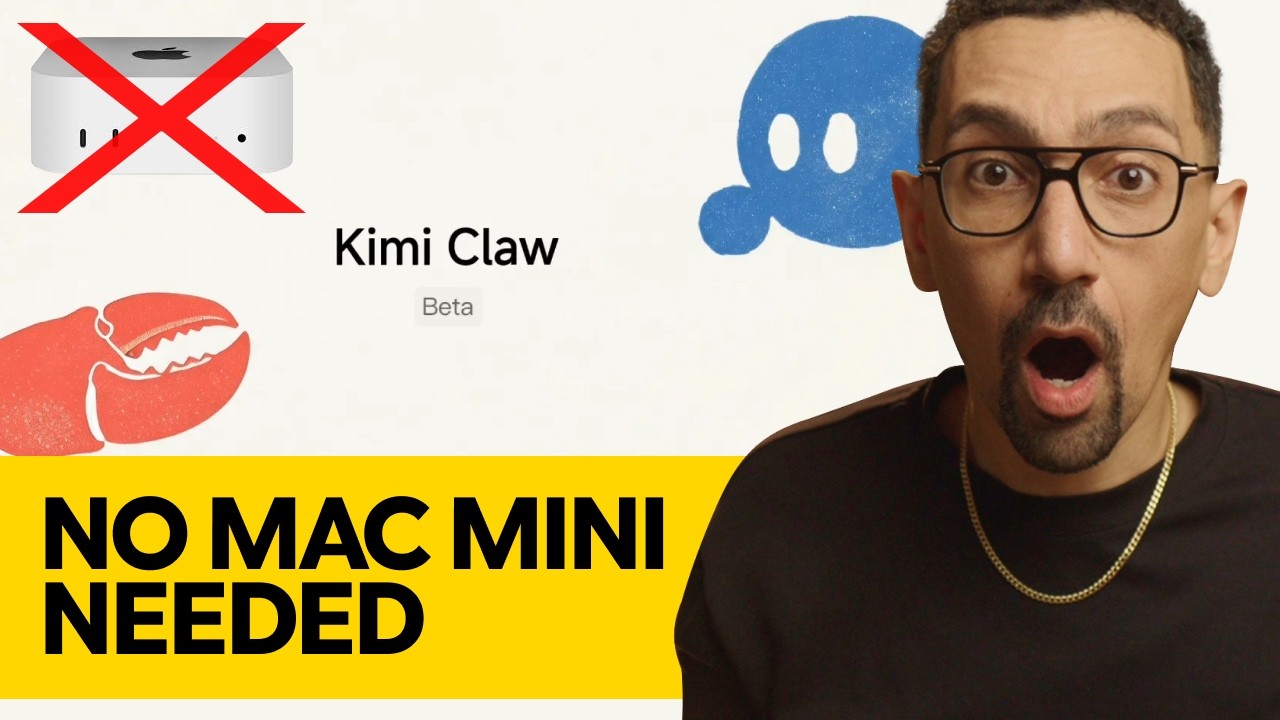
Kimi Claw is HERE! Run OpenClaw in One Click
Загружено: 2026-02-19
Просмотров: 1389
Описание:
🎓 NEW CHANNEL: Vibes Academy - Learn vibe coding with Replit, Lovable, OpenClaw and more: https://go.davidalex.com/vibesonyoutube
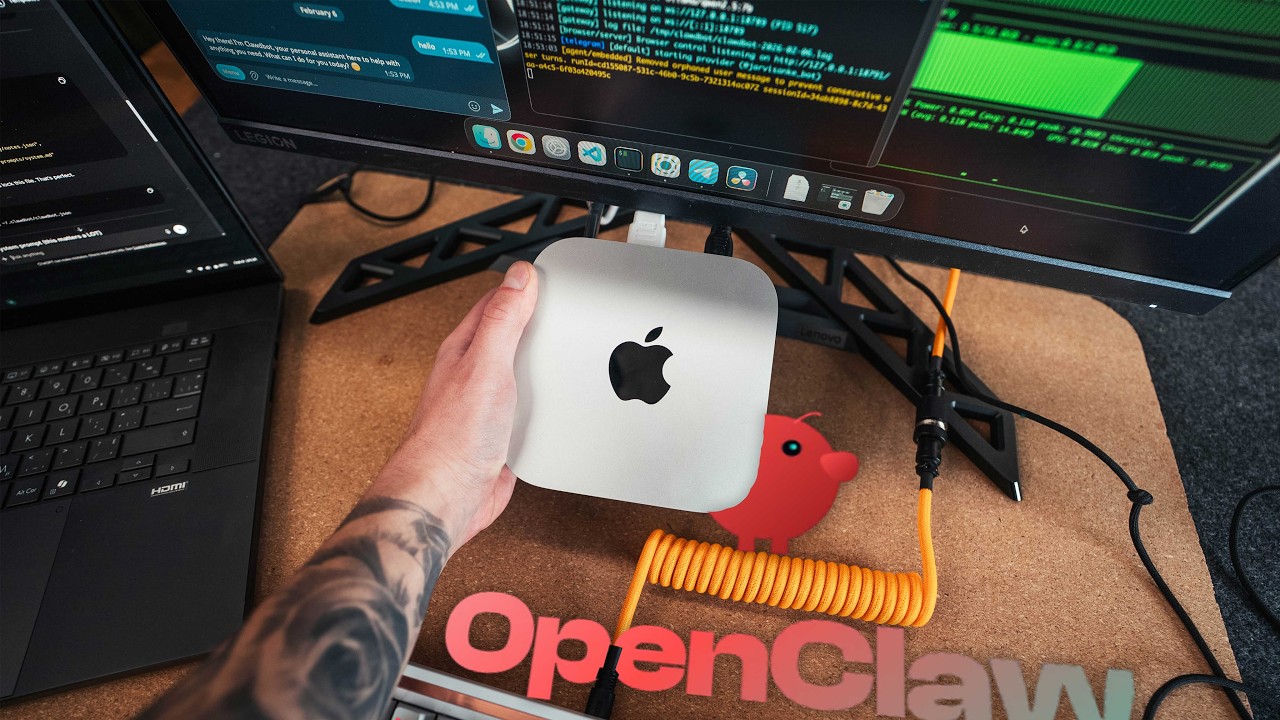
Kimi Claw is here: OpenClaw with Kimi K2.5 now available in one-click setup. I've been using it all day after setting up this morning and built 5 AI agents called "Maverick" (my Mac Mini setup is "Carter"). Kimi Claw released February 16, 2026 - Chinese model but powerful for testing OpenClaw before investing in Mac Mini or Mac Studio. This is the best way to get started with OpenClaw if you're not ready for terminal setup, security concerns, or $1,000 Mac Mini purchase. Kimi Claw offers 24/7 AI assistant with long-term memory, automation, 40GB cloud storage, real-time information retrieval, and proactive execution. It's between ChatGPT and full OpenClaw - can autonomously do things for you. Setup takes minutes: Go to kimi.com → click Kimi Claw sidebar → pay $39/month → connect Telegram bot via BotFather → start building agents. I created video scriptwriter, researcher, and content automation agents today. Output quality: Generated FreshBooks review script with 5 titles, 3 hooks, full structure in minutes. Limitations: Can't have multiple Kimi Claw instances (only one agent with sub-agents). Best for: Testing OpenClaw technology without Mac Mini investment, learning AI agent workflows, trying before committing to hardware. Anthropic is completely against OpenClaw, so Kimi K2.5 or ChatGPT are your main options - now Kimi has one-click built-in integration.
💻 NO MAC MINI NEEDED: $39/month vs $1,000 hardware investment
⚡ ONE-CLICK SETUP: kimi.com → Kimi Claw → Telegram integration
More Info: https://kimi-claw.com/
⏱️ TIMESTAMPS:
0:00 - Kimi Claw One-Click OpenClaw Setup
0:21 - All-Day Testing Results & Use Cases
0:46 - Kimi vs Mac Mini vs VPS Comparison
0:54 - Released Feb 16, 2026 (Chinese Model)
1:23 - Carter (Mac Mini) vs Maverick (Kimi) Setup
1:47 - Built 5 Agents Today
1:56 - Perfect Starting Point (Not Final Destination)
2:29 - One-Click Setup Walkthrough
3:02 - 40GB Cloud Storage Features
3:25 - $39/Month Pricing Breakdown
3:51 - Today's Accomplishments Overview
3:56 - Setup: kimi.com → Kimi Claw Sidebar
4:28 - Telegram Bot Setup via BotFather
8:23 - Script Output Review (FreshBooks Example)
10:16 - Limitation: No Multiple Instances
11:00 - Who This Is For
11:50 - Anthropic vs Kimi K2.5 Solution
Повторяем попытку...
Доступные форматы для скачивания:
Скачать видео
-
Информация по загрузке: