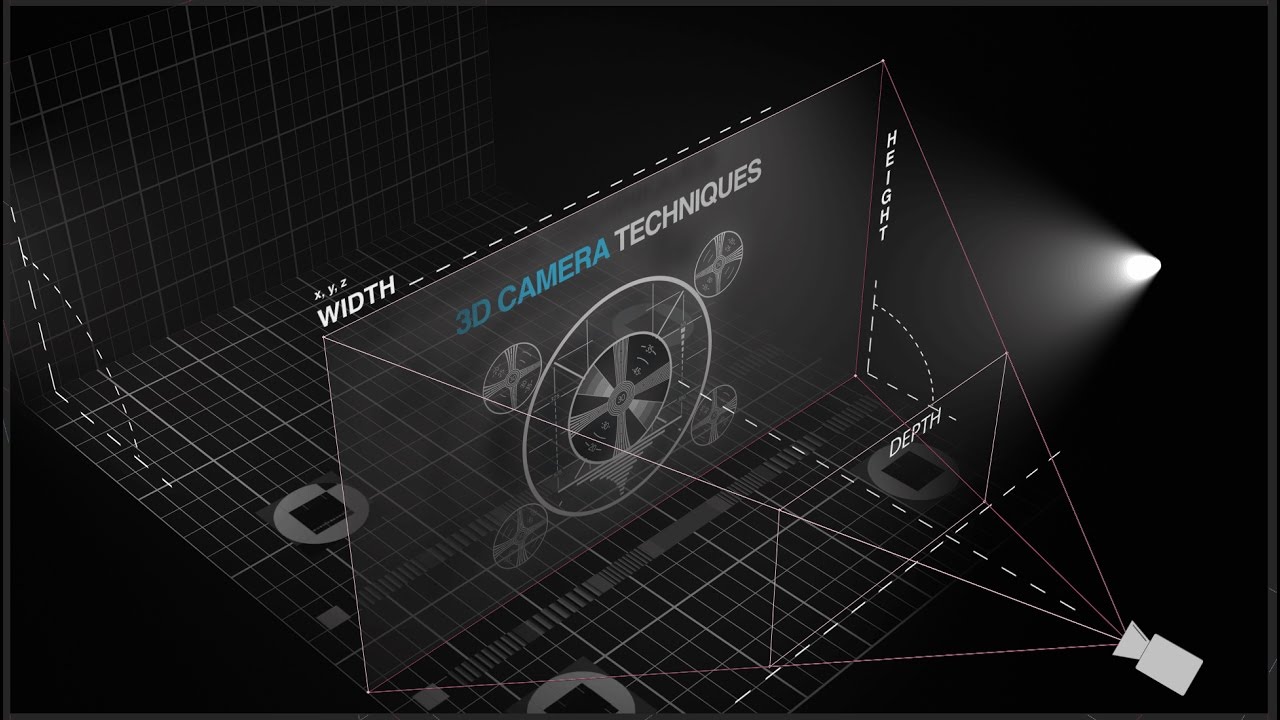
Pickwhip (Almost) ANYTHING in After Effects | Tutorial
Автор: 7 Minute AE Tutorials
Загружено: 2020-09-22
Просмотров: 19250
Описание:
In this tutorial, I'll show you how to pickwhip (almost) anything. Whether it's a transform properties, layer value, effect value, expression... almost any property at all can be pickwhipped. This yields great results if done correctly, and will also save you a ton of time!
PROJECT FILES AND NOTES: https://www.dropbox.com/sh/aw5wecgskd...
THE POWER OF SHAPE LAYERS: https://www.udemy.com/course/power-of...
00:00 - Begin
00:09 - Intro
01:15 - What is pickwhipping?
02:59 - Opacity pickwhip
03:30 - Shape Layer Position pickwhip
06:13 - Gear Animation pickwhip
07:57 - Pie Chart Animation pickwhip
09:31 - Pickwhip Effects (Fill)
10:30 - You can't pickwhip everything
11:30 - Clock Animation pickwhip
12:42 - Summary
13:18 - Outro
INTRO
Hey everybody, and welcome back to another episode of 13 Minute AE Tutorials, where you learn tips, tricks, and shortcuts in 13 minutes or less. No BS. Just AE.
In this episode, we're gonna talk about pickwhipping. If you're unfamiliar, pickwhipping is how you create a parent-child relationship between two layers or properties. Most motion graphic designers are familiar with the concept of pickwhipping, but to a limited degree.
We've all pickwhipped layers to a null, or maybe one layer to another layer so they follow each other. But there's so much more that you can do with pickwhipping. I'm going to show you several ways to increase your speed, streamline your workflow, and make life in general so much easier by simply pickwhipping the right properties to one another. This is one of those episodes where you will learn techniques that you can use every single day.
Please like this episode so I can get into the good graces of the elusive YouTube algorithm. Share my channel with your friends, colleagues, and co-workers. And click the bell so you're notified every time I upload a new video. Drop examples of what you learned from this episode into the comments below.
I hope that helped you. Please like, subscribe, share, and comment. Click the bell so you're notified every time I upload a new video. Tell your friends, colleagues, and co-workers about my channel so they can hone their motion graphics skills, too. I'd love to hear your thoughts about this episode, and I'd like to see what you come up with using this parenting technique. Drop your examples into the comments below!
And sign up for my Udemy course, "The Power of Shape Layers." It's a comprehensive course that covers literally every aspect of shapes layers. And it's guaranteed to make you a shape layer superstar.
The link to that course as well as the notes and project files for this episode are in the description below. Thanks for watching, everybody. And I'll see you next time.
Повторяем попытку...
Доступные форматы для скачивания:
Скачать видео
-
Информация по загрузке:









![Введение в интерфейс Adobe After Effects. Эпизод 2/48 [Adobe After Effects для начинающих]](https://imager.clipsaver.ru/O6KRRQm6meY/max.jpg)