Apply for outward Remittances through ICICI Bank Trade Online
Автор: ICICI Bank
Загружено: 2020-04-07
Просмотров: 104800
Описание:
In this tutorial, learn step-by-step how to apply for outward remittances using ICICI Bank Trade Online platform. Outward remittances are essential for international transactions and this guide will walk you through the process seamlessly. Whether you're a business looking to pay overseas suppliers or an individual sending money abroad, understanding this process is crucial. Watch now to simplify your outward remittance application process with ICICI Bank Trade Online.
ICICI Bank Trade Online platform enables you to submit all your trade transactions requests online. You can now initiate Outward Remittances digitally from trade online. Watch this video, to learn how to initiate outward remittances from anywhere through ICICI Bank Trade Online.
========Content of this video========
0:00 Overview about Trade Online
0:24 Login Corporate Internet Banking
0:28 Process to Apply for outward remittances
4:00 Conclusion
=================================
To access trade online:
Login to ICICI Bank Corporate Internet Banking.
Navigate to Trade - Trade Services - Trade Online.
The intuitive dashboard gives you a snapshot of your transactions.
Click on the grid to view the details of the pending transactions.
To place a request for outward remittances, click on Payment’s tab and select the Remittance Request option.
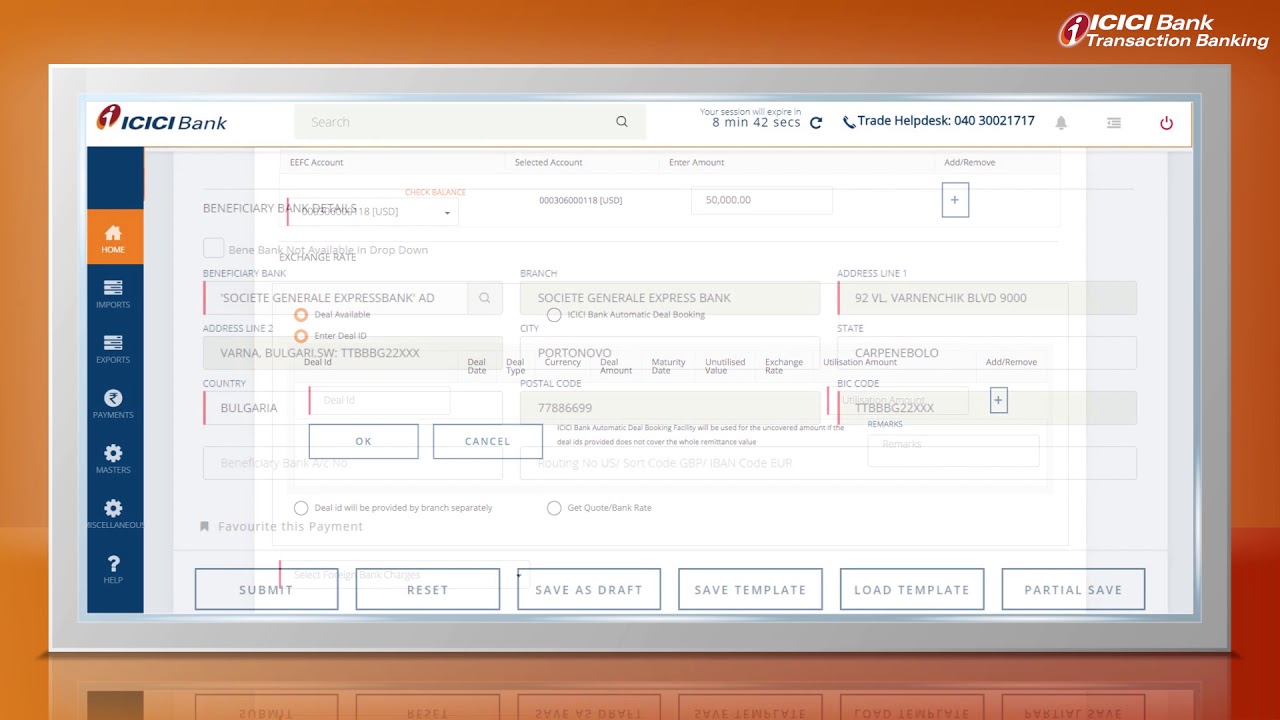
The ORM submission form opens with multiple tabs on the top.
The applicant and remitter details are auto populated.
However, remitter details can be changed manually.
Fill all the mandatory details marked in red across relevant tabs.
One can also select any one exchange rate option.
o ICICI Bank Rate.
o Deal Available.
o Deal ID will be provided by the branch separately.
o Get Quote/ Bank Rate.
You can also save this as a template using Save Template.
Beneficiary details can be stored in Beneficiary Maintenance.
And Clause details can be stored in Clause Template.
The Save As Draft can be used to save the transaction and submit later on.
The details saved can also be viewed from the remittance enquiry page.
On the Attachment tab, the document to be uploaded will be shown based on purpose category
To know more about Outward Remittance:
https://www.icicibank.com/internet-ba...
To know more about ICICI Bank Corporate Internet Banking: https://www.icicibank.com/corporate/c...
Subscribe to the ICICI Bank YouTube Channel and remember to press the bell icon to get notifications on our latest products and services offerings.
https://www.youtube.com/user/iciciban...
There is more than one way to connect with us, so be sure to check our ICICI Bank at:
Website: https://www.icicibank.com
Facebook: / icicibank
LinkedIn: / icici-bank
Twitter: / icicibank
Повторяем попытку...
Доступные форматы для скачивания:
Скачать видео
-
Информация по загрузке: