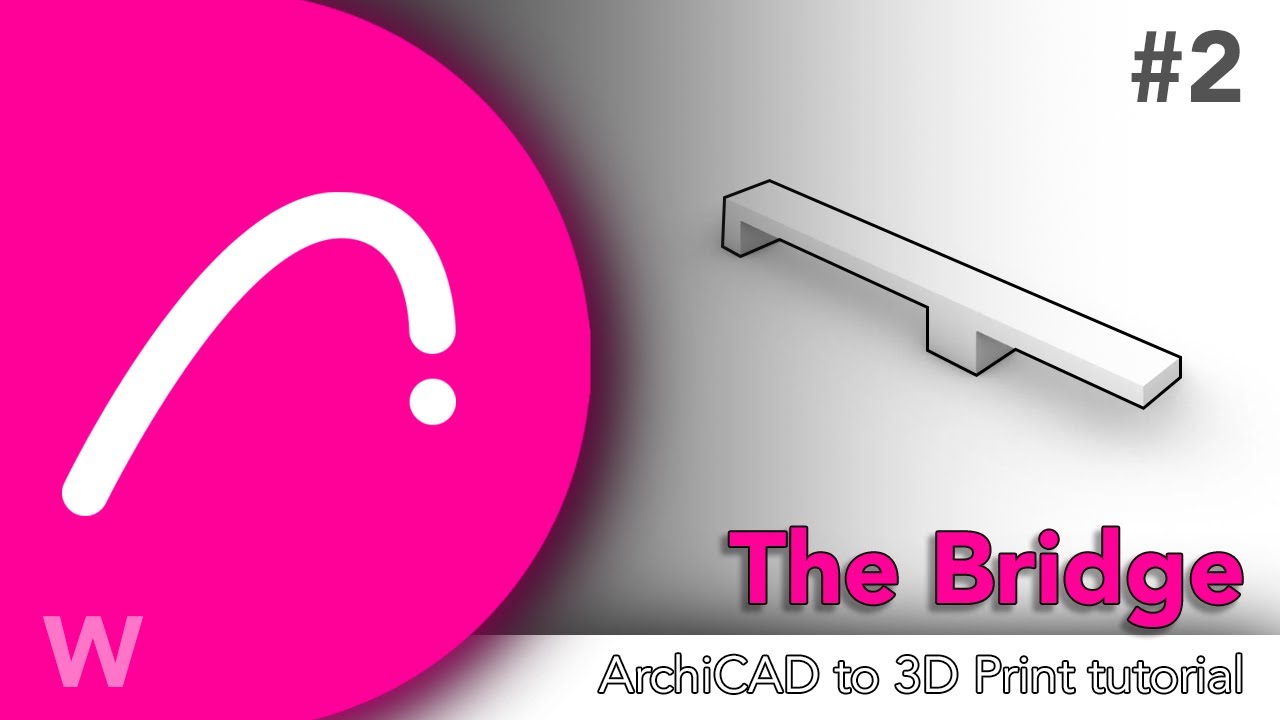
3D Printing Basics for Architecture | Create a Bridge STL in Archicad
Автор: Workflows
Загружено: 2026-01-08
Просмотров: 4
Описание:
In this video, you’ll learn 3D printing basics for architectural design by creating a simple bridge model in Archicad using the Morph tool. This exercise is part of a foundational workflow designed to help architects and designers understand how to generate clean STL files for 3D printing, not just how to model shapes.
We’ll walk step by step through Exercise 2.1, focusing on dimensions, solid modeling, and correct geometry setup. Even though the bridge looks simple, the goal is to introduce essential 3D printing techniques for architecture, including proper object creation, copying elements, flipping geometry, and exporting files correctly.
Download Material:
[https://www.dropbox.com/scl/fi/nshr45...](https://www.dropbox.com/scl/fi/nshr45...)
You’ll learn how to:
Use the Morph command in Archicad
Create structural elements like bridge decks and legs
Adjust dimensions precisely in millimeters
Copy, modify, and flip solids correctly
Export your model as an STL (Stereolithography) file
Prepare architectural models for future 3D printing workflows
⚠️ Important: This model is for learning purposes only. Do not 3D print it without watching the full course, where critical printing rules, tolerances, and material considerations are explained in depth.
This video is ideal for architects, architecture students, and designers who want to integrate 3D printing into their design process and avoid common beginner mistakes.
👉 Subscribe for more architectural 3D printing tutorials
💬 Comment below if you want more Archicad + 3D printing exercises
📺 Watch the full course to master professional 3D printing workflows
00:00 Introduction
00:14 Exercise setup
00:39 Using the Morph tool
00:55 Creating bridge legs
01:26 Copying and resizing geometry
01:59 Flipping the model
02:18 Isolating and exporting STL
#workflows #archicad #3dprinting
Повторяем попытку...
Доступные форматы для скачивания:
Скачать видео
-
Информация по загрузке: