How to Drag and Drop Files on Windows 10 /11 | Easy Guide!
Автор: Binary Techs
Загружено: 2026-03-01
Просмотров: 24
Описание:
How to Drag and Drop Files on Windows 10 /11
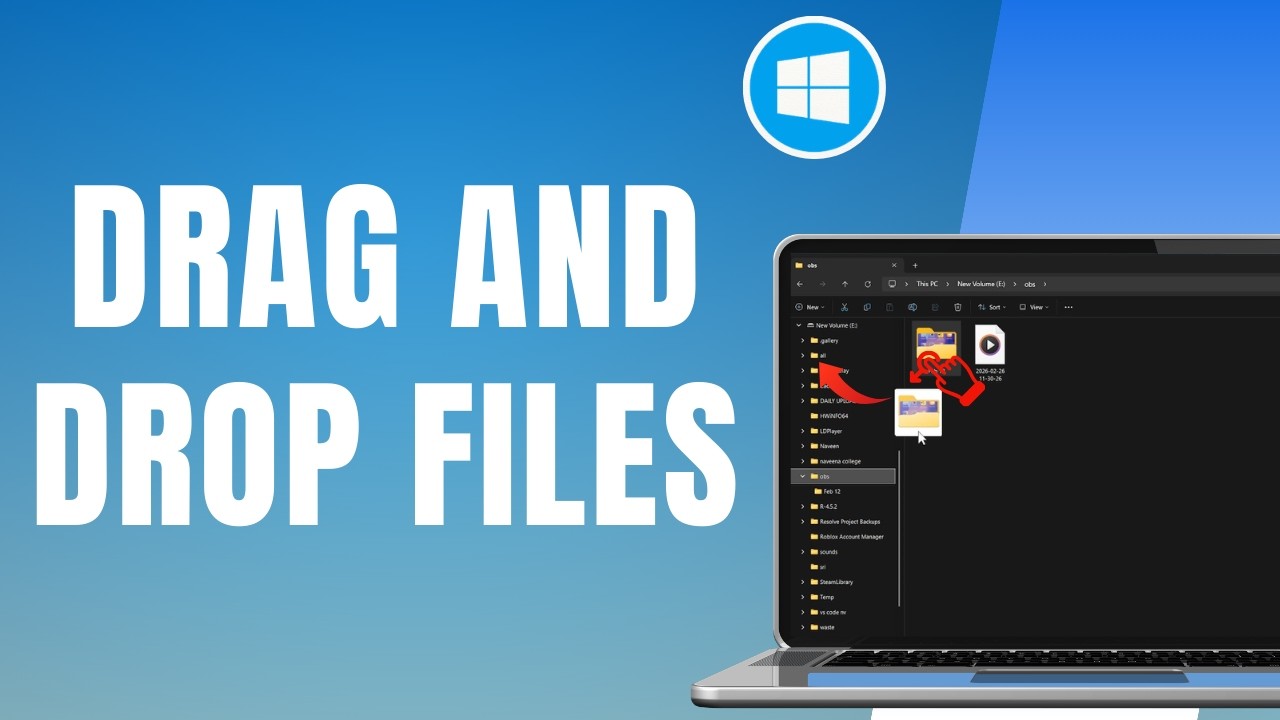
How to drag and drop files on Windows 10 or 11 by using a simple left click and drag action on your desktop or inside File Explorer. This video highlights the key idea: left click on the file, do not release the left click, drag the file to the new location, then release to drop it. It also explains the same method works in File Explorer when you want to move a file or folder from one place to another. This is important because drag and drop on Windows 10/11 helps you organize files faster and move folders without extra steps. After learning how to drag and drop files on Windows 10 or 11, you can move files between folders more smoothly and keep your desktop and file manager more organized.
00:00 Introduction
00:10 how to drag and drop files on windows 10 or 11
windows 11 drag and drop not working, drag and drop on windows 11, drag and drop files on windows 10, drag and drop files on windows 11, how to drag and drop files on windows 11, drag and drop files on windows pc
#draganddrop #windows10 #windows11 #windowstips #filemanagement #windowstutorial
Повторяем попытку...
Доступные форматы для скачивания:
Скачать видео
-
Информация по загрузке: