ASUS TUF Gaming Monitor – How to Change Audio Source to Monitor Speakers
Автор: HardReset.Info
Загружено: 2025-05-14
Просмотров: 3868
Описание:
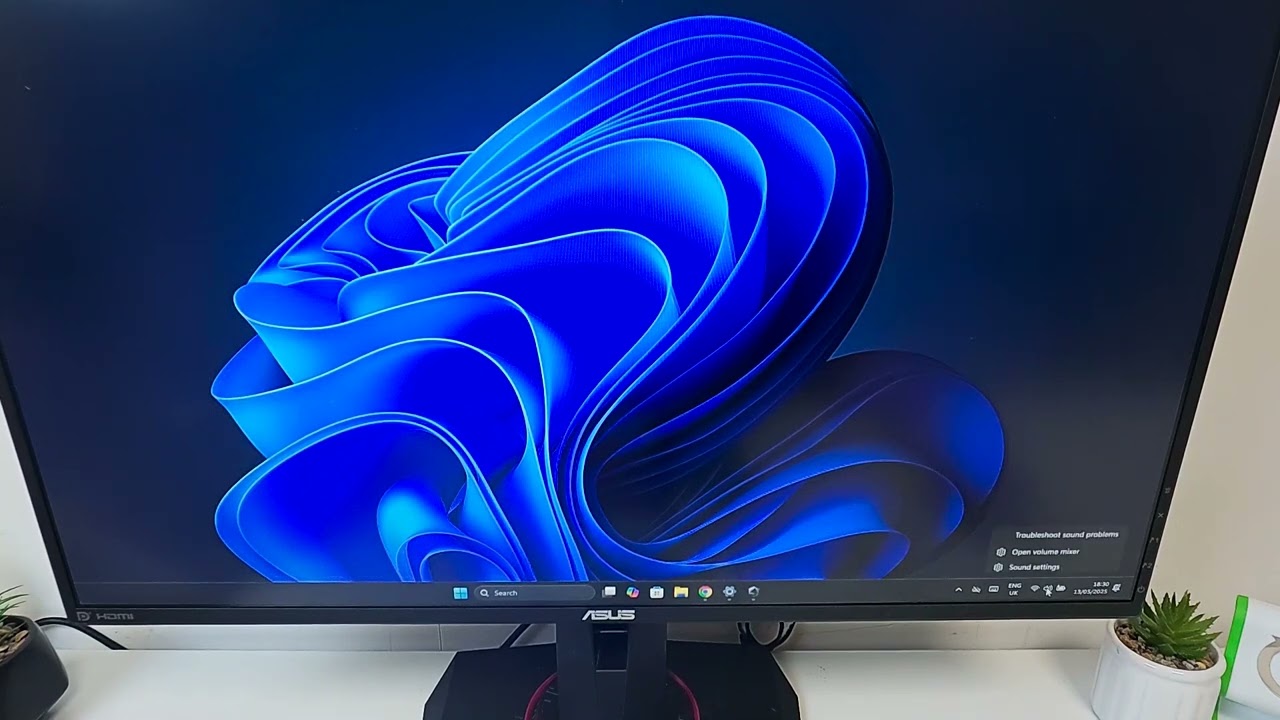
If you want to use your ASUS TUF Gaming Monitor’s built-in speakers instead of your computer or external speakers, this video will show you exactly how to change the audio source. We’ll walk you through the steps to set your ASUS TUF Gaming Monitor as the main sound output device, including checking your HDMI or DisplayPort connection and adjusting the sound settings on your PC. Whether you’re gaming, watching movies, or just want better audio from your monitor, this guide will help you get the sound working the way you want. Follow along to make sure your ASUS TUF Gaming Monitor speakers are enabled and selected as the audio source.
How to change audio source to monitor speakers on ASUS TUF Gaming Monitor?
How to enable ASUS TUF Gaming Monitor as a sound device?
Where are the sound settings for ASUS TUF Gaming Monitor on Windows?
0:00 Introduction and monitor overview
0:08 Check HDMI or DisplayPort connection
0:19 Open sound settings on your PC
0:25 Go to all sound devices
0:34 Enable monitor as audio source
0:41 Select ASUS TUF Gaming Monitor in sound settings
0:48 Outro and subscribe
#ASUSTUFGamingMonitor #ASUSMonitor #AudioSource #MonitorSpeakers
Find out more:
https://www.hardreset.info/devices/as...
Follow us on Instagram ► / hardreset.info
Like us on Facebook ► / hardresetinfo
Tweet us on Twitter ► / hardreseti
Support us on TikTok ► / hardreset.info
Use Reset Guides for many popular Apps ► https://www.hardreset.info/apps/apps/
Повторяем попытку...
Доступные форматы для скачивания:
Скачать видео
-
Информация по загрузке:











![Best of Vocal House [2025] English Deep House, Vocal House, Nu Disco, Chillout, hot mix](https://image.4k-video.ru/id-video/fideCsumVVo)