ycliper

Популярное

Музыка Кино и Анимация Автомобили Животные Спорт Путешествия Игры Юмор

Интересные видео

2025 Сериалы Трейлеры Новости Как сделать Видеоуроки Diy своими руками

Топ запросов

смотреть а4 schoolboy runaway турецкий сериал смотреть мультфильмы эдисон
Скачать

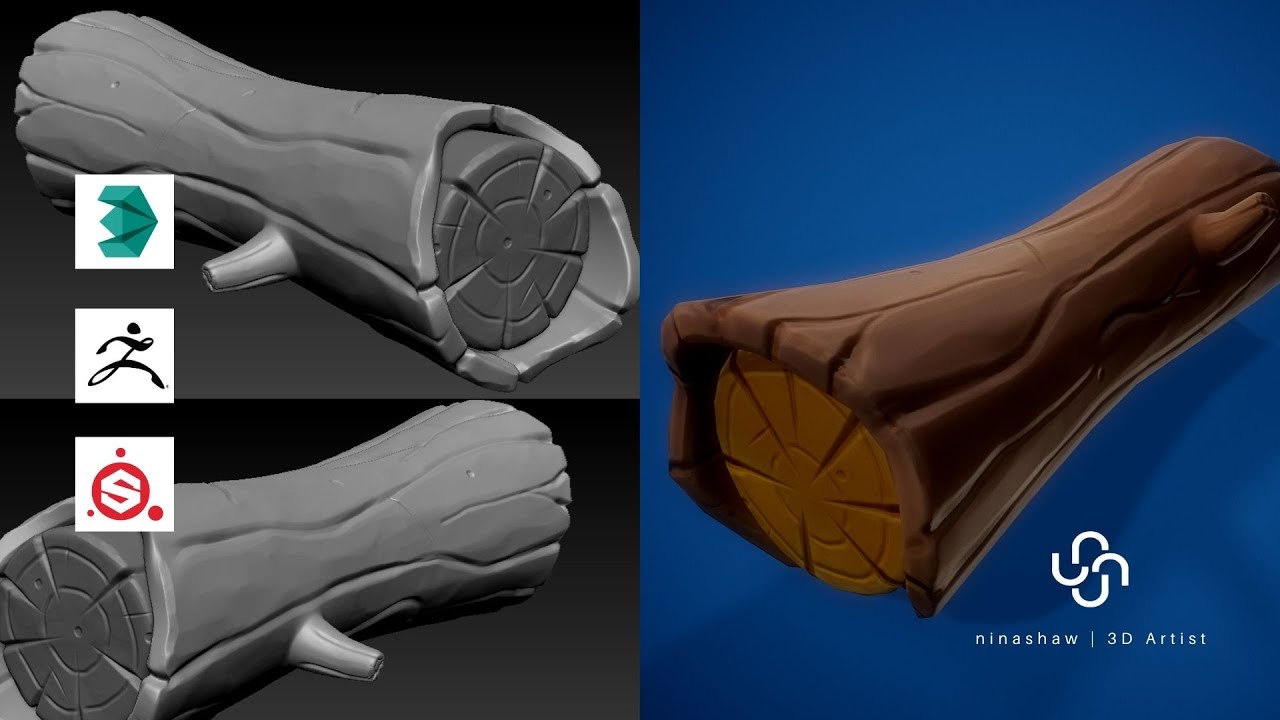
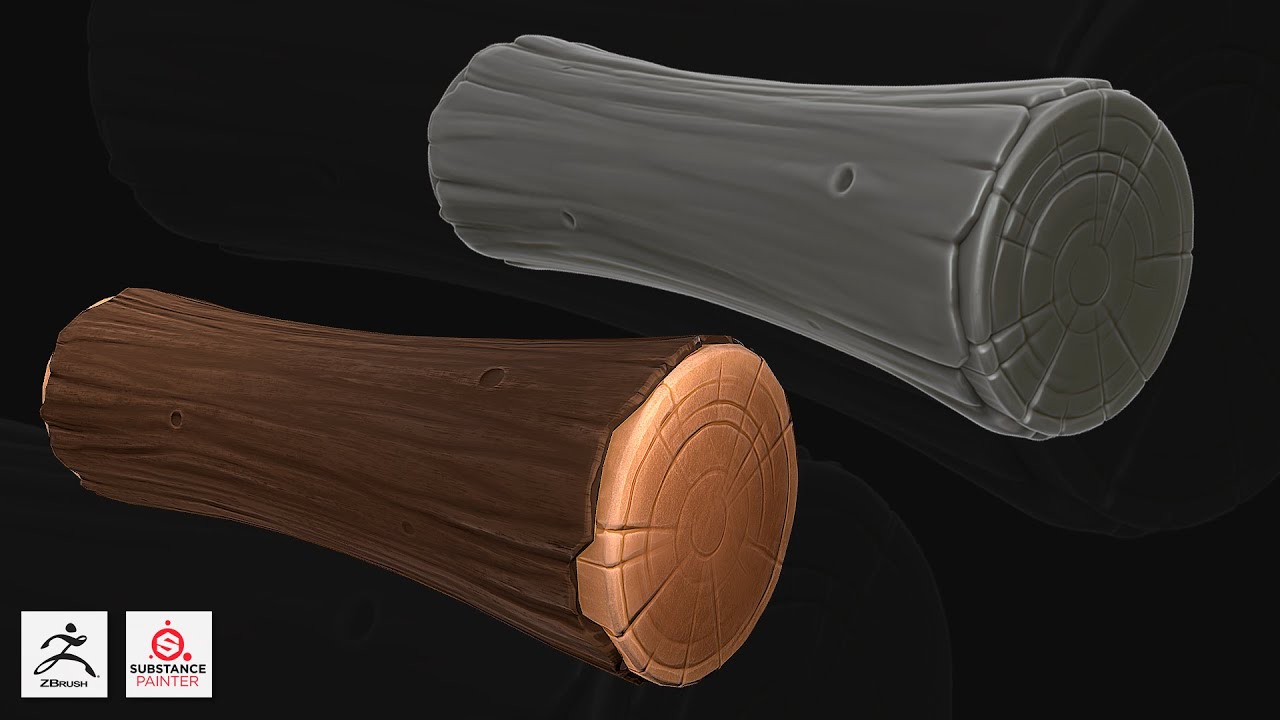
TIMELAPSE | Game Asset Stylized Log | 3dsMax/Zbrush/Substance Painter

Автор: Nina Shaw - GameArt

Загружено: 2021-01-24

Просмотров: 4350

Описание: Download all the original scene files and the full tutorial on my Patreon page:
  / 46600620  
Dowload my Smart materials here:
  / 43717796  
Join the Patreon group for more :   / ninashaw  
Special Thanks to my Patrons!
JB3D
Aravise
Michael Fitzpatrick
dhiraj more
Konstantin Mihalev
Red
Hector Cuevas
La Caverne Du VFX

In this video I'll show you the complete workflow on how to model, unwrap, a Stylized Wood Log in Autodesk 3dsMax, Sculpt it in Zbrush and then texturing it in Substance Painter. We'll begin by modeling our model, then we'll make the high poly version in Zbrush and unwrap the model in 3dsMax. After that, we'll bake the high and lowpoly versions and texture in Substance Painter.

1:06 - Edge loop Regularizer
http://www.scriptspot.com/3ds-max/scr...

Zbrush Brushes link:
https://gumroad.com/l/nOkHw


Follow me:
Artstation: https://www.artstation.com/ninashaw
Behance: https://www.behance.net/ninashaw/
Facebook:   / ninashawcreative  
Pinterest: https://www.pinterest.pt/ninashawdesign/
Dribbble: https://dribbble.com/ninashaw
Instagram:   / ninashawdesign  

Thank you all for your support. If you have any questions please don't hesitate to contact me: [email protected]

Here’s a list of some of my Main Hotkeys in 3dsMax:
B – Bevel
CTRL+C – Copy
CTRL+V – Paste
CTRL+Z – Undo
Z - Zoom
C – Connect
ALT+X – See-Through
F – Front View
T – Top View
L -Left View
P – Perspective View
Q- Select and move
W- Select and rotate
E- Select and scale
SHIFT+R - Repeat last command
G – Hide Grids Toggle
M – Material Editor Toggle
F3 – Wireframe View Mode
F4 – Edges Shaded View Mode
S – Swift Loop
R – Regularize Edge Loop (Script)
A – Ring
CTRL+A – Select All
CTRL+I – Invert
SHIFT+S – Stitch (Uv’s tool)
1 – Select Vertices
2 – Select Edges
3 – Select Border
4 – Select Polygon
5 – Select Element

#Autodesk3dsMax#SubstancePainter#Zbrush#Stylized

Не удается загрузить Youtube-плеер. Проверьте блокировку Youtube в вашей сети.
Повторяем попытку...
TIMELAPSE | Game Asset  Stylized Log | 3dsMax/Zbrush/Substance Painter

Поделиться в:

Доступные форматы для скачивания:

Скачать видео

  • Информация по загрузке:

Скачать аудио

Похожие видео

Стилизованное дерево Zbrush для начинающих | CG скульптинг, уроки на русском

Стилизованное дерево Zbrush для начинающих | CG скульптинг, уроки на русском

Stylized Game Asset | Full Workflow 3dsMax/Zbrush/Substance Painter

Stylized Game Asset | Full Workflow 3dsMax/Zbrush/Substance Painter

⚡️ Капитуляция на условиях России || Зеленский пошёл в отказ

⚡️ Капитуляция на условиях России || Зеленский пошёл в отказ

How to make stylized rocks in Autodesk Maya 2020, Zbrush, and Substance Painter

How to make stylized rocks in Autodesk Maya 2020, Zbrush, and Substance Painter

Autodesk 3ds Max, Zbrush, Substance Painter   Stylized  sword

Autodesk 3ds Max, Zbrush, Substance Painter Stylized sword

УЧЕБНОЕ ПОСОБИЕ: Скульптурирование дерева в ZBRUSH — 3 ПРОСТЫХ ШАГА! | Polygon Academy

УЧЕБНОЕ ПОСОБИЕ: Скульптурирование дерева в ZBRUSH — 3 ПРОСТЫХ ШАГА! | Polygon Academy

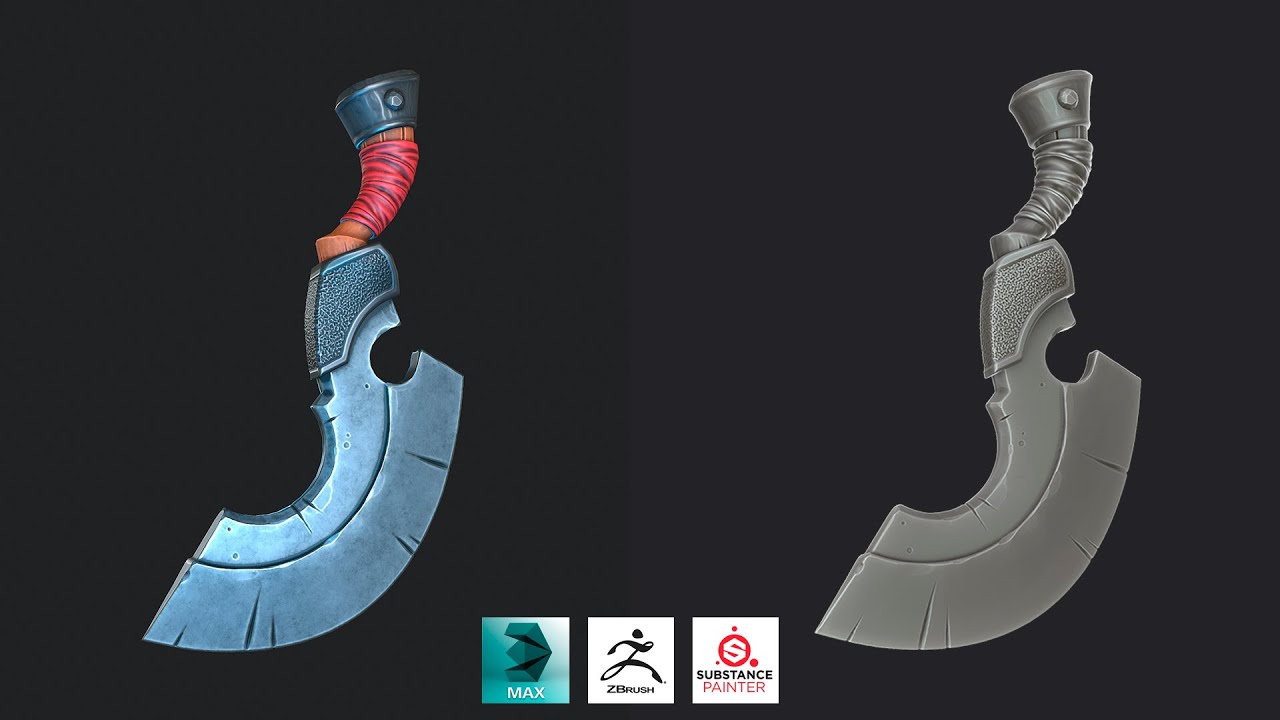
Making a Stylized Chopping Knife with Maya, Zbrush, and Substance Painter

Making a Stylized Chopping Knife with Maya, Zbrush, and Substance Painter

Хакер с IQ500+ Превращается в Элитного Убйцу После Того, Как Его Жену Убили Террористы.

Хакер с IQ500+ Превращается в Элитного Убйцу После Того, Как Его Жену Убили Террористы.

How to make Stylized Rocks For Games In Blender (Full Workflow Tutorial)

How to make Stylized Rocks For Games In Blender (Full Workflow Tutorial)

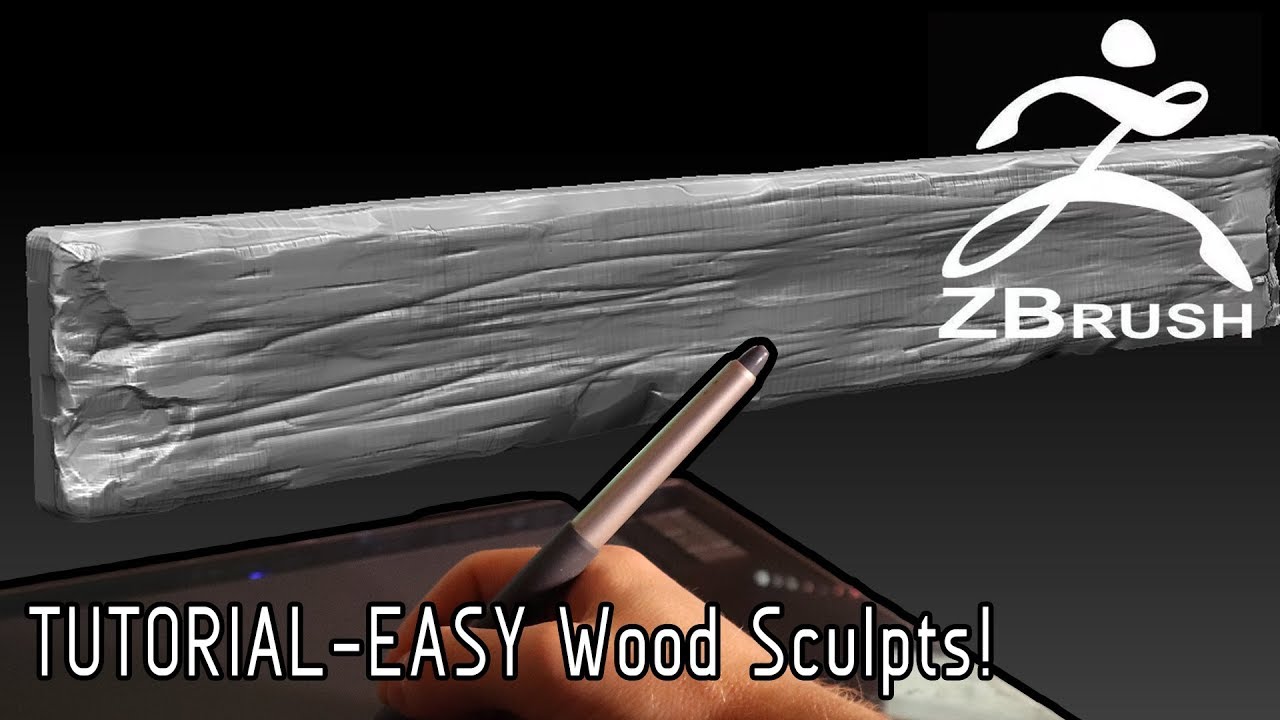
Серия ZBrush Quick Tip: Быстрое создание древесины

Серия ZBrush Quick Tip: Быстрое создание древесины

Stylized Wood Sculpting - Techniques

Stylized Wood Sculpting - Techniques

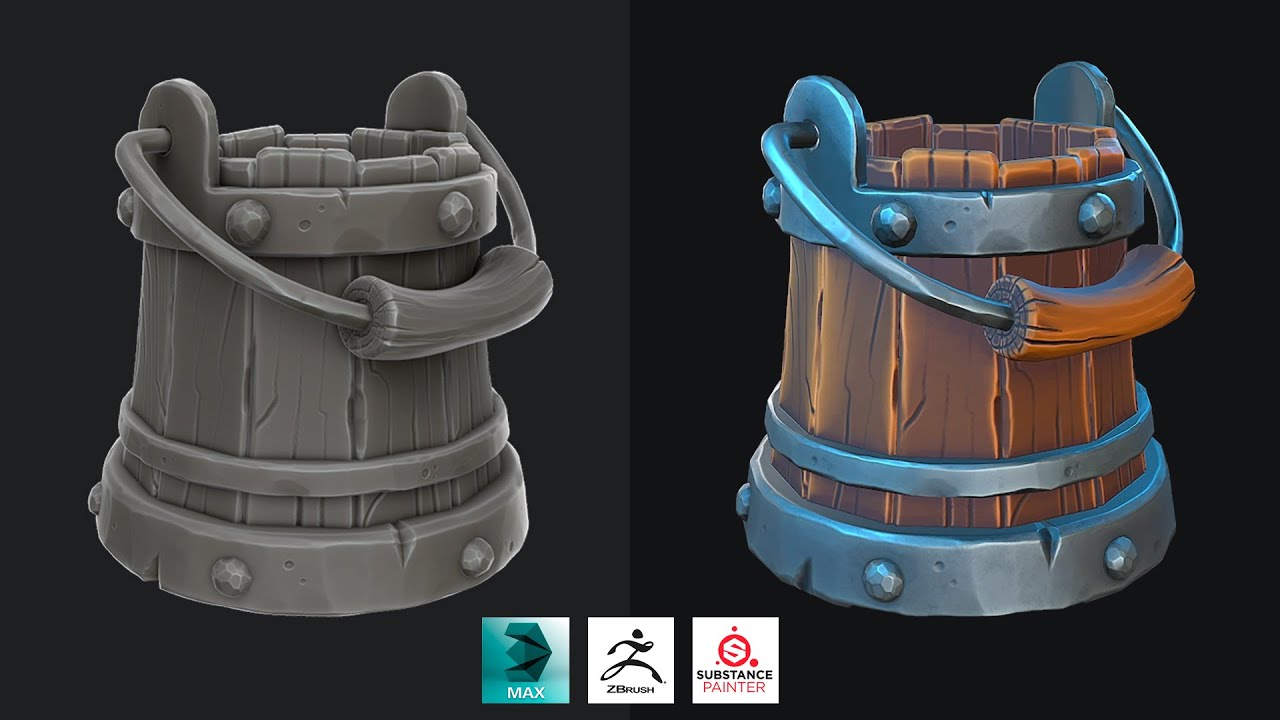
3ds Max, Zbrush, Substance Painter - Stylized Wooden Bucket

3ds Max, Zbrush, Substance Painter - Stylized Wooden Bucket

Stylized Wood Log - Zbrush, Autodesk Maya 2022, Substance Painter

Stylized Wood Log - Zbrush, Autodesk Maya 2022, Substance Painter

和牛先生のマッハで学ぶSubstance 3D Painter:世界一のサブスタ入門

和牛先生のマッハで学ぶSubstance 3D Painter:世界一のサブスタ入門

Zbrush, Substance Painter   Stylized Firewood, Log

Zbrush, Substance Painter Stylized Firewood, Log

How to create a game asset in 3ds Max and Substance Painter

How to create a game asset in 3ds Max and Substance Painter

Quick Sculpting Workflow | Blender Speed Sculpting stylised WOOD PLANKS | 3d Game Art Sculpting

Quick Sculpting Workflow | Blender Speed Sculpting stylised WOOD PLANKS | 3d Game Art Sculpting

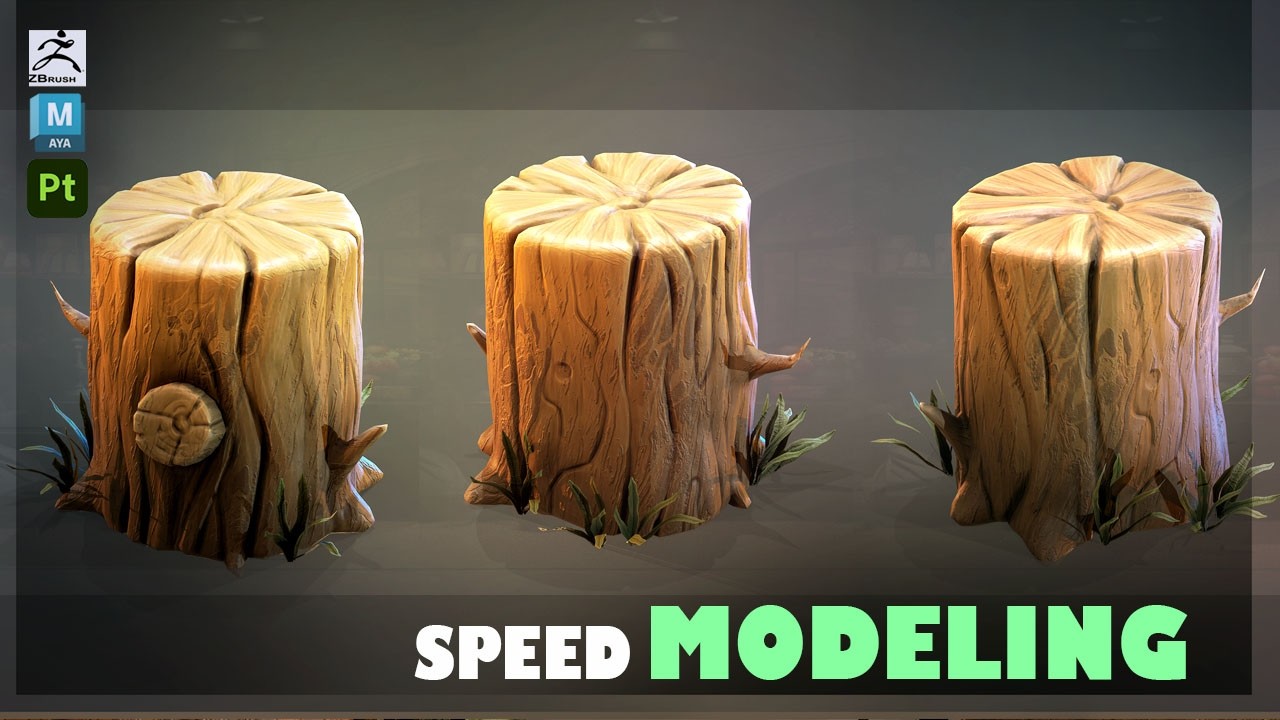
Modeling and Texturing a Stylized Tree Stump with Maya 2025, Zbrush, and Substance Painter V2

Modeling and Texturing a Stylized Tree Stump with Maya 2025, Zbrush, and Substance Painter V2

Гипнотический эффект волнистых линий | Полутон в Blender | Урок Geometry nodes

Гипнотический эффект волнистых линий | Полутон в Blender | Урок Geometry nodes

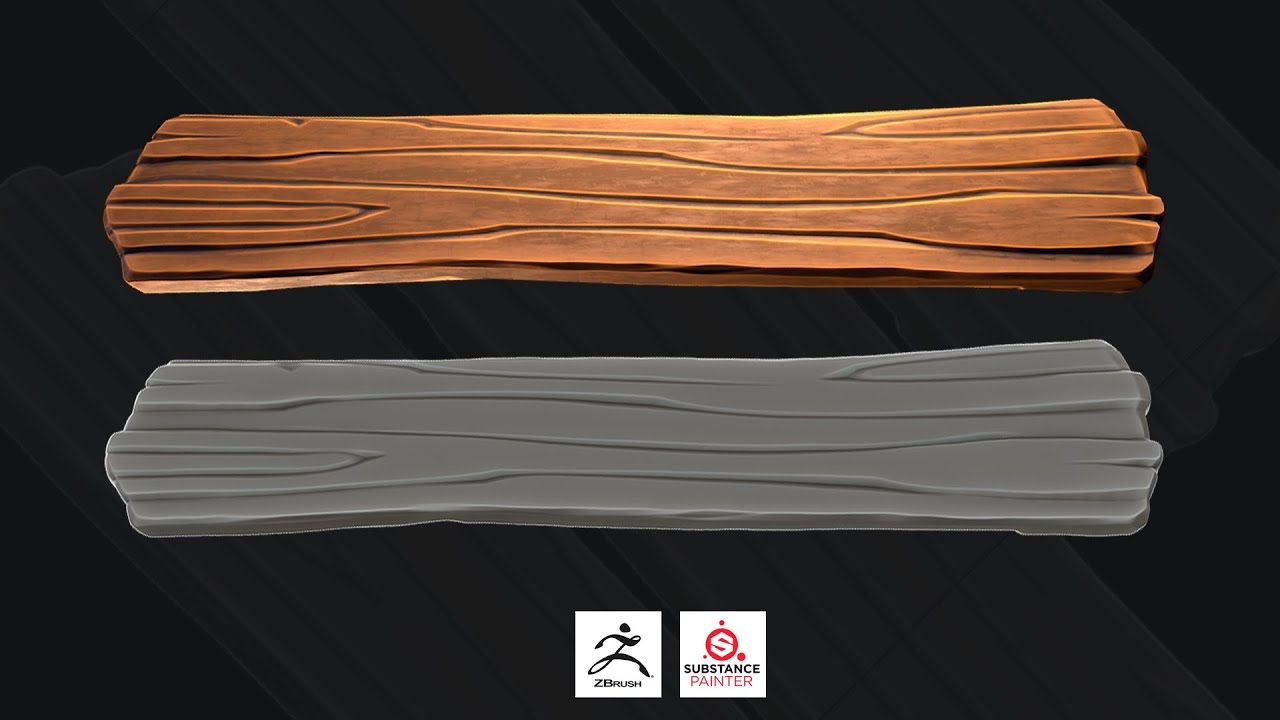
Zbrush, Substance Painter - Stylized Plank

Zbrush, Substance Painter - Stylized Plank

© 2025 ycliper. Все права защищены.


  • Контакты
  • О нас
  • Политика конфиденциальности


Контакты для правообладателей: [email protected]