How to Fix "A Problem Repeatedly Occurred" in Safari on iPhone | Get Safari on iPhone
Автор: NexLab
Загружено: 2025-03-07
Просмотров: 305
Описание:
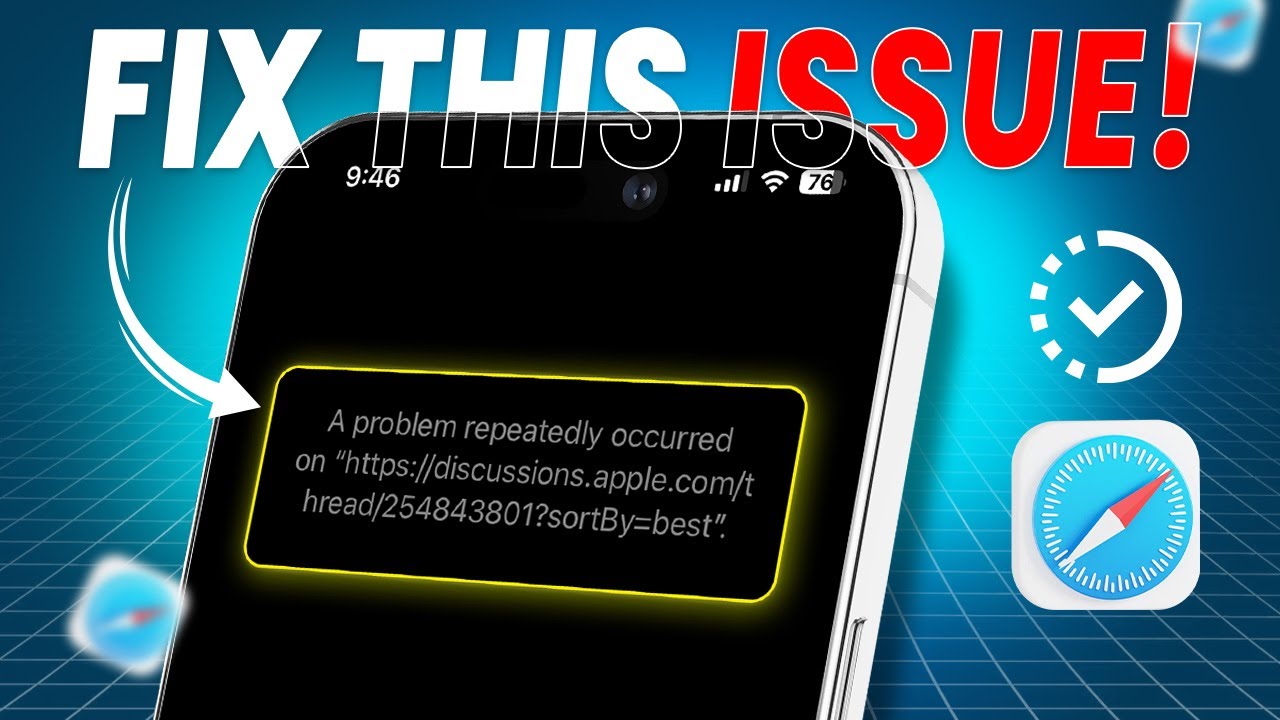
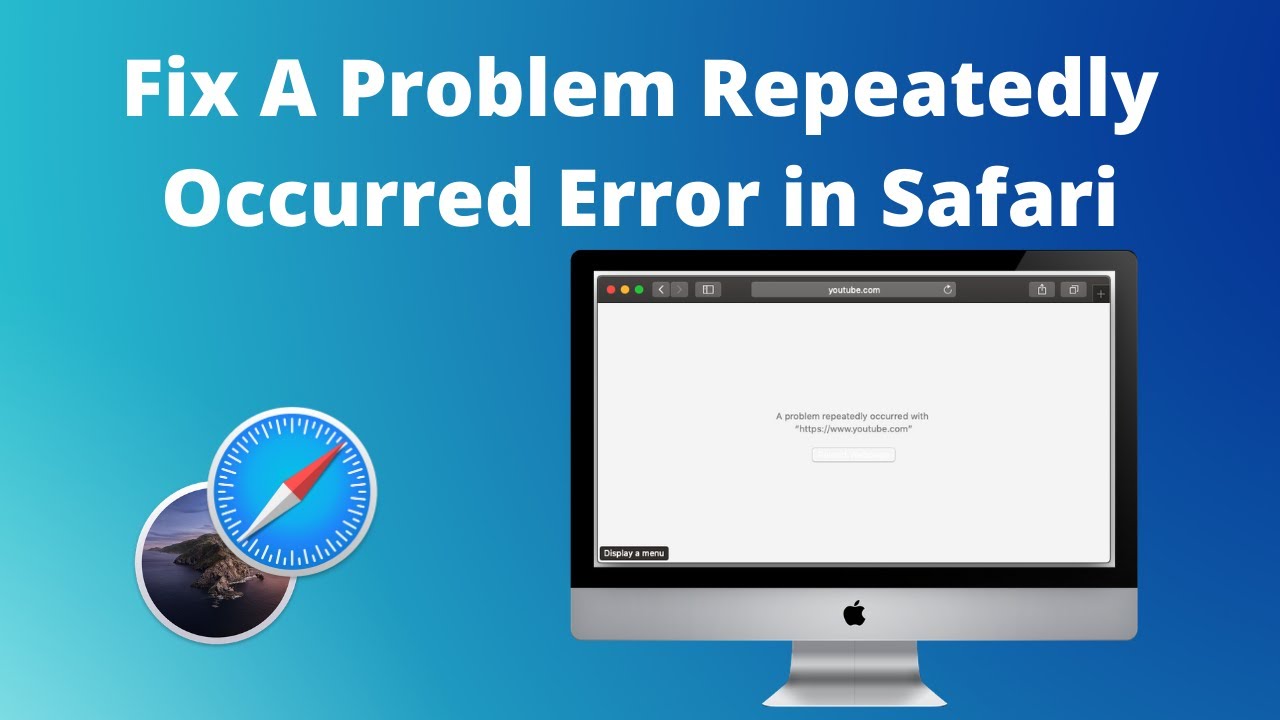
Is Safari showing "A Problem Repeatedly Occurred" on your iPhone? Well, don’t worry! In this video, I’ve shown how to fix a problem that repeatedly occurs in Safari on iPhone and how to fix problems with Safari on iPhone easily.
Along with that, you’ll also learn why Safari keeps crashing on iPhone, how to use Safari on iPhone, and how to fix a problem that has repeatedly occurred in Safari without any hassle. So without any delay, check out this video now! If you found it helpful, make sure to like, comment, and subscribe. Thanks for watching! See you in the next one!
00:01- Video Intro
00:17- Solution 1: Restart Safari
00:39- Solution 2: Clear Safari Cache and Data
01:04- Solution 3: Check Internet Connection
01:24- Solution 4: Disable Extensions
01:46- Solution 5: Update iOS
02:04- Solution 6: Reset All Settings
02:28- Solution End
#SafariCrashFix
#iPhoneSafariError
#FixSafariIssues
#BrowserCrashFix
#iPhoneTips
Повторяем попытку...

Доступные форматы для скачивания:
Скачать видео
-
Информация по загрузке: