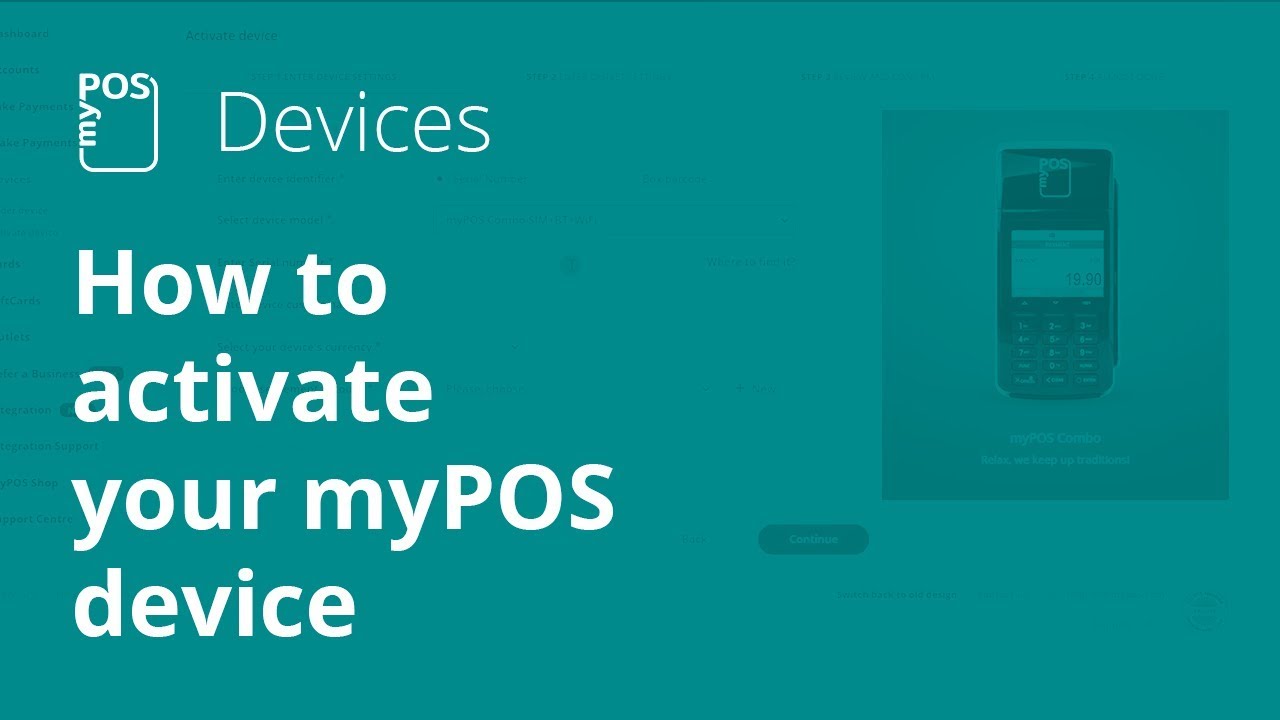
How to activate your myPOS card machine in 5 easy steps
Автор: myPOS
Загружено: 2019-08-14
Просмотров: 16184
Описание:
To activate a myPOS device the merchant needs a myPOS account, a mobile phone (to receive a confirmation via text message) and Internet connection (Bluetooth, Wi-Fi or GPRS). All devices come equipped with a built-in DATA Card for internet connectivity. The activation of the myPOS device is a simple, one-time process that takes about 5 minutes.
The merchant should follow these simple steps:
1. Login to your myPOS account and go to Devices
2. Fill in your device settings
3. Set a billing descriptor and an outlet your device is linked to
4. Review and confirm details
5. Enter the confirmation code sent to your phone
The device is now ready to use and will be listed under the menu Devices in the myPOS account.
Learn more: https://www.mypos.eu/en/faq/client/de...
More from myPOS:
» Website: https://www.mypos.eu
» Blog: https://www.mypos.eu/en/blog
» myPOS for Android: https://goo.gl/XRViqF
» myPOS for iOS: https://goo.gl/6grpam
» Facebook: / myposofficial
» Instagram: / mypos.official
» LinkedIn: / mypos-official
» Twitter: / myposofficial
Повторяем попытку...
Доступные форматы для скачивания:
Скачать видео
-
Информация по загрузке:


![Vreau să plătesc oriunde cu cardul! [UNBOXING & REVIEW]](https://image.4k-video.ru/id-video/I5yrXAZjAW8)