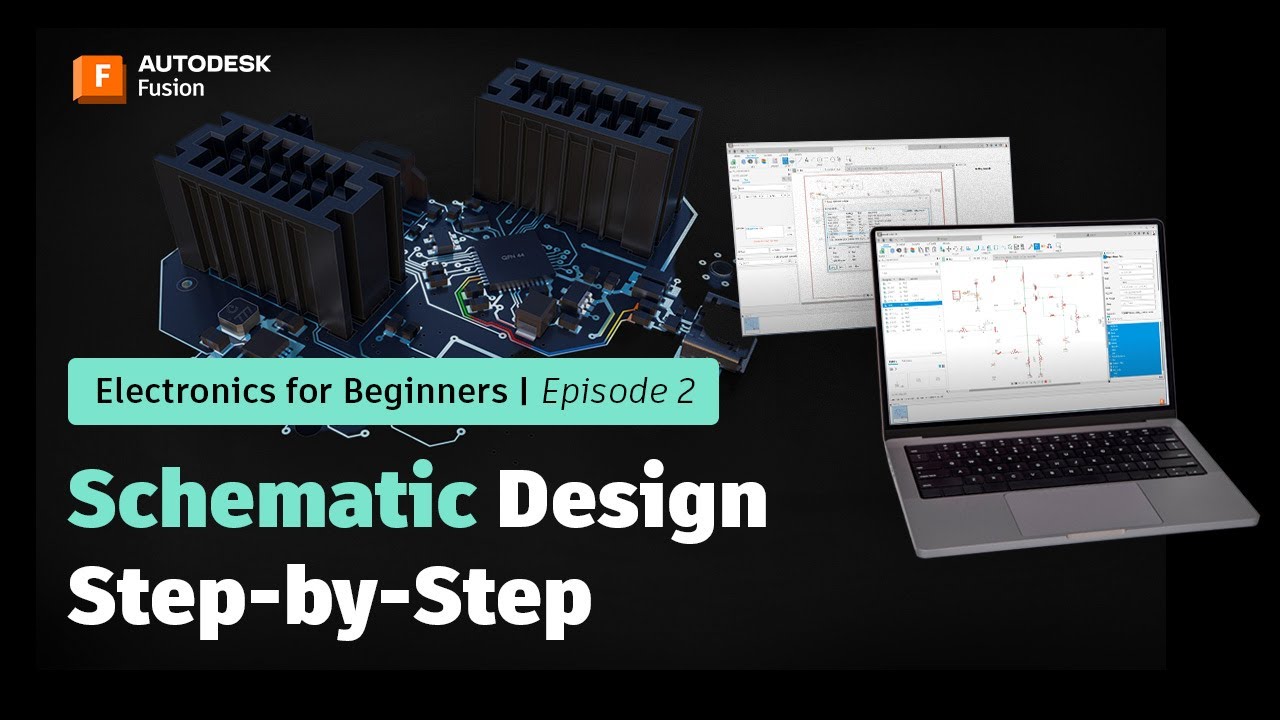
Schematic Design Step-by-Step | Autodesk Fusion Electronics for Beginners
Автор: Autodesk Fusion
Загружено: 2022-06-07
Просмотров: 80365
Описание:
Want to master schematic design in Fusion Electronics? Start here.
In this Fusion Electronics for Beginners series, you’ll be guided through each step of creating your first schematic using Fusion Electronics.
In this episode, you’ll build your schematic step-by-step—placing components from your libraries, connecting them with the Net command, and organizing your design for clarity and function. You’ll also learn how to assign component values, add titles, and generate a Bill of Materials (BOM).
What you’ll learn:
How to place and position components using the Place Parts panel
How to connect components with the Net command
Tips for organizing schematics with design sections and Persistent Groups
How to assign values, add titles, and create a BOM
This is Episode 2 of the Fusion Electronics for Beginners series.
Need more help on transitioning to Autodesk Fusion? Click here: https://autode.sk/3zSETKO
For those who want to follow along...
Download the Fusion Electronics design files: https://autode.sk/3OMCKm4
Download the Fusion Electronics libraries: https://autode.sk/3OpUiob
►FREE TRIAL | https://autode.sk/31Sxeef
►SUBSCRIBE | https://autode.sk/30njGGX
►GET STARTED | https://autode.sk/30k2DWh
CONNECT with Fusion 360 on social media:
INSTAGRAM | https://autode.sk/2Enzh8P
FACEBOOK | http://autode.sk/19jII5A
TWITTER | http://autode.sk/19jIJXc
Повторяем попытку...
Доступные форматы для скачивания:
Скачать видео
-
Информация по загрузке:



![Creating an Electronic Component Library in Fusion 360 [Part 1]](https://imager.clipsaver.ru/NITJZfhjppI/max.jpg)