How to Add a QR Code Frame and CTA for More Scans
Автор: The QR Code Generator
Загружено: 2026-10-11
Просмотров: 140
Описание:
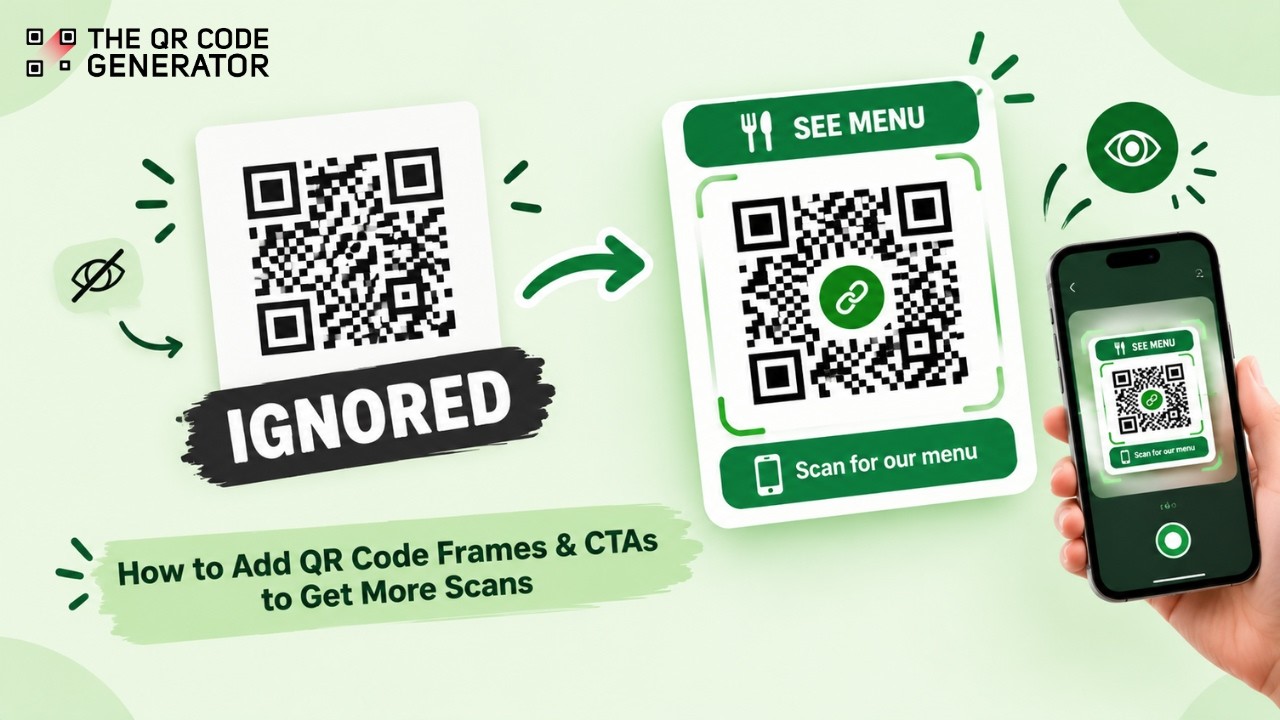
Learn how to add a QR Code frame and call to action (CTA) so more people scan your QR Code. This step-by-step tutorial uses The QR Code Generator (TQRCG) to add a frame, write short frame text like "See Menu" or "Get Coupon," and keep the quiet zone clear so the code still scans.
A plain QR Code often gets ignored because people can't tell what it's for. A framed QR Code with a clear call to action stands out on posters, packaging, menus, and business cards, and tells people exactly what they'll get. The tutorial also covers standard vs festive frames, color contrast, testing on iPhone and Android, and tracking which frame gets more scans with a free dynamic QR Code.
Create a framed QR Code for free: https://app.the-qrcode-generator.com/
Chapters
00:06 - Why Unframed QR Codes Fail
00:41 - Steps to Create Framed QR Codes
01:06 - TQRCG Overview
01:53 - Step 1: Create & Customize Code
02:16 - Step 2: Choose Frame & CTA
02:44 - Step 3: Color & Scannability
03:06 - Step 4: Download & Test
03:27 - Summary & Recap
Related tutorials: https://www.the-qrcode-generator.com/...
About the TQRCG: The QR Code Generator (TQRCG) is a free QR Code generator for creating, customizing, and tracking QR Codes. It offers unlimited free static QR Codes and 2 free dynamic QR Codes that never expire. No credit card required. Customize QR Codes with your brand colors, logo, and CTA frames, and track scans by city and device. Powered by Uniqode and used by 4 million+ people across 60+ countries.
#QRCode #QRCodeFrame #QRCodeGenerator #FreeQRCodeGenerator #AddFramesToQRCode #QRCodeCTA #CustomQRCode
Повторяем попытку...
Доступные форматы для скачивания:
Скачать видео
-
Информация по загрузке: